ooooooooooooo
Members
-
Joined
-
Last visited
Everything posted by ooooooooooooo
-
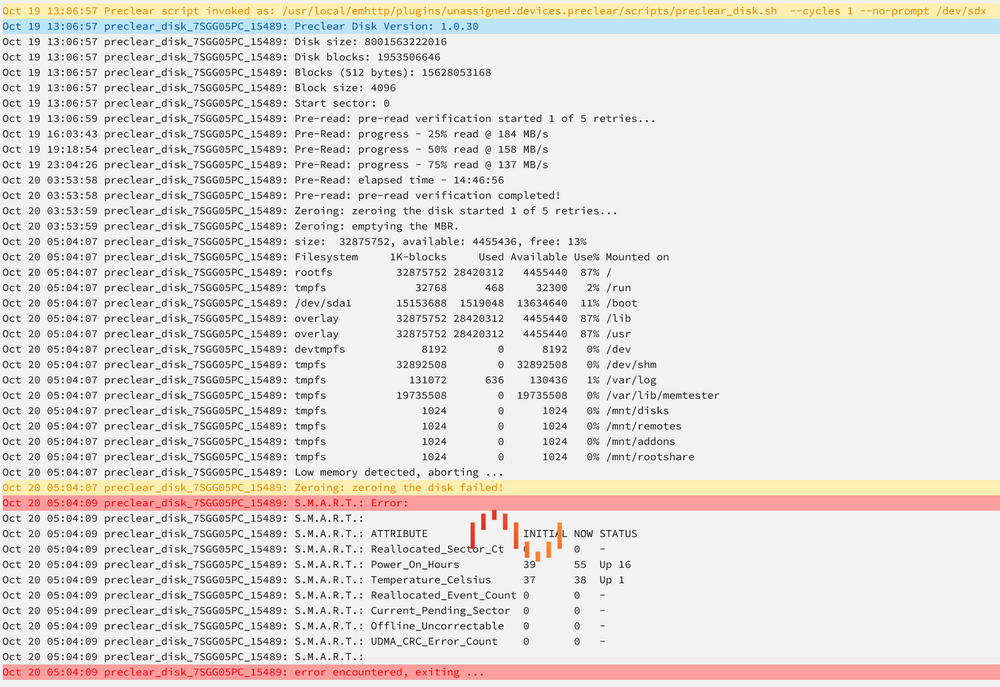
when I run preclear any disk, it seems to fill up rootfs which is usually only at 3% usage. At some point, the GUI will become inaccessible and I am unable to pull the logs. On my most recent attempt I left the preclear log open and this was all I could get from it before the error happened again. Any idea on how to troubleshoot this?
-
in my case my permissions were already correctly set and photoprism was already allowed to modify permissions. I just had to let it run for hours while it started up
-
unfortunately I'm not sure how to debug any further. the container takes up so much of my server's resources that I had to shut down the container to be able to do anything else! I'm not seeing any reports of similar problems on the project discussion page or their support subreddit though
-
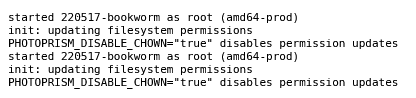
is anyone running into issues with the latest photoprism release? the web UI is inaccessible and the container log doesn't seem to show any errors started 220517-bookworm as root (amd64-prod) init: updating filesystem permissions PHOTOPRISM_DISABLE_CHOWN="true" disables permission updates started 220517-bookworm as root (amd64-prod) init: updating filesystem permissions PHOTOPRISM_DISABLE_CHOWN="true" disables permission updates