






chouniu
Members
-
Joined
-
Last visited
-
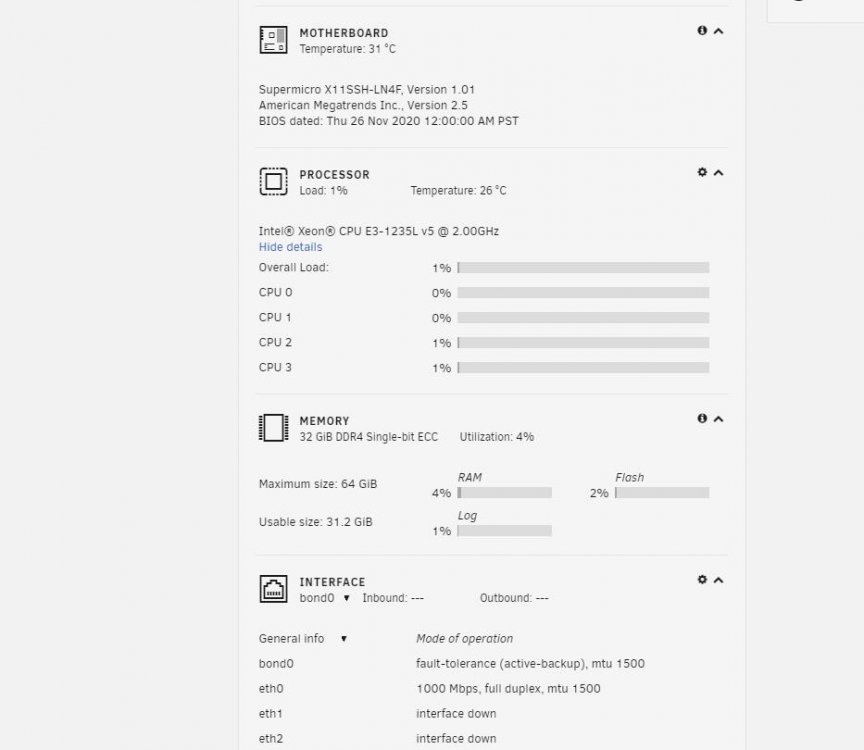
supermicro x11sh-ln4 E3 1235l V5 ECC 18G The test results is perfect! In addition, there is another possibility: gen8, to turn off rmrr verification, you need to add Intel IOMMU = relax rmrr in the U disk startup
-
Reference article https://github.com/torvalds/linux/commit/00ebf1348cb332941dab52948f29480592bfbe6a https://my.oschina.net/u/4392555/blog/4222769
-
Motherboard p10s-c / V4 E3 1235l V5 uses Windows 10 system, CPU uses 50%, so I think it's a hardware problem
-
E3 Pro gaming V5 motherboard was used, it was no error. When the motherboard p10s-c / V4 , it appeared: pcieport 0000:001c.5: spurious naticw interrupt The day after tomorrow, I'm going to test with another motherboard: supermicro x11sh-ln4
-
Is the error resolved?
-
pcieport 0000:001c.5: spurious naticw interrupt My system (p10s-c / V4,E3 1235L V5) also has this error, replacing the motherboard should be able to solve it.

