ibennani
Members
-
Joined
-
Last visited
-
Have searched but found nothing that could help. So, I have installed the bedrock server, container is running but: I cannot connect to the server from any of my devices. I cannot connect to the console. When I open the console, I just got this message saying "There is no screen to be attached matching minecraft.". I have had this working, but I did that "something" that broke the installation. So I uninstalled the app, removed the folder, reinstalled but still the same result as above.
-
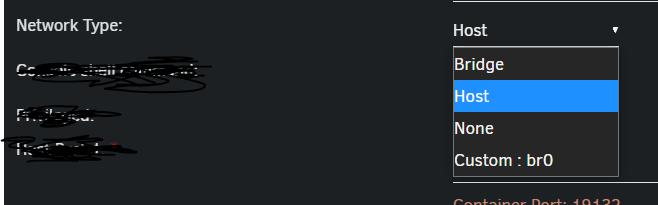
Turned out I just had to change "Network type" from "Bridge" (default) to "Host". Now It's working as expected. It was really that easy!
-
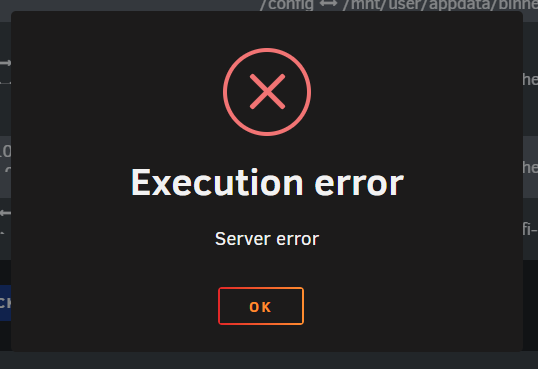
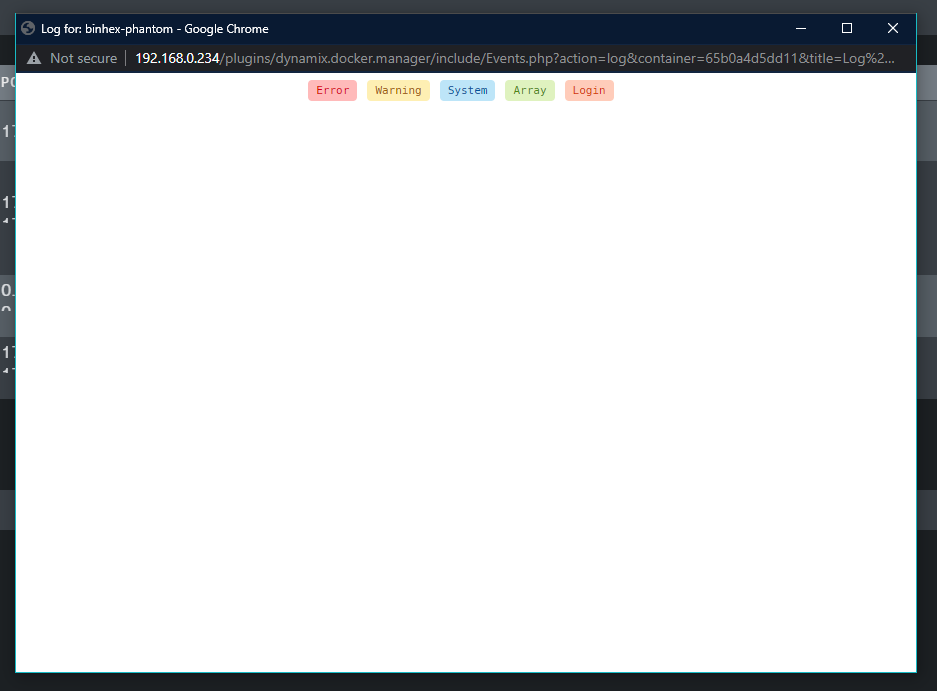
Hello. I'm still quite new into Unraid. Trying to start this app after first install, but all I get is this modal saying "Execution error". Looking at the logs, turns out the're empty. What am I doing wrong here.