





Daniel71
Members
-
Joined
-
Last visited
-
after 5 days server is still stable

-
ok, problem is solved, thx u for u help 👍🏻

-
all right i will test it, let u know in a few days when the server is up and running, thx
-
So, this night again, my unraid server is unreachable in the morning, here is the log: syslog-previous
-
This is the logfile?
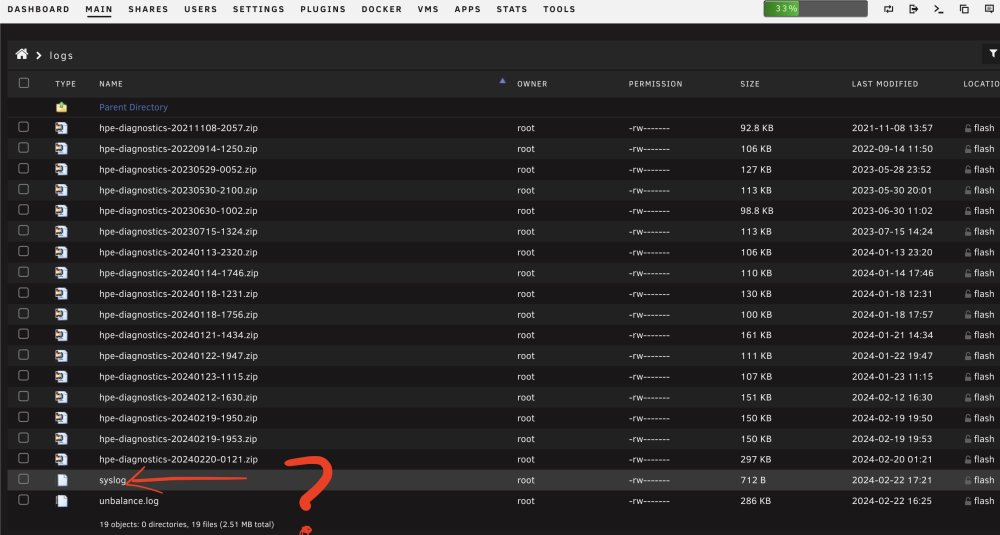
-
This setting is now right?
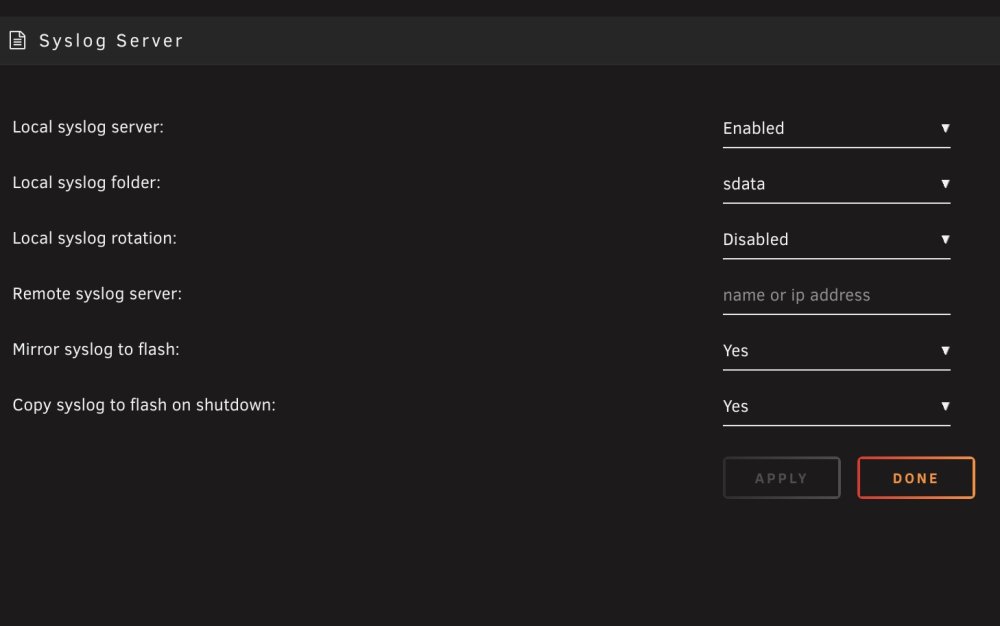
-
No log from tonight, how can i see the log from the night? the server crashed again tonight and is no longer accessible, i always have to unplug it after every night
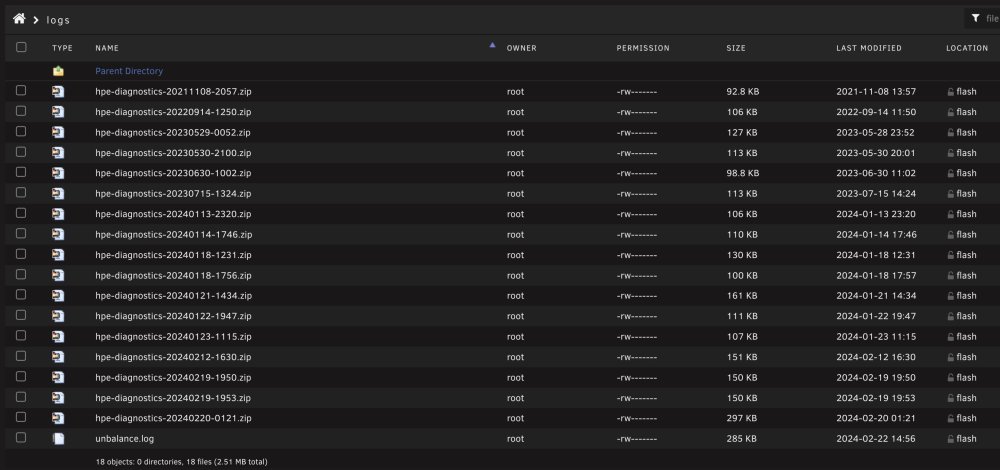
-
My data are gone but my unraid crashed every night where is the log?
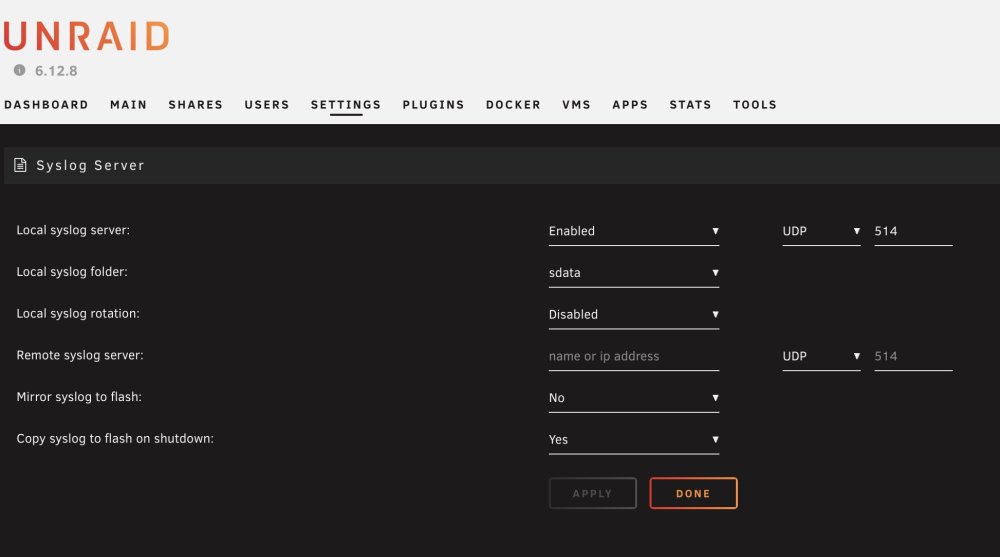
-
no backup, my complete data gone
-
i delete the cache volume and format it and no data will be restored from parity 😞
-
how can i do that? Is there a help for that?
-
all volumes?
-
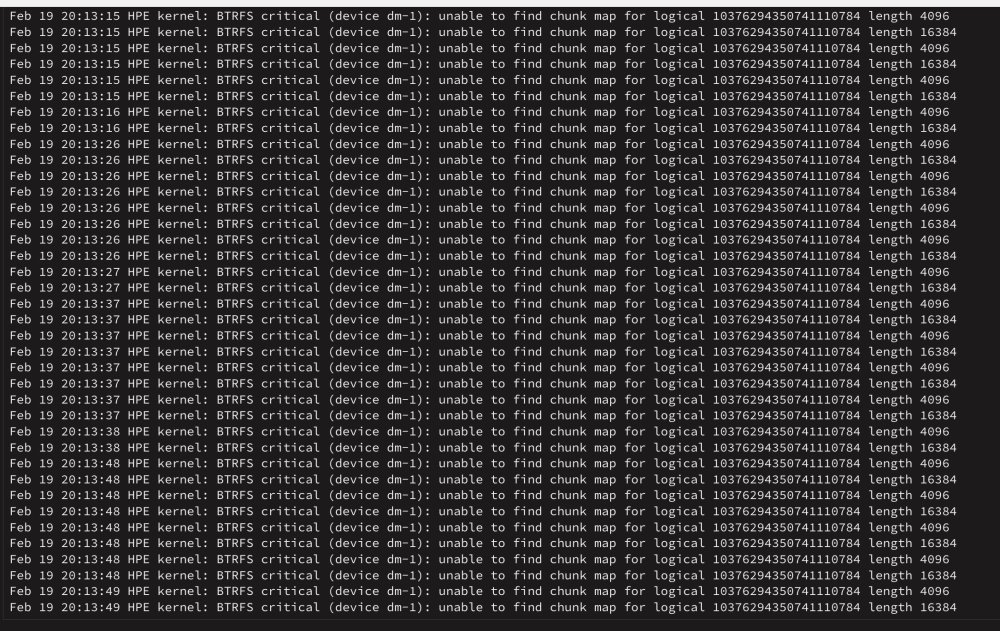
from the system protocol
-
My unraid server is no longer accessible every morning. must always pull out the power plug thx for any help hpe-diagnostics-20240219-1953.zip
-
How can i change virbr0 from 192.168.122.0 to 192.168.0.0? thx



