





Rayto
Members
-
Joined
-
Last visited
-
Yes exactly this it is.
-
Okay I got it. I just thought maybe I need to do the docker path itself onto "cache/system/docker/" and to save the serverdata itself onto the unsigned ssd I used the path to it while installing "MinecraftBasicServer" and it worked so the docker itself need to be on the cache I guess. At least it works, I'll let you know in case someone else will have the same problem. Thank you for your time and your help.
-
Okay. ragto-server-diagnostics-20211119-1825.zip
-
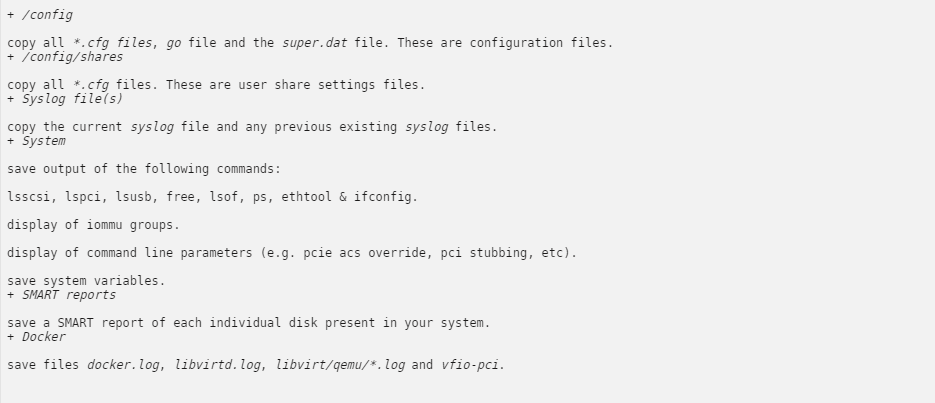
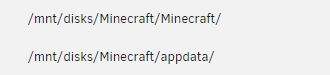
So here are my logs, my docker path and the device it leads to. I hope that helps.

-
So I changed to xfs and now I got the error I meant. It looks like this.

-
Oh and yes, I did the pathing right. It Leads onto the unassigned disc which participation I renamed to „Minecraft“.
-
Okay so I’ll change it to xfs later again if it is better. If I get a problem again then, I’ll screenshot it, it’s better to do so than just write it down for the best help.
-
Thanks for the answer. I can send you a screenshot later when I am back home. What I can say tho is, that I use an unassigned device not the array. I run the device I want to use on NTFS. Before I used XFS and then I got the error with mode 777. maybe that information can be helpful as wel.
-
I have a problem with installing MinecraftBasicServer. If I try to run it it displays: "---Starting Server--- You are not the owner of /run/screen/S-minecraft. ---EULA not found please stand by...--- grep: /serverdata/serverfiles/eula.txt: No such file or directory ---Waiting for logs, please stand by...---" I hope you can help me with that problem.


