Jonathon
Members
-
Joined
-
Last visited
Everything posted by Jonathon
-
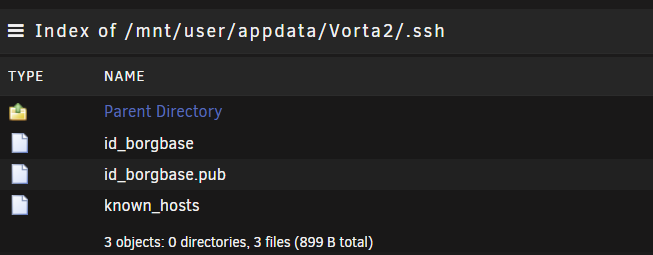
The issue I found with this container re: ssh is that there is no home folder setup for the app user. So when creating ssh keys they get written to /dev/null/.ssh by default (go into the ether). This is also the location that known hosts should be, so even if you put ssh keys somewhere else when vorta/borg attempts to ssh to borgbase it can't save the remote host into the known hosts file. To rectify I jumped into the Vorta2 container: docker exec -it Vorta2 sh Then setup /config as the home directory for the app user (that way keys and known hosts would live in my appdata/Vorta2/.ssh folder) /tmp # usermod -d /config app To check it worked you can see where users home folders are located by running this in the container: getent passwd ... app:x:99:100::/config:/sbin/nologin ... From there I could create ssh keys, select them from dropdown, and connect to borgbase with authorized hosts and keys being stored in /config/.ssh My vorta appdata folder now has the following in its .ssh folder: Hope that helps.