





freeridekid
Members
-
Joined
-
Last visited
Everything posted by freeridekid
-
You guys got any other ideas I could try to get my resolution setup?
-
Unfortunately the new dummy plug didnt fix it so Im not too sure what's going on
-
I installed a "virtual monitor" and I was able to change the resolution. I am going to try another dummy plug
-
Could it be an issue with my dummy plug?
-
When I try to change it nothing happens and it goes back to the same resolution lspci -vv -s 00:02.0 | grep prefetchable Region 0: Memory at 6000000000 (64-bit, non-prefetchable) [size=16M] Region 2: Memory at 4000000000 (64-bit, prefetchable) [size=256M]
-
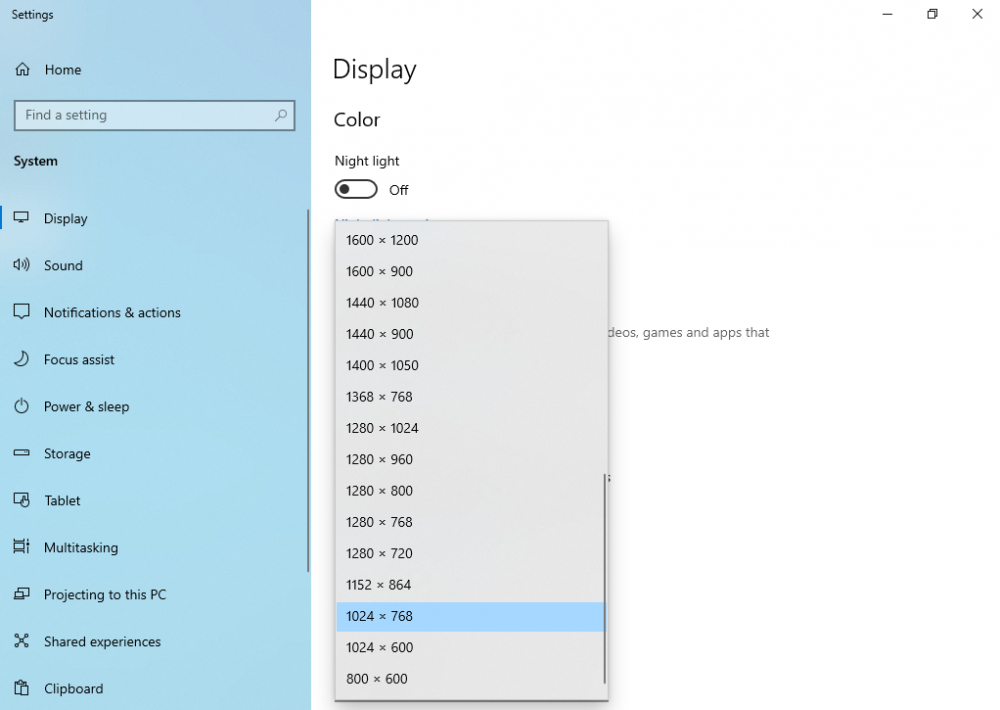
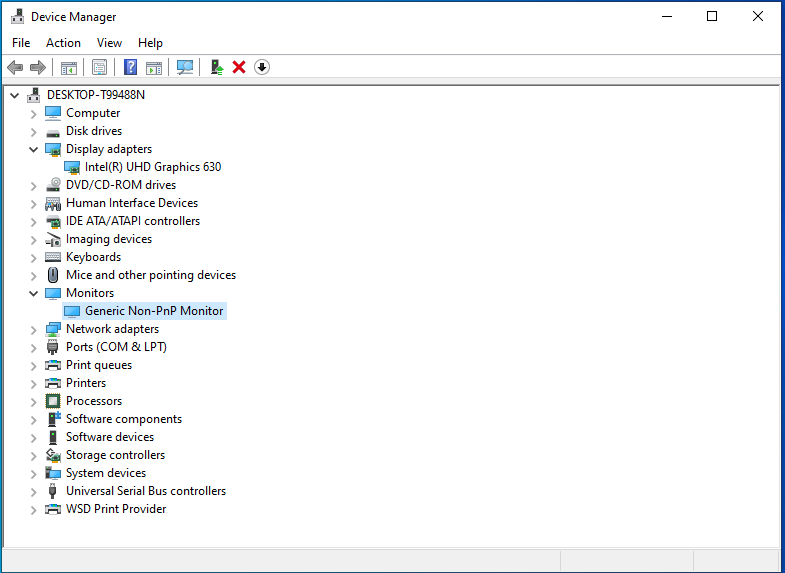
This is where im at currently. VNC Removed manually, UHD 630 showing up, stuck at 1024x768
-
Just ran through the whole guide start to finish. Get to RDP and everything looks great. Install Parsec and log in and im stuck at 1024x768 Should it show 2 monitors within the display settings when I log in under parsec? I disabled the QXL controller in device manager and it now only shows one monitor, but I still can't change the resolution
-
I think I'm on my 3rd or 4th try haha. I will try once more right now and see how it goes
-
I just looked and the i3 10105 isn't listed in the supported processors for the intel drivers, that seems strange
-
I followed these steps exactly with no luck, still stuck at 1024x768
-
How do you remove the VNC Device manually?
-
I am using v4 and I have a dummy plug connected to the igpu because it is required for my motherboard to boot
-
I tried parsec and splashtop and both showed the same resolution
-
Okay it seems I have everything working now, but now my issue is the VM is stuck at 1024x768 resolution and it won't let me change it
-
I got it working with Plex, but it won't work with a windows VM. When I assign It to the VM and try to restart it says the following Execution error device not found: mediated device '22c13005-b929-4ab9-89af-a603260ae41c' not found Edit: I read the troubleshooting section and seen it may have no deleted properly. I rebooted the machine and re-assigned it. The VM says it launched, but when I open it I get just a black screen now
-
I rebooted and it looks like it worked So in order to get HW transcoding working in Plex I just need to pass through the igpu within the docker container?
-
The file does exist with that line in it
-
GVT-g not enabled in Kernel Module i915 Please make sure that the file '/boot/config/modprobe.d/i915.conf' exist and contains the line 'blacklist i915' (without quotes). After ensuring that the file exist and contains the above content reboot your server! I am getting this error, anyone know what's up?
-
Hello I am looking for the easiest way to get rid of all these files off my unraid server. I saw the recommendation to move the @eadir folders to cache before deleting using the following command find /mnt/disk2 -name "@eaDir" -exec mv {} /mnt/cache/dest \; but when I run it I get the following error unable to remove target: Directory not empty any idea to get rid of all these files off my array?


