





Secarius
Members
-
Joined
-
Last visited
-
or just as in every other linux based system: cat /etc/*release*
-
Hi, i have it installed manually on unraid 6.11.5, and it is working without openssl 3. I used version: https://slackware.uk/slackware/slackware64-15.0/slackware64/n/stunnel-5.62-x86_64-1.txz But for now, i have to reinstall it on every reboot, so in the past i used it with the old Tools. Maybe you could have a look. Thank you very much for your work. Kind Regards
-
Hi @EUGENI_CAT would it be possible to add "stunnel" to NerdTools? https://mirrors.slackware.com/slackware/slackware-current/source/n/stunnel/ Thank you very much
-
Hi would it be possible to add stunnel ? I did install it manual: wget https://slackware.uk/slackware/slackware64-15.0/slackware64/n/stunnel-5.62-x86_64-1.txz upgradepkg --install-new stunnel-5.62-x86_64-1.txz
-
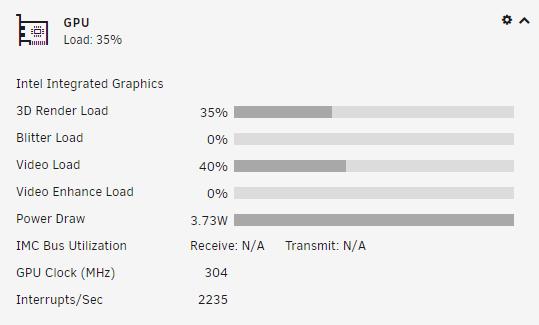
Hi i am so sorry. I did not I switched from 1080p to 420p and it started 🙈 Thats for the hint.

-
Hi @ich777, as suggested, i tried to use the VA Api, but did not see any changes. I also deleted the docker image and resetup it, but also no different behaviour. If you like and have the time, we could do a short Teamviewer session tomorrow, if you like? Thank you for the help
-
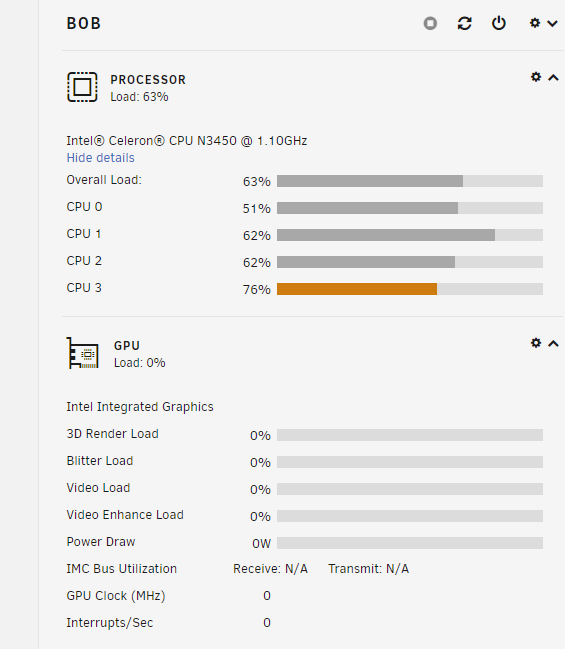
ok i will do but can you explain me, why the stats of the gpu does not show any thing?
-
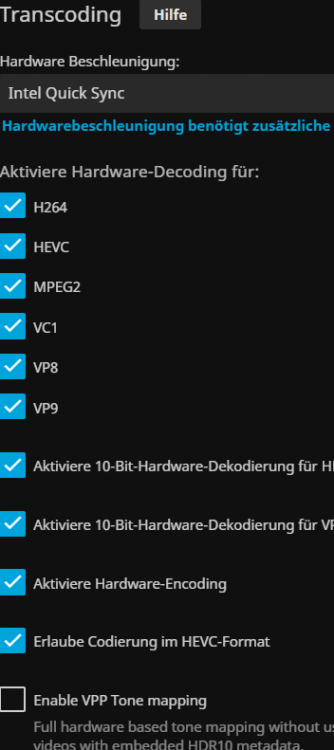
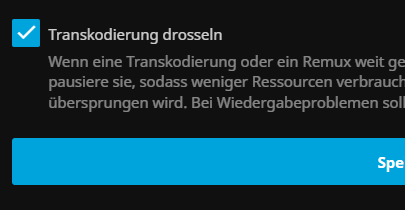
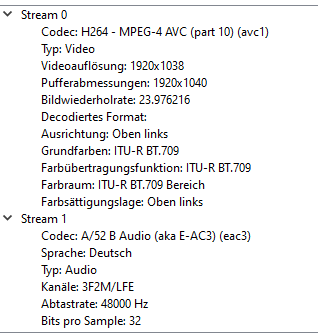
Hi ich777, i am using Unraid 6.9.2 I hope i did every thing right Thx for your quick response This is while Playback:

-
Secarius joined the community
-
Hi i have a new board for testing. It has a intel celeron n3450 with Intel Corporation HD Graphics 500 (rev 0b) I did install the intel Intel GPU TOP and GPU Statistics and loaded the Jellyfin INTEL Docker. But the transcoding is not working (only on the cpu). Could anybody help me please to get the transcoding running? Also the gpu is shown with 0 MHZ




