




Skip to content
View in the app

A better way to browse. Learn more.

Unraid

A full-screen app on your home screen with push notifications, badges and more.

To install this app on iOS and iPadOS
  1. Tap the Share icon in Safari
  2. Scroll the menu and tap Add to Home Screen.
  3. Tap Add in the top-right corner.
To install this app on Android
  1. Tap the 3-dot menu (⋮) in the top-right corner of the browser.
  2. Tap Add to Home screen or Install app.
  3. Confirm by tapping Install.

nightspades

Members
  • Joined

  • Last visited

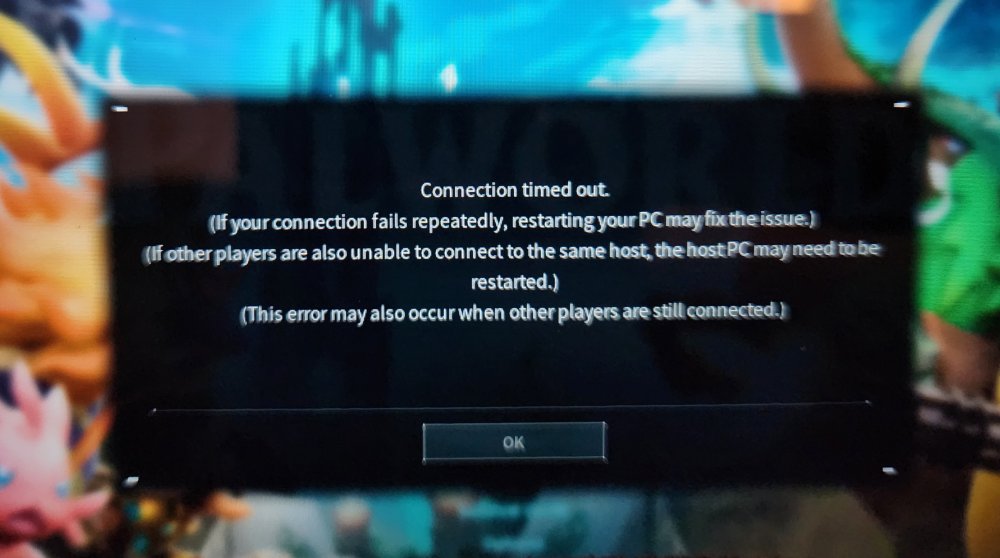
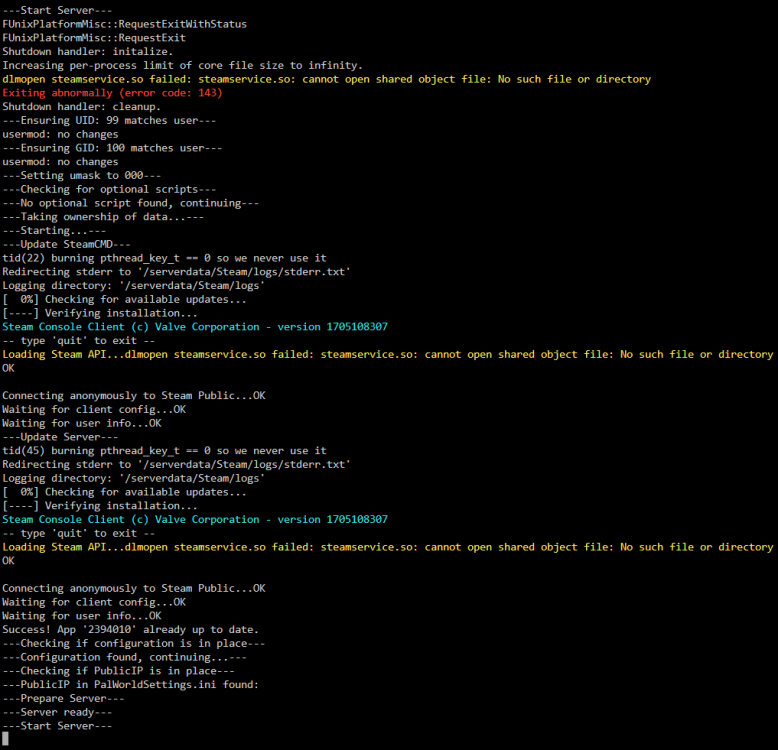
  1. I am launching my server, but I can not join it. I'm on the same local network and the 8211 port is forwarded. I can not connect. Not really sure what to do. I've been hosting other games with no issues. I deleted the container, Deleted the app data and then reinstalled and I still can not connect. I could see it in community servers (after asking for 200 more results like 30 times) but connecting gives me a connection error.
Account

Navigation

Search

Search

Configure browser push notifications

Chrome (Android)
  1. Tap the lock icon next to the address bar.
  2. Tap Permissions → Notifications.
  3. Adjust your preference.
Chrome (Desktop)
  1. Click the padlock icon in the address bar.
  2. Select Site settings.
  3. Find Notifications and adjust your preference.