





BellyMeister
Members
-
Joined
-
Last visited
-
Nooooo ); Really enjoyed your containers so far, as someone who's too stupid to make my own 😅
-
Installed it saturday. To get this, i started the server, and then went to the container > logs. When the server is up and running, this will be near the bottom.
-
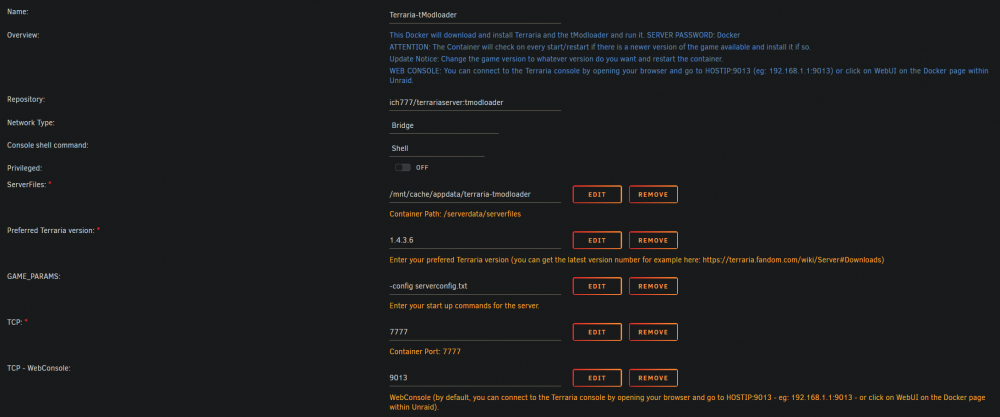
I couldn't find any such file, but starting the server and looking at the logs gave me this Terraria Server v1.3.5.3 - tModLoader v0.11.8.9 Attached container settings I just took another look, turns out I'm blind. There's a file here called tmodloader_2022.04.62.6.
-
https://github.com/tModLoader/tModLoader/releases/tag/v2022.04.62.6
-
Hi again, There is a new version available for 1.4 on that repository, but based on what I can see, the container needs to be updated to support the new version, as the tModLoader server works differently in the 1.4 version compared to 1.3. Might be worth your while to take a look at
-
Hi, saw that tModLoader came out with a 1.4 stable branch, so I got your 'Terraria-tModLoader' image up and running, but I can't see any way to have it run the newest version of tModLoader (v2022.3.35.12). Am I missing something or has it simply not been implemented yet? Thanks in advance, and keep up the good work
