





Karmaleech
Members
-
Joined
-
Last visited
-
Did a backup of the save files, deleted the docker and image, re-installed it and pasted back the save files. Now it works. I have no idea why it could not update it self, but now it works! Thanks for the help ich777.
-
A friend that plays with me on the server is using the steam client, same error for him unfortunately We have the same version of the game on both epic and steam.
-
Hey, I do have logs available, added a .txt file with the non-rolled lines, just shout if you need me to restart the container to get some other lines if needed Its the "official" release of the game, its the early access one and not the other version of the game. The patch was applied to the game when I launched the Epics Game Launcher. Validation has not been tried, I ll try that now. This has worked on the "latest" release so far with their launcher both from steam and Epic Launcher, so not sure if adding the -beta would do anything? Thanks! logs.txt
-
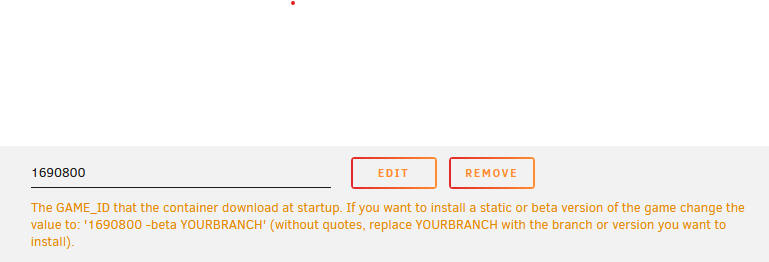
Hi, Been struggling with getting Satisfactory up to the latest version. Been starting/stopping and restarting the container without it grabbing the latest version. Also tried to update the container itself without any success. Is there something else that I could try to get it to the latest version: 186638? Thanks!

