artx
Members
-
Joined
Everything posted by artx
-
请问下,使用系统代理,那么建立在当前系统上的虚拟机,比如OpenWrt,会不会存在代理两遍的情况,比较好奇
-
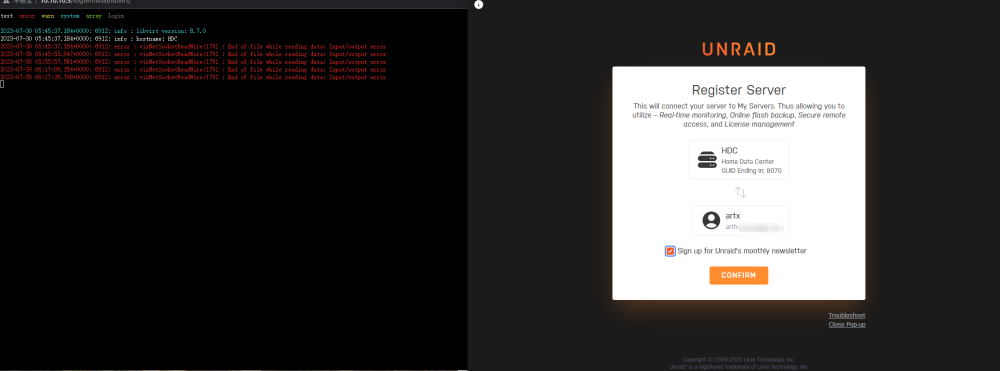
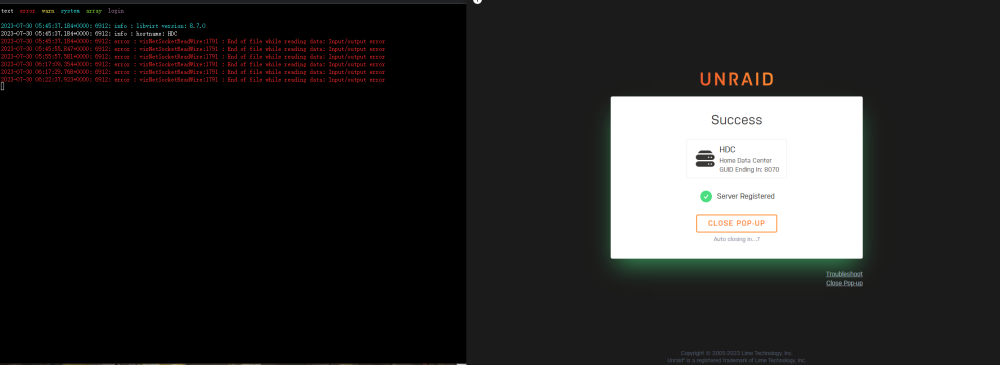
THIS FAILURE IS RELATED TO UNRAID CONNECT:"LIBVIRT ERROR: VIRNETSOCKETREADWIRE:1791 : END OF FILE WHILE READING DATA: INPUT/OUTPUT ERROR" The reason for this problem has been found so far, I hope it can help everyone!
-
The problem in the question has been solved, although it does not really solve the problem, but I hope it can help people who have the same confusion:)
-
LIBVIRT ERROR: VIRNETSOCKETREADWIRE:1791 : END OF FILE WHILE READING DATA: INPUT/OUTPUT ERROR AFTER UPGRADING TO 6.11.5 To fix this annoying bug report, I recreated a fresh USB boot drive last night with a new configuration folder. There was no error reported from last night to this morning, but after logging in unraid connect again, I found that these error messages appeared again. I've searched all over google and spent a week with no solution,maybe now the truth finally came to light, I hope the developer can solve this fault message, unraid connect is an excellent function, but the annoying red error message made me have to give up unraid connect. _________________________________________________________________________________________________________ 为了解决这个烦人的错误报告,我昨晚重新创建了一个带有新配置文件夹的全新 USB 启动盘。从昨晚到今天早上都没有报错,但是重新登录unraid connect后,发现这些错误信息又出现了。 我找遍了整个google,花了一周时间也没有解决办法,也许现在真相终于大白了,希望开发者能够解决这个故障信息,unraid connect是一个优秀的功能,但是烦人的红色错误信息让我不得不放弃unraid connect 。
-
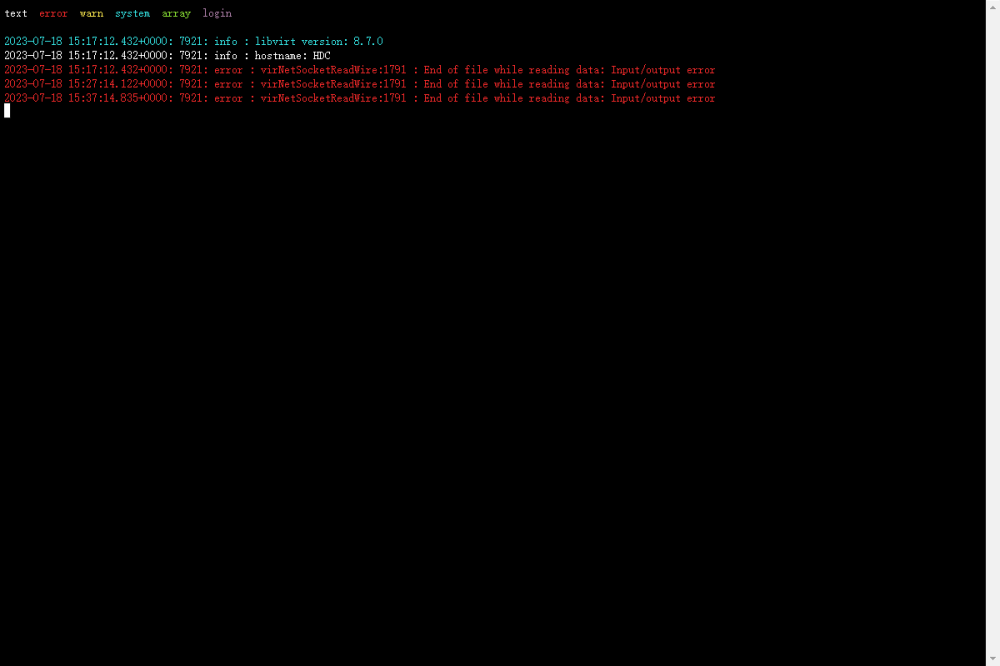
2023年7月18日了,这个问题似乎没有解决办法,哪怕我重新使用全新制作的unraid启动程序,依然报这个烦人的错误,很奇怪,它每10分钟报错一次,心态快崩溃了!来自——unraid 6.11.5