





Moridin52
Members
-
Joined
-
Last visited
-
Me and a family member both have unraid servers. We live apart and there is some content I am able to get that he cannot. We have followed what little information there is on LAN to LAN access via WireGuard through the unraid VPN Manager with no success. We have both been able to setup remote access to Lan using other devices off the network but cannot connect the servers together. Any help would be much appreciated in getting this done. Original thread followed was by ljm42. Only changes made where used static IP instead of a ddns. Even tried connecting via the app with the file created.
-
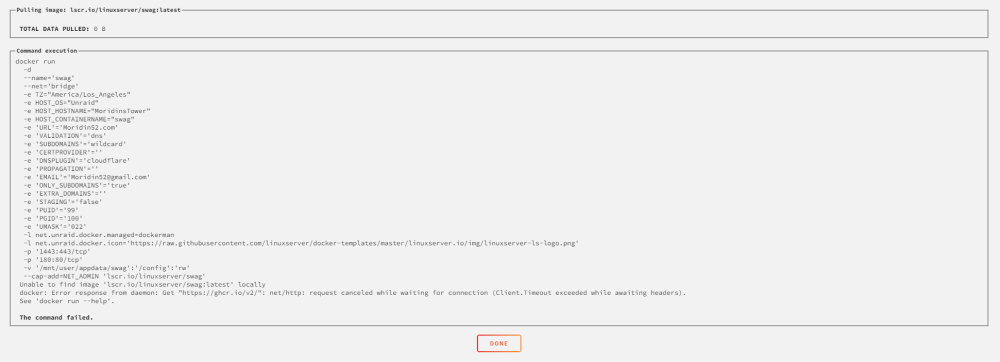
as the title says. I have searched through forums and have not found an answer. Any help would be much appreciated.
-
I am having the same issue. Deleting and reinstalling has not resolved this issue for me. I have tried a few times with no joy.
-
Having the same issue. Tried reloading flash drive and a new flash drive. No dice. Even tried to put in a windows boot USB and that didnt come up either. Unraid is up to date.
-
I changed out my MB and CPU. I am now running a Sabertooth X99 and intel Xeon E5-2660 v4, was running an asus prime 399x and gen 1 threadripper. Since making these changes my server stops responding periodically every couple days. I go to the server and it is still turned on but nothing on the server monitor and cannot find it on my primary PC. Today I went to it and it was turned off. No issues while it runs and always happens when I am away as if it goes to sleep and i cant wake it back up. When I turn it back on and log in there are no reports of issues. Any help with this would be much appreciated as it does get annoying.
