





cpxjaz
Members
-
Joined
-
Last visited
-
我的unraid服务器有3块数据磁盘和1块奇偶校验磁盘,运行unraid6.12.13版本,在最近一次的计划性奇偶校验检查任务中,检测到了680个同步错误,在查看详情时我发现“仪表板”处的奇偶校验信息显示为 奇偶校验已停止,经过时间12分xx秒(远低于正常校验的时间) 查找:680错误 但在“主界面”中的奇偶校验任务历史记录中本次任务显示为 执行 日期 大小 用时 速度 状态 错误 奇偶校验 2024-09-10, 19:44:29 (星期二) 8 TB 11 小时, 44 分钟, 28 秒 189.3 MB/s 确定 680 似乎任务正常执行结束,而不是像“仪表板”界面中展示的那样仅经过了很短的时间 但由于查找到了错误,所以我再次手动进行了一次奇偶校验检查,这次检查正常结束,但仍然查找到了680个错误 执行 日期 大小 用时 速度 状态 错误 奇偶校验 2024-09-11, 09:53:14 (星期三) 8 TB 12 小时, 51 分钟, 17 秒 172.9 MB/s 确定 680 现在我正在运行第二次手动执行的奇偶校验校验,但没有勾选“将校正写入奇偶校验” 在此期间,奇偶校验状态均为有效,且阵列磁盘SMART检查没有报告错误 现在有几个问题想请问: 我是否应该对检查到的680个错误采取一些措施,如果需要,建议采取哪些措施? 我查阅了一些资料,发现unraid的奇偶校验似乎仅能比对数据磁盘和奇偶校验磁盘中的数据差异,但并不能确认到底是数据磁盘中出现错误还是奇偶校验磁盘中出现错误?(不知道我是否理解有误) 如果问题2我没有理解错误,添加第二块奇偶校验磁盘是否有助于改善这个问题? 非常感谢您的回答: )
-
最近更新了跑在docker上的jellyfin,之前一直可以烧录ass格式的字幕,更新之后所有ass字幕直接变成方块(已经配置了烧录所有复杂格式字幕),按照之前的方法配置了字体、配置硬件解码也还是方块,所以想回退一下版本试试,请问unraid是否支持拉取旧版本或自定义的docker镜像? unraid版本6.9.2 当前jellyfin版本10.8.6 前一jellyfin版本10.7.6 感谢您的回答😄
-
-
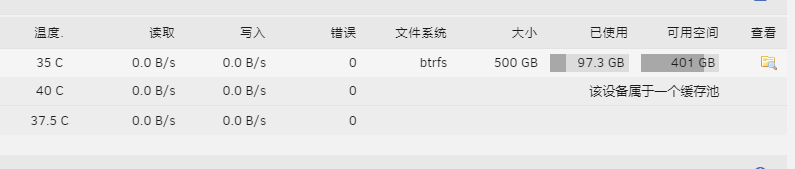
unraid版本6.9.2 我在主界面中查看缓存盘的使用情况,可以看到已经占用了97GB 但是我在后台查询的时候文件数量和内容都可以和界面查询的相对应,但整个缓存目录下只有85G的文件,我理解文件系统会占用一定空间,但肯定也不会占用12G,所以这些多出来的空间是被谁占用了? 感谢您的回复

-
好的,确实是有点不太方便,应该出一个磁盘预清除的功能🤣
-
我并不是想更换sdg磁盘,而是想移除它,并把sdg上的数据平均分配到其它剩余的磁盘。目前这个过程只能手动操作是吗?
-
好的,感谢
-
太奇怪了,连不上就很离谱,我看其它的镜像都很久很久没更新了
-
请问使用Unassigned Devices插件挂载非阵列内的磁盘或移动硬盘,是否会受到unraid许可证磁盘数量的限制? 感谢您的回答😄
-
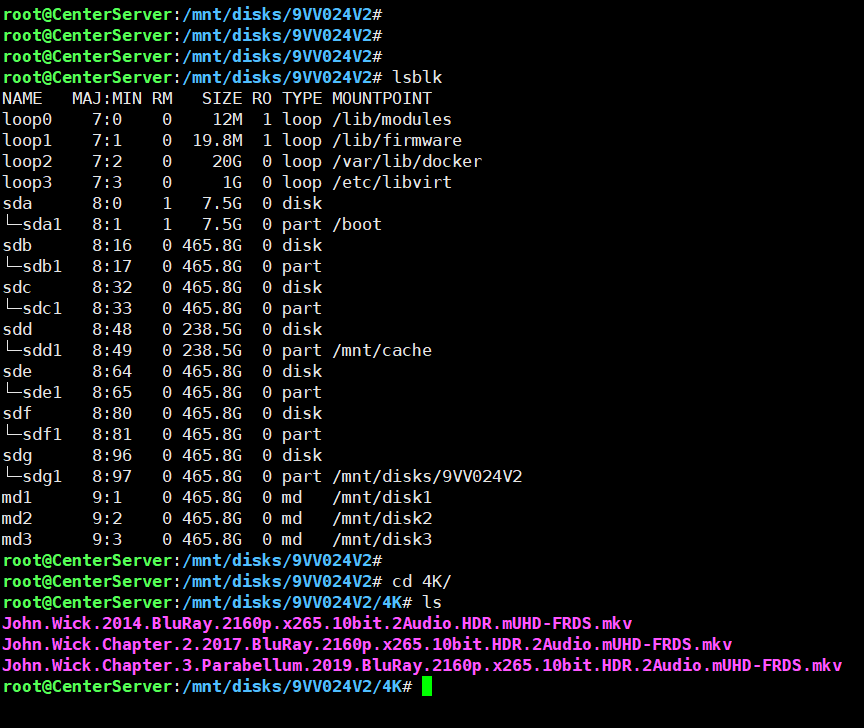
重建完成了 数据依然是一样的,没有被恢复。所以第一条问题已经得到解答了 关于第二条我还没有尝试,但是应该是没有问题的,恢复super.old文件应该会将阵列配置恢复为删除磁盘之前的状态,sdg自然也就回去了 手动mount了一下sdg,可以看到其实数据都在,所以我现在的疑惑就是官方文档里的移除数据磁盘就是字面意义上的删除了?移除的时候也没有提示数据会随磁盘被移除 还是说是我的操作方式有问题?其实是有类似磁盘预清除类似的选项,只是我没找到?
-
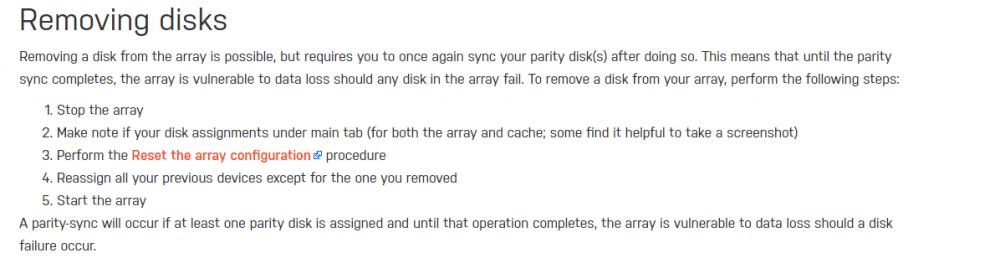
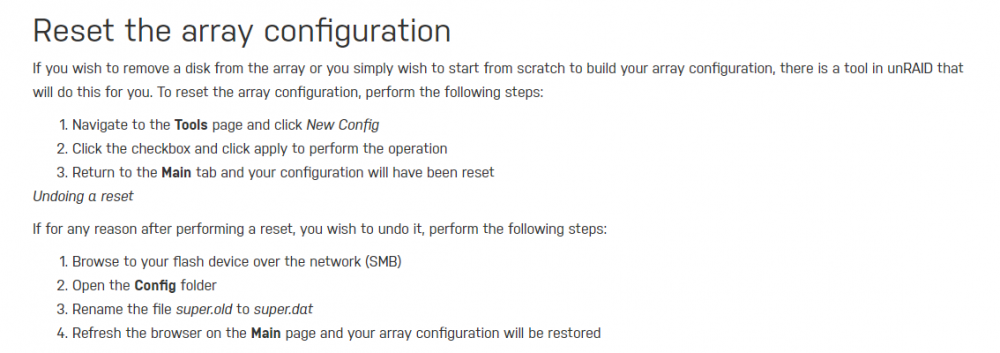
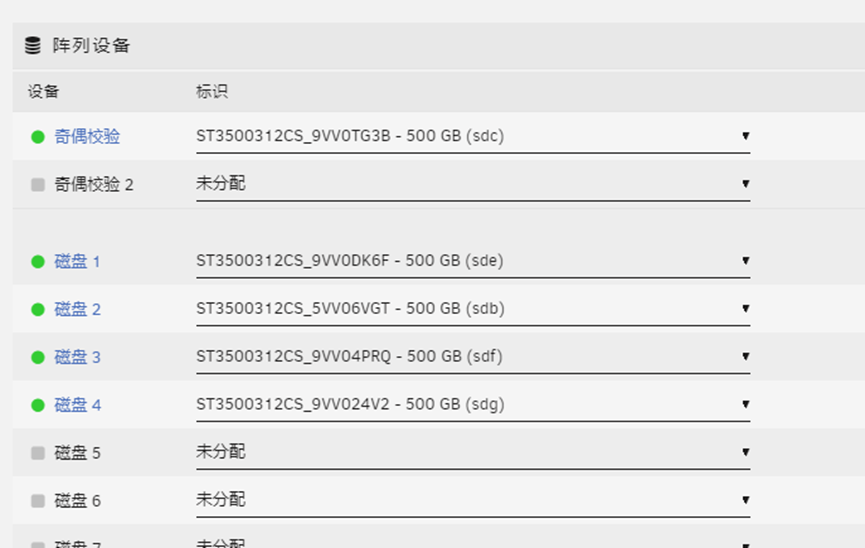
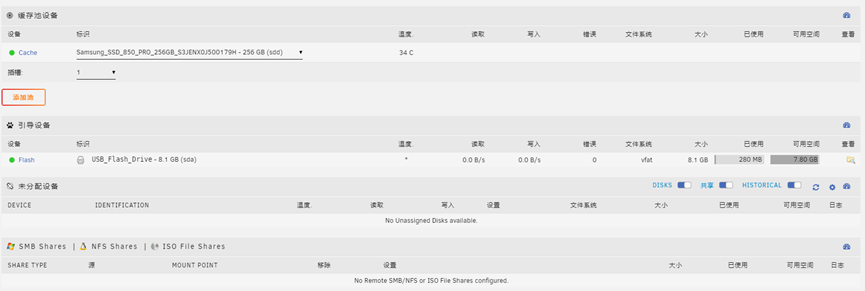
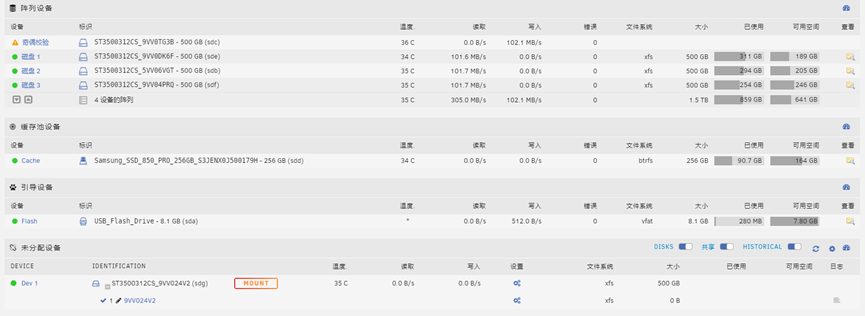
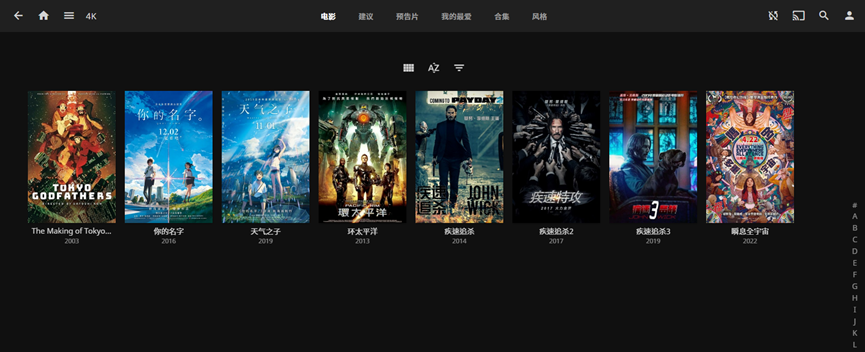
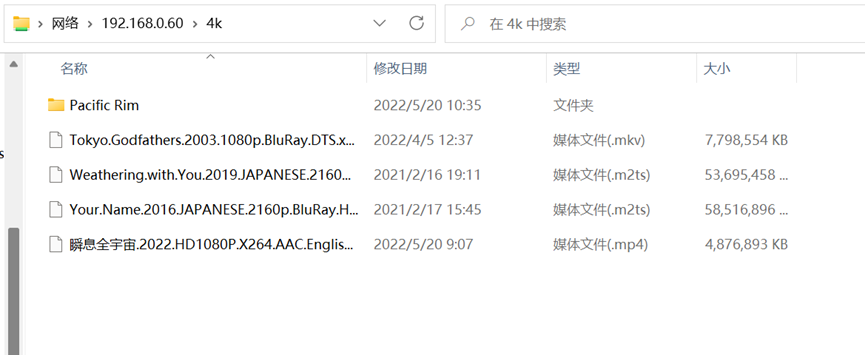
补充几张图片 参考的官方手册 删除磁盘前的阵列配置 删除后的阵列配置及状态(奇偶校验盘正在重建) 丢失的数据(在文件夹中本应有一些电影+John Wick三部曲,可以在jellyfin中看到,但目前丢失了存储在sdg上的John Wick三部曲)
-
unraid版本 6.9.2 今天出于一些原因,需要移除一块数据磁盘(sdg),其它磁盘及数据保持不变,我按照官方手册【存储管理】中3.3章节的步骤进行了执行(同时执行了重置阵列配置的操作)。在重新启动阵列后阵列立即对奇偶校验磁盘开始了重建,但我注意到原本存放在(sdg)中的数据似乎随着磁盘的移除也被删除了,请问 该问题会随着奇偶校验重建完成而解决吗? 我是否可以通过“将闪存驱动器config文件夹下的文件super.old重命名为super.dat”的操作恢复我的阵列配置并重新挂载(sdg)磁盘以恢复我的数据?(sdg仅被从阵列删除,磁盘本身没有被格式化) unraid是否有true nas中“磁盘预清除”的机制?(即通过将磁盘配置为预清除状态,使系统将该磁盘中的数据提前移动到其它磁盘中,以确保磁盘被移除时内容为空) 感谢您的回答😄
-
是容器内置的,没有对容器做任何更改
-
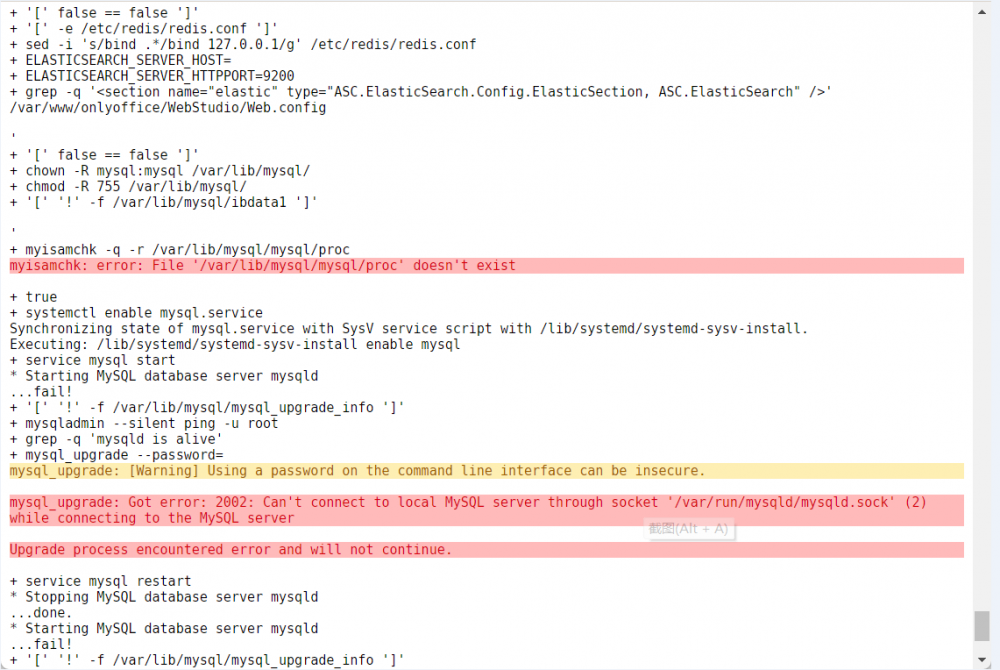
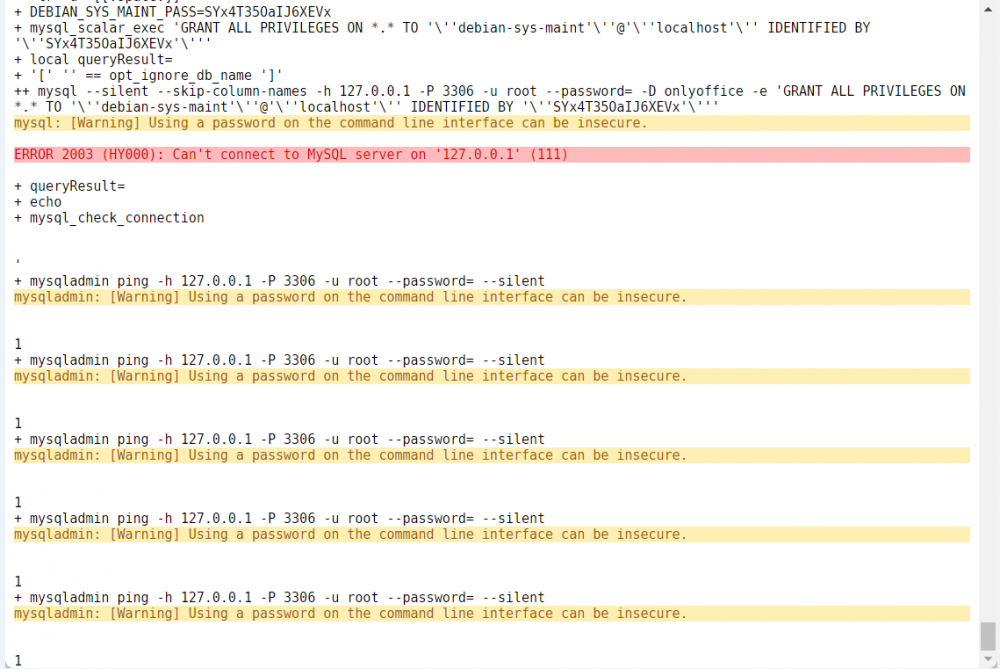
各位大佬,今天在应用里边安装了一个OnlyOffice-Community-Server的docker,但是开启之后web页面就一直卡在这个加载界面 试了重启一下容器之后看了一下日志,发现有mysql的报错,在下边第一张图的报错后日志就会一直刷 + mysqladmin ping -h 127.0.0.1 -P 3306 -u root --password= --silent mysqladmin: [Warning] Using a password on the command line interface can be insecure. 好像是没有找到数据库服务?但是如果我进控制台能找到mysql服务,手动重启mysql会报fail。请问有遇到过的大佬吗?
-
已经找到原因,使用lsof命令看了一下,原来是之前有个docker的web命令行忘记关闭了🤣



