





Cesarinny
Members
-
Joined
-
Last visited
-
I'm experiencing the same problem. Could you let me know what you renamed the file to?
-
using the steam app running on the container is it?
-
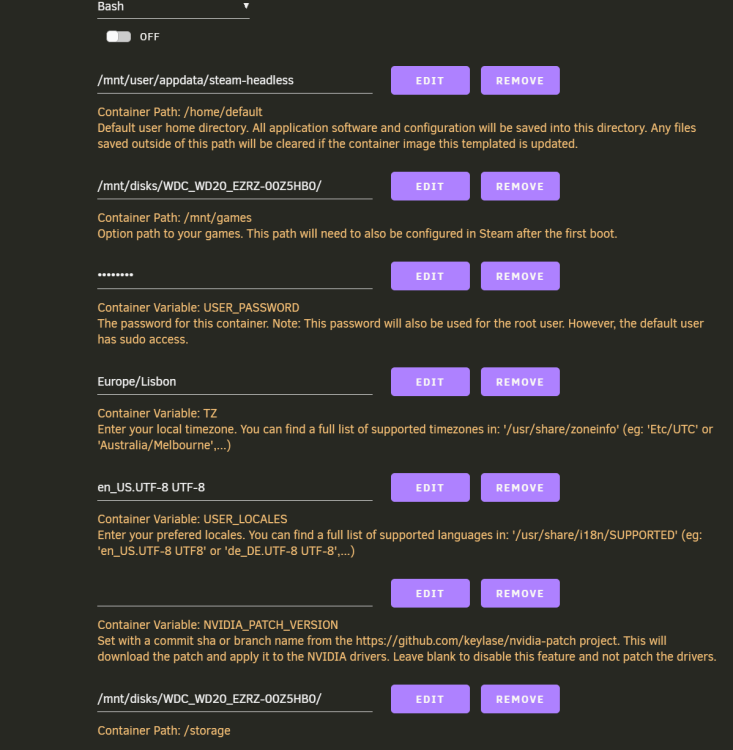
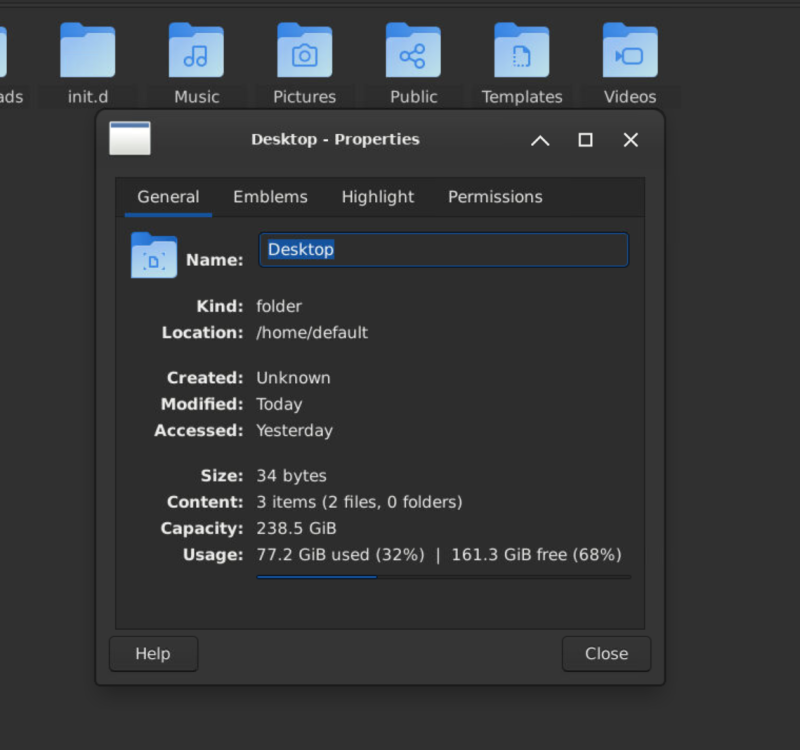
Thanks! now my A2000 is working! Does anyone know how to make the default storage a share or a unassgnied device instead of my cache pool? Besides Steam i'm running Lutris in this container but can't install almost any current game once my cache pool only has 256gb, i've tried to map to a disk in my array and to my unassigned device but keeps using my cache as default storage.

-
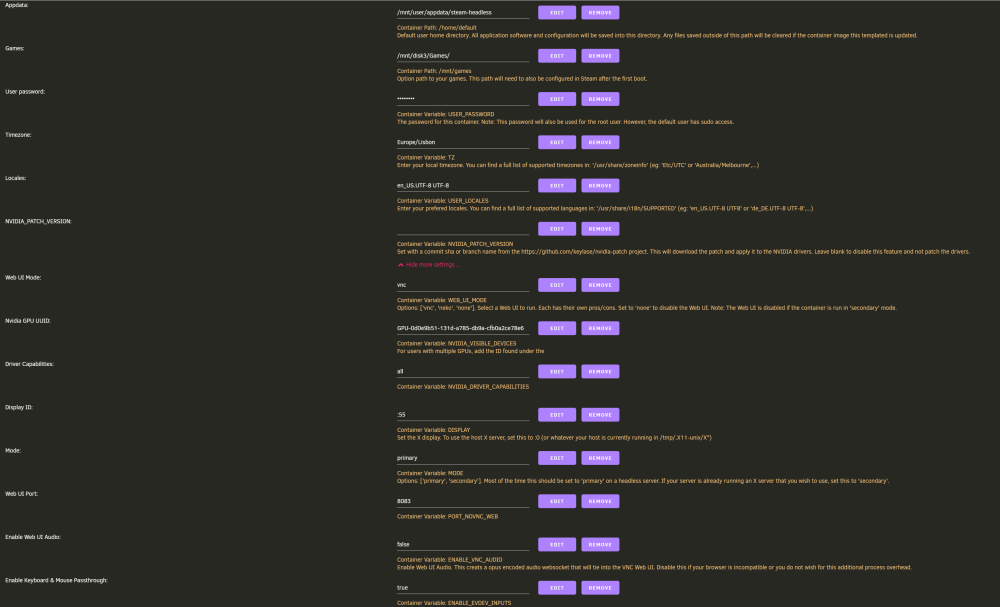
Hi everyone! My Cache pool keeps filling up every time I run this container, despite already mapping the storage to a specific share. Any ideas on how to fix it?
-
I'm also running an A2000, but not luck making de Docker running from it, how did you did it?
-
I saved this tutorial to watch later to install filerun when I was free, but now it is set to private; any change in putting the tutorial back online?


