





Ronshizel
Members
-
Joined
-
Last visited
Everything posted by Ronshizel
-
Yes that fixed it! I also kept the "null" at "0" Thank You
-
Didn't work sorry. I changed it to zero and saved, exited. Error didn't go away so I rebooted. On reboot the zero changed back to null as well.
-
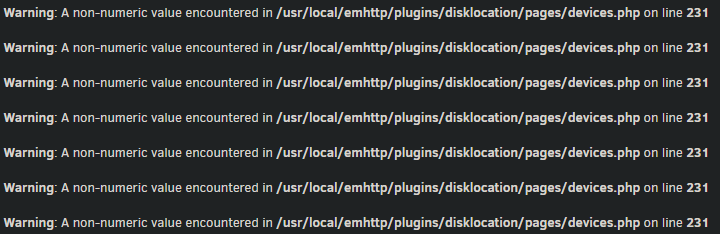
Hello, Just noticed this error message pop up on my Dashboard recently (Keeps repeating itself): Warning: A non-numeric value encountered in /usr/local/emhttp/plugins/disklocation/pages/devices.php on line 231 Went into that file and it is referring to this line: $smart_powerontime = ( !isset($data["smart_powerontime"]) ? null : "<span style=\"cursor: help;\" title=\"" . seconds_to_time($data["smart_powerontime"] * 60 * 60) . "\">" . $data["smart_powerontime"] . "h</span>" ); Everything still looks to be working fine with the plugin but I would like to get rid of the error message from my Dashboard if anyone can help please?
