r00nilwazlib
Members
-
Joined
-
Last visited
Everything posted by r00nilwazlib
-
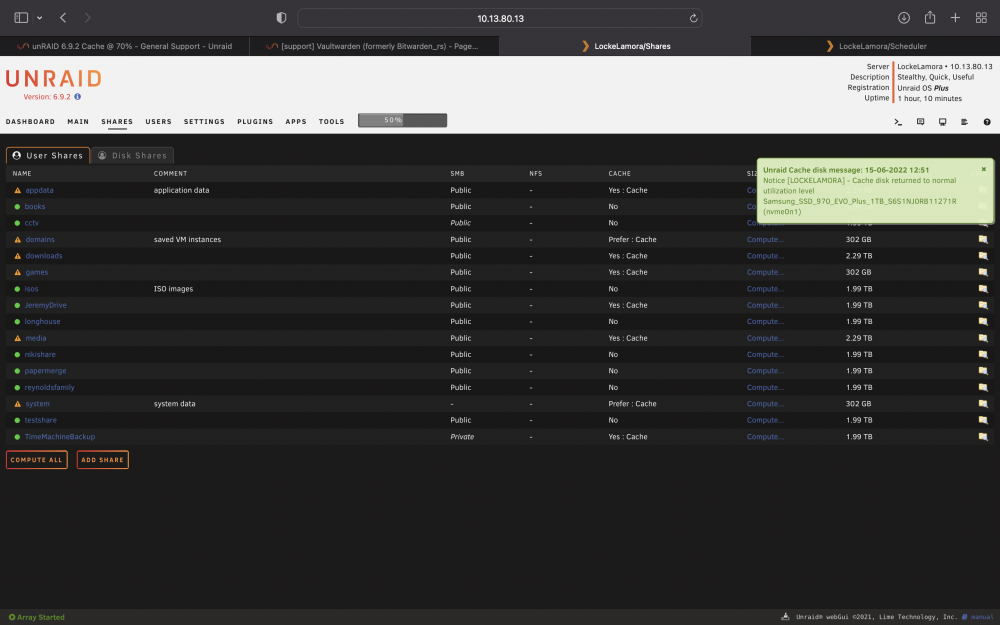
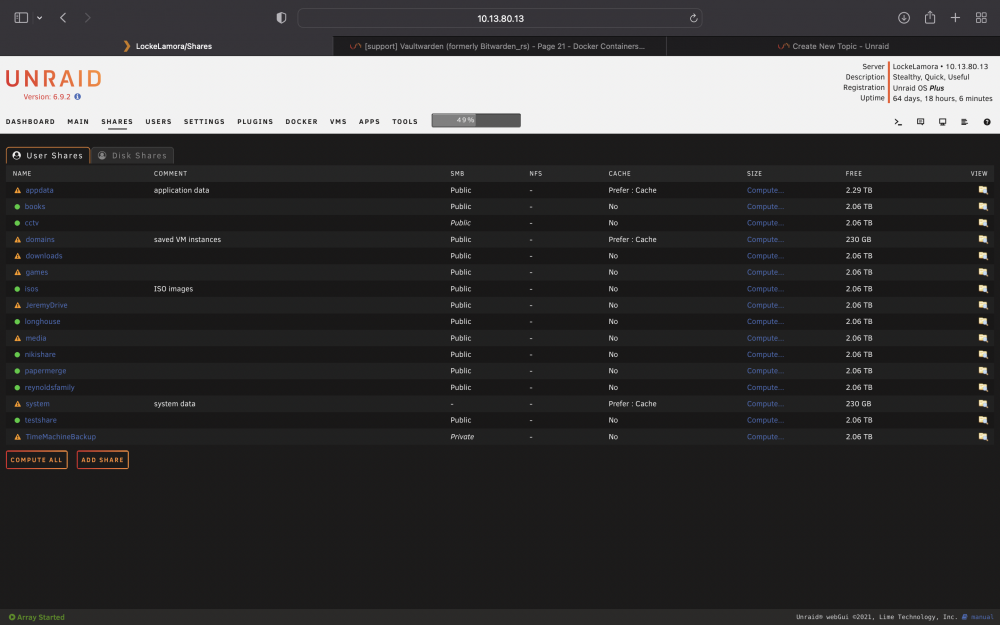
deeper explanation from my perspective of the solution for people who make this same mistake: I had the cache settings for each share totally messed up. after the advice here, and space invader one's video on shares/cache pools, I set all of the problematic drives to settings that will allow the mover to move them, then disabled vm and docker, then used the mover. after that, I will be returning games, J drive, media, and time machine backup to NO Cache I am fairly certain this is close to correct, but if my next steps (after the. mover is done) are wrong, let me know. otherwise thanks!!!!!
-
I think what I have to do in the meantime is watch a sp1 video on cache drives. I am really confused.
-
thanks for all this help. this is all new to me, but its all coming together. lockelamora-diagnostics-20220615-1000.zip
-
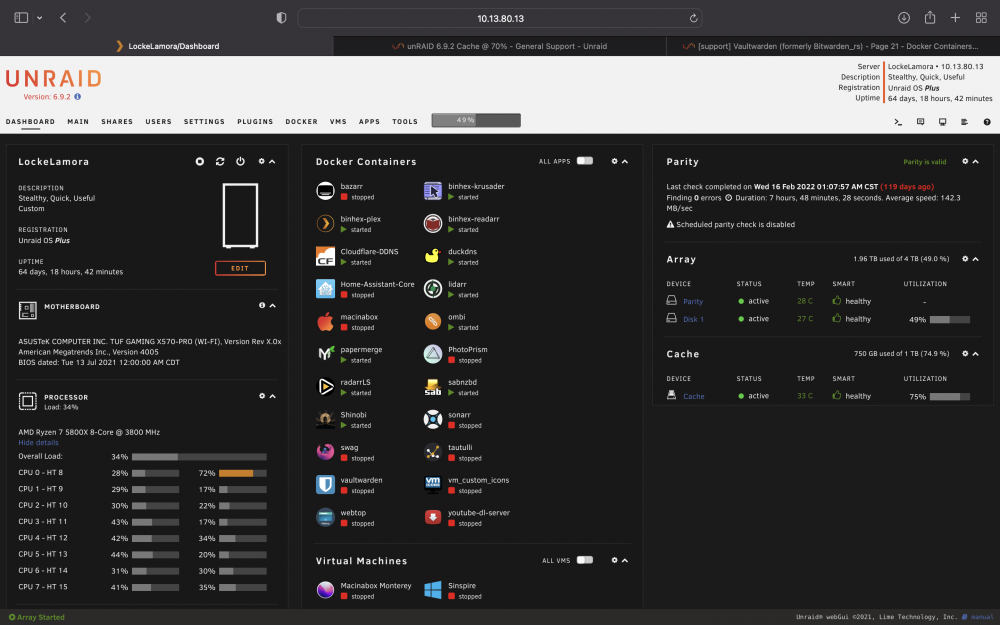
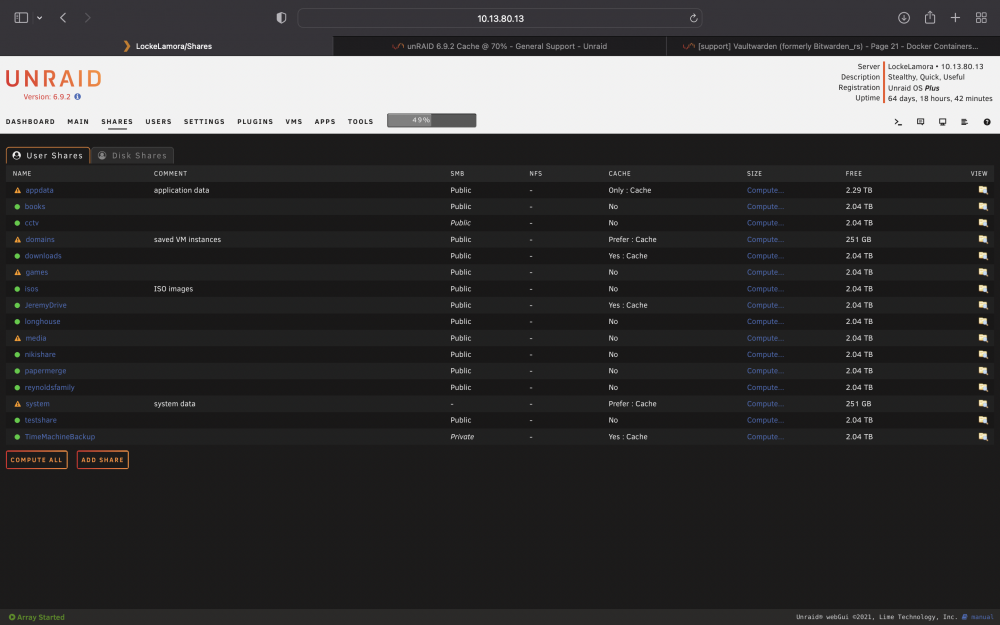
updated share config as well as dashboard. I disabled docker, ran mover, then enabled it.
-
ok - I did all this and mover is running. will report back
-
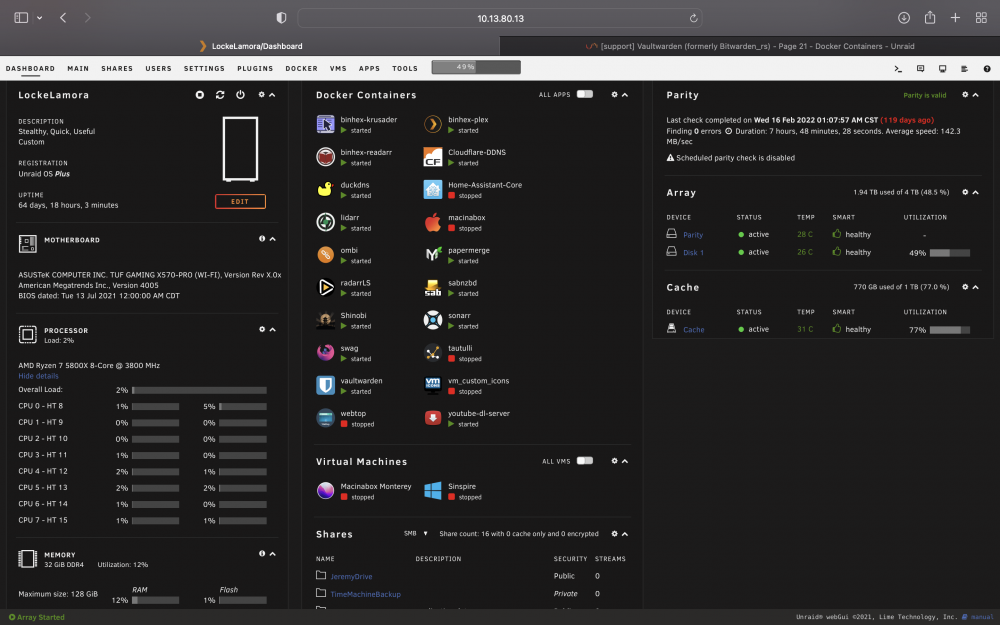
just for the ones set to prefer?diagnostics added lockelamora-diagnostics-20220615-0922.ziphere it is. thank you! lockelamora-diagnostics-20220615-0922.zipsee attached photo and you will see that my 1tb cache drive is fairly full. also see screenshot of shares.I have disabled docker and vm and ran the mover twice. I am not sure if this is how it should be or not. I am still relatively new to this. 1 - is this something that needs to be addressed? 2 - can you point me to a search term or resource that will better help me understand what I need to do to fix this?
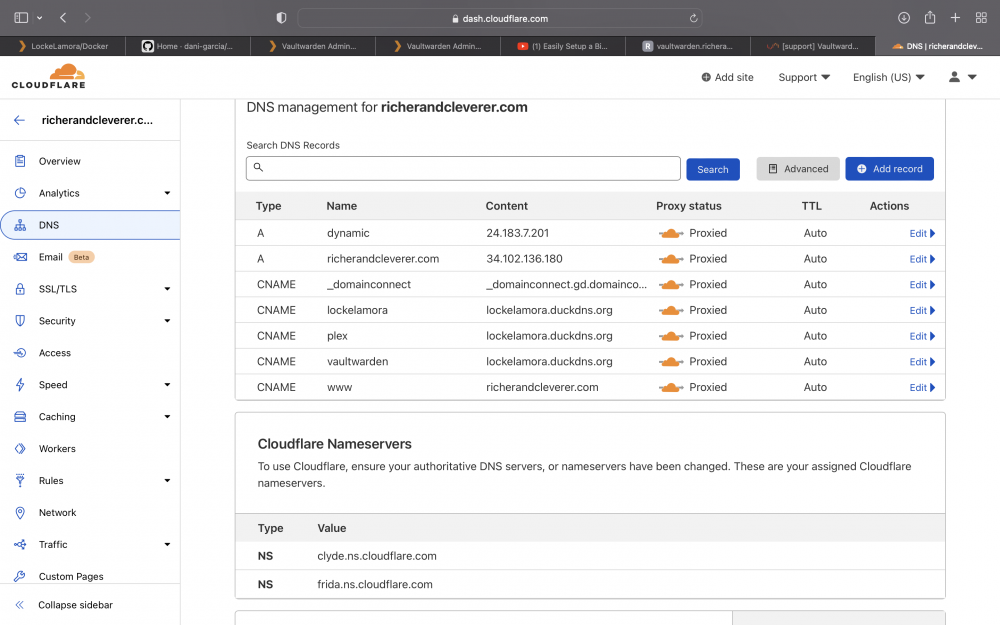
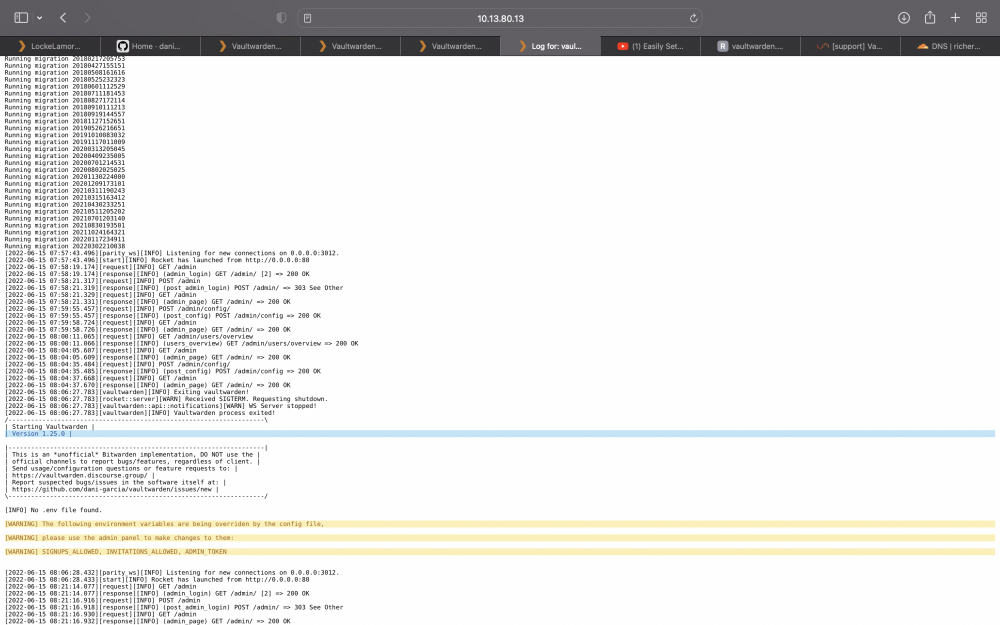
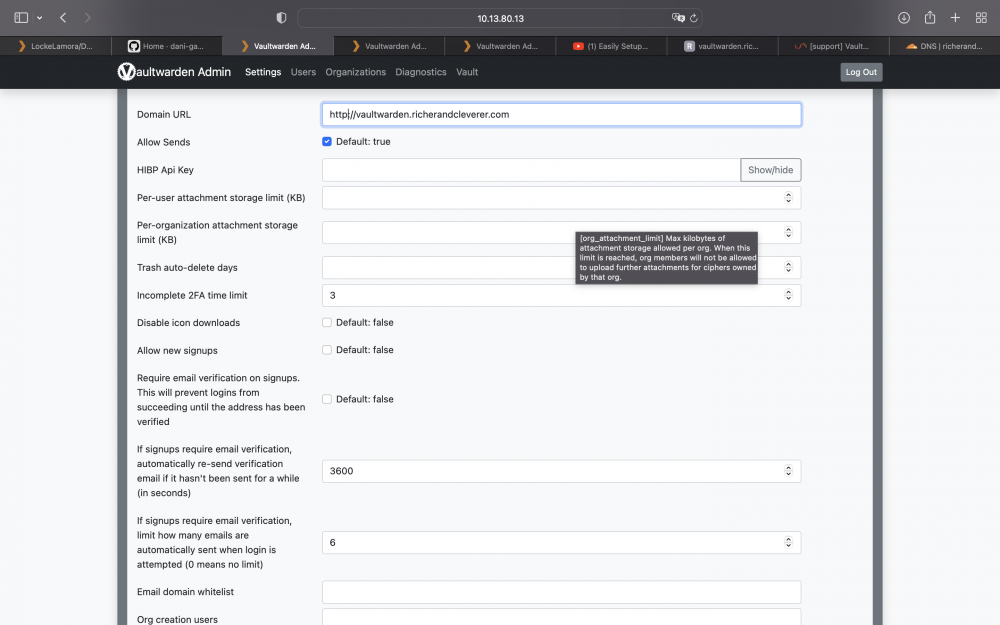
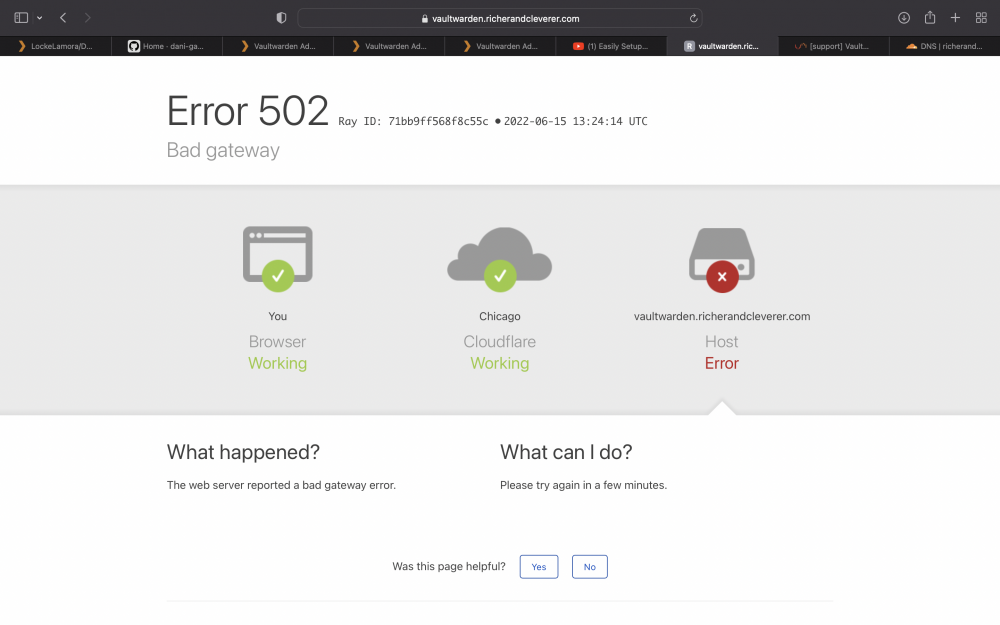
 I am having some trouble with vault warden/https/reverse proxy I have swag setup and the logs are normal. I used space invader one's setup video. swag runs on a custom network called proxy net (just like my hero spaceinvader one) vault warden is setup and I can config the smtp and send a user invite. when I try to continue the invite process I click the link and am taken to the login/create act, but I can't finish due to https error I went through the reverse proxy process step by step. I have duckdns and cloud flare dyndns both ready and setup. I have a CNAME vault warden.mydomain.com to direct to the duckdns url. I am attaching the VW log (the swag log has no errors and is running just fine), a snap of my cloud flare settings, and some other potentially relevant info.I have also attached a photo of the error I get when I try to go to my site. If we can get this figured out, I will buy a random stranger a beer today. If there is any more info you need to diagnose or fix this, let me know. I am new to this and am VERY accustomed to deleting dockers, deleting app data folders, and reinstalling. I am not good enough yet to fix it all in settings so I nuke them when I get lost. This is my third clean install of VW. vaultwarden.subdomain.conf