Scarat
Members
-
Joined
-
Last visited
Everything posted by Scarat
-
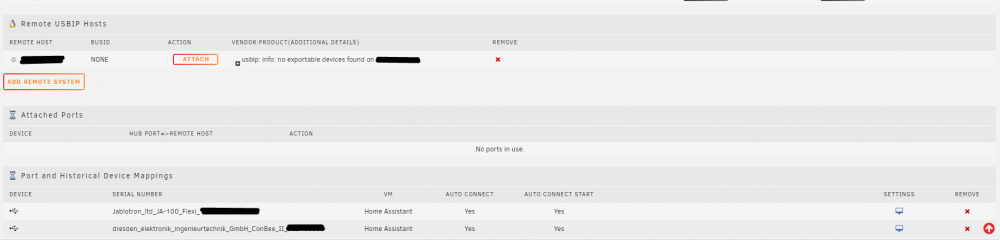
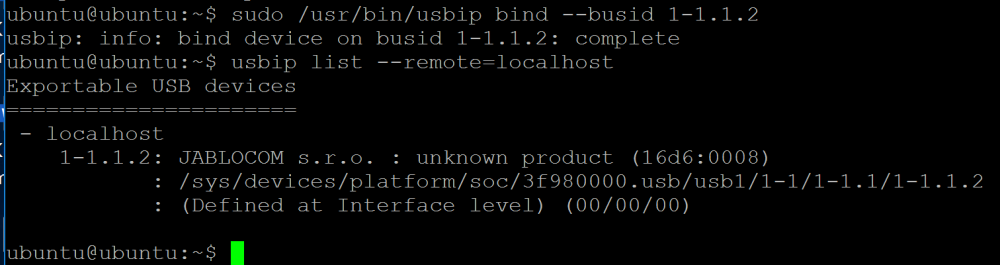
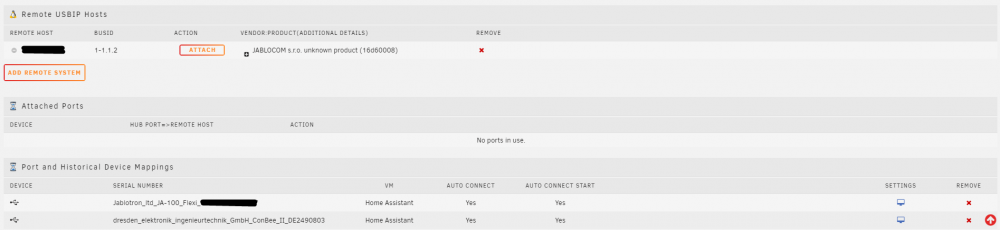
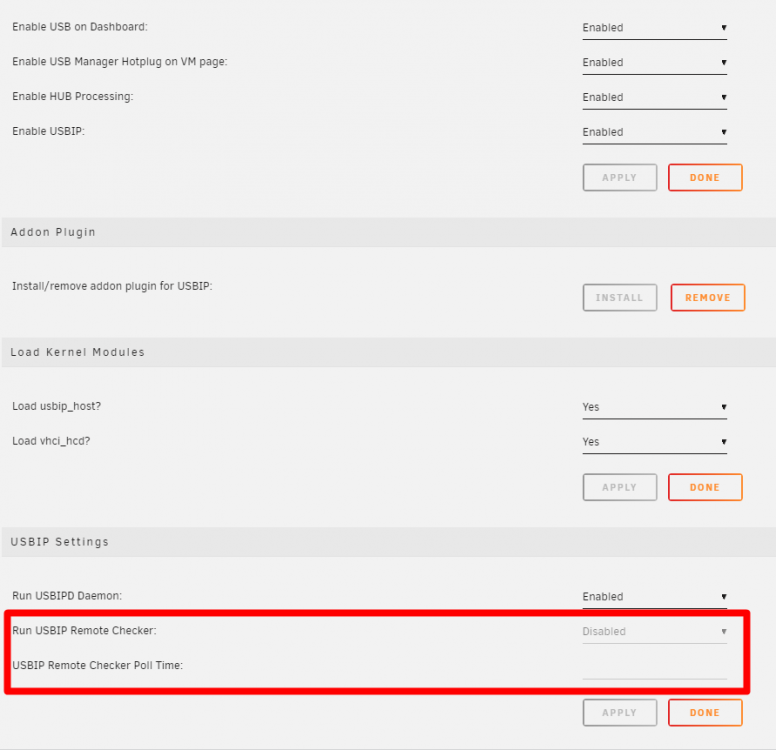
Hi, first of all thank you for the great plugin. The thing that I'm trying to accomplish is regarding usbip, so my usb device is on the remote system. When there is no binded device on remote raspberry pi I see this in Unraid USB plugin. When I bind the device then in USB plugin I see the usb device and I can manually attach it. The thing is that I would like for this device to be attached automatically whenever it is discovered. Is there some setting that I'm missing? I have also found this in the settings. Is this somehow related to the functionality that I'm trying to accomplish or what is the purpose of USBIP remote Checker? Also I'm not able to make it enabled whatever settings I apply it is always grayed out. Thank you very much for your help.