





TH3GOD
Members
-
Joined
-
Last visited
-
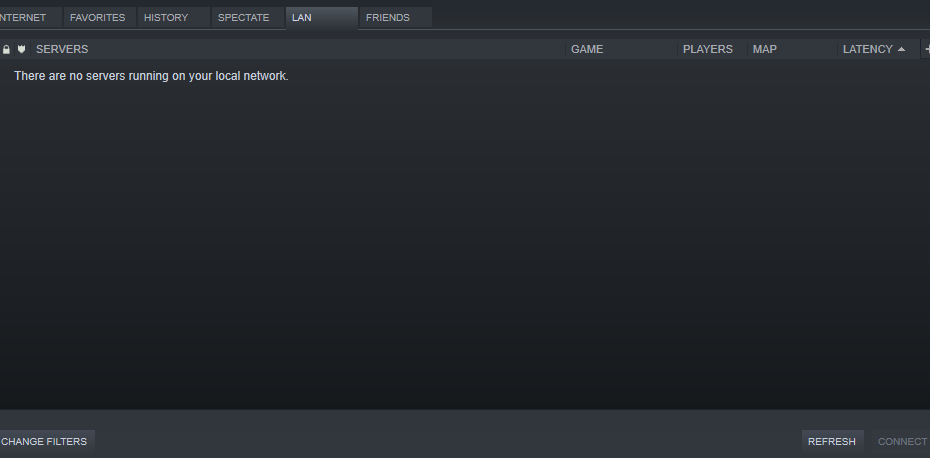
Decided to click add server and then type the IP in and now I can see it, thank you.
-
Yeah, it isn't showing up there.
-
Do I need to change something to get the server name to change? That way in case someone else has the same name?
-
Yeah, I know the feeling, as I have 6 children. The only thing I have changed was +maxplayers 4 +map c1m1_hotel. Is there something else I need to change?
-
You just repeated yourself. No, it is not showing up.
-
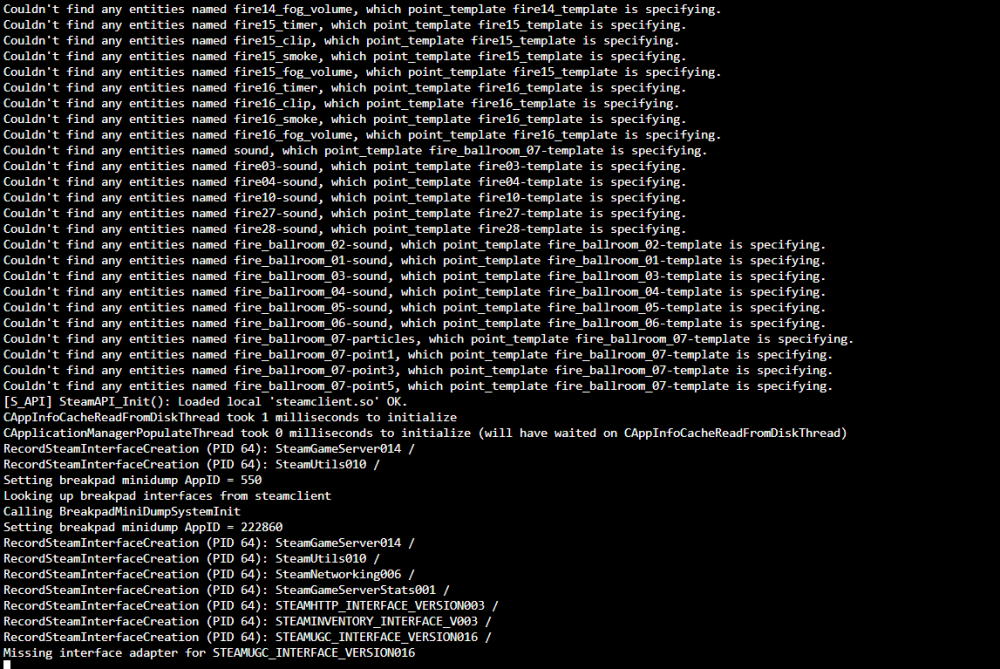
When trying to start L4D2 server, I keep getting Missing interface adapter for STEAMUGC_INTERFACE_VERSION016, and it stops there.
-
Okay, how do I access the console?
-
Okay, how do you log into the web interface or bring up the console to use for MTA:SA?
-
Not sure what you mean by modding, as I never asked you about modding. I was asking about the docker you made and supply. Thank you for your time.
-
Well their documentation is not helpful as the command they provide does not work in console from the docker. I manually added a user to the file, but I don't see a way to add a password. Could you better explain on what I need to do?
-
Hello, I just installed multitheftauto, and the webgui does not seem to want to allow me to login no matter what I put. Is there something I am missing?

