BlackCube
Members
-
Joined
-
Last visited
Everything posted by BlackCube
-
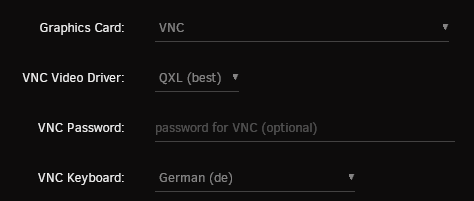
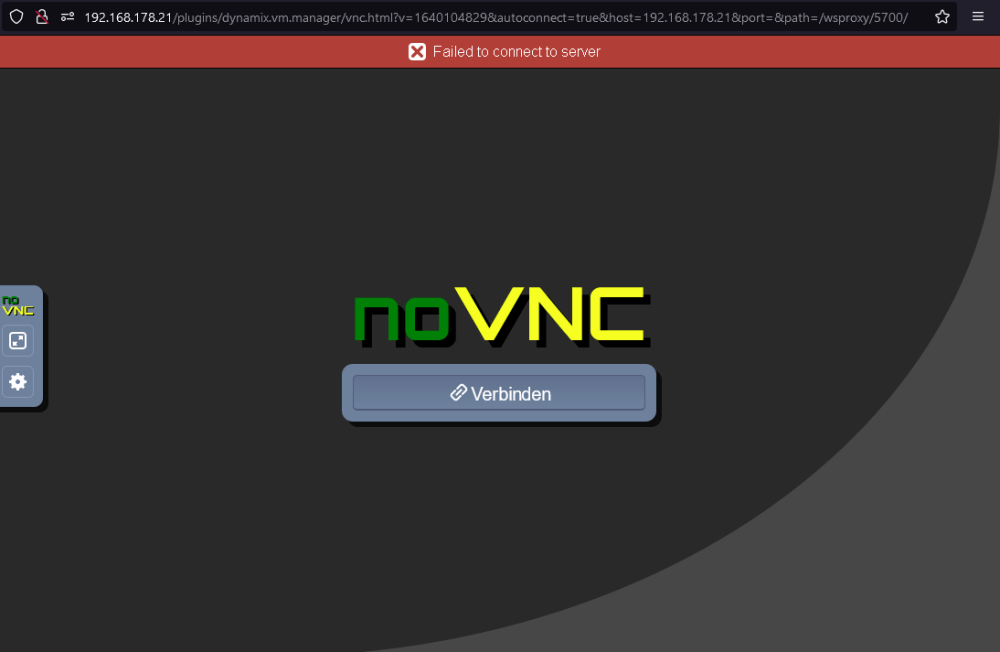
I dont know why I can't view my VMs via VNC. Initially everything worked. Then it worked for some vms and not for others. And now it doe What did I do wrong?

-
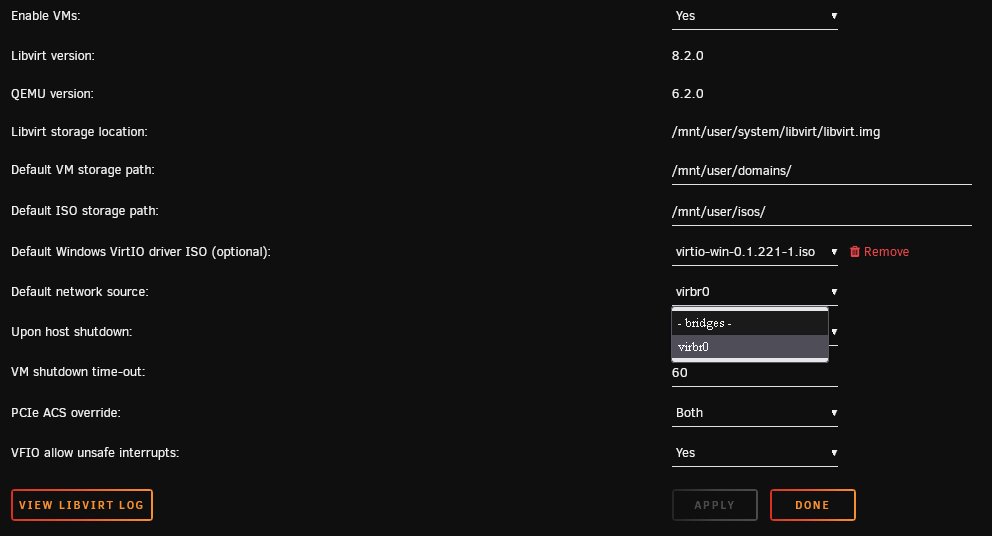
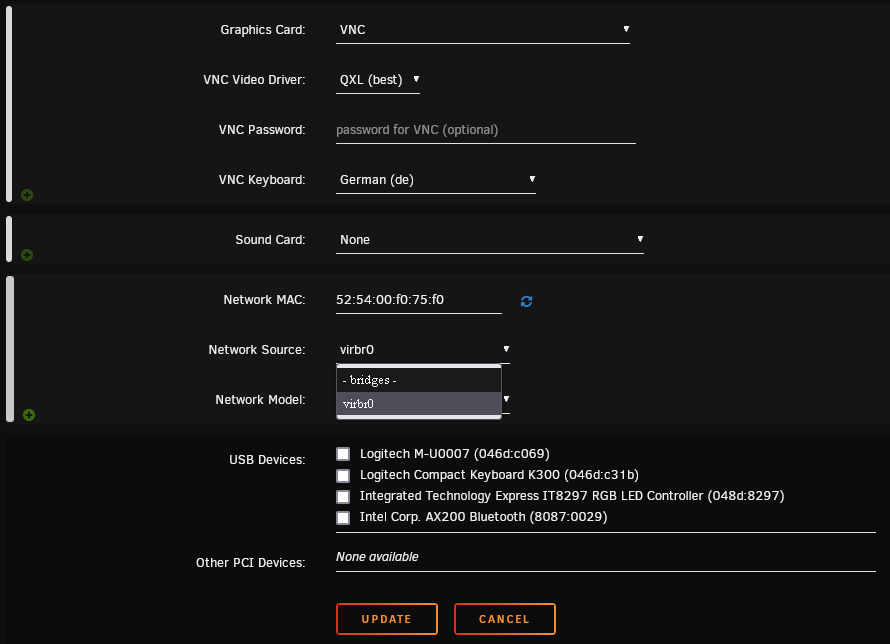
This option is sadly not available in my vm settings..

-
You're right, I noticed that too, but I don't know how to change that. And no I did nothing special regarding my network configuration. At least not to my knowledge.
-
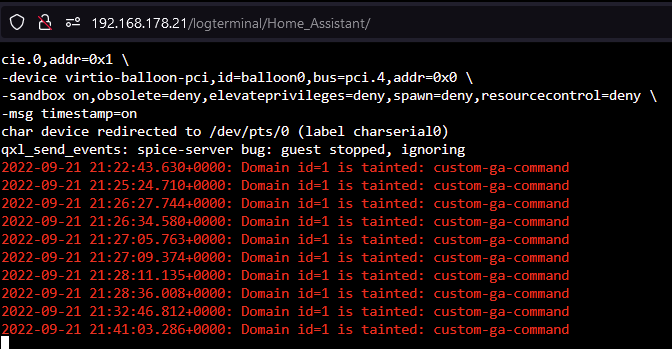
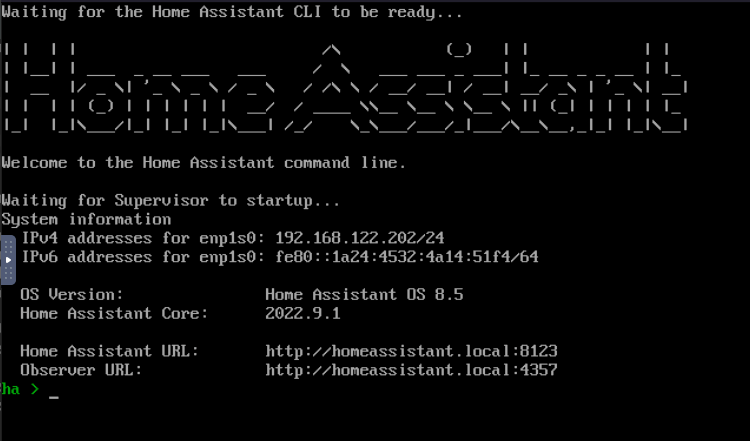
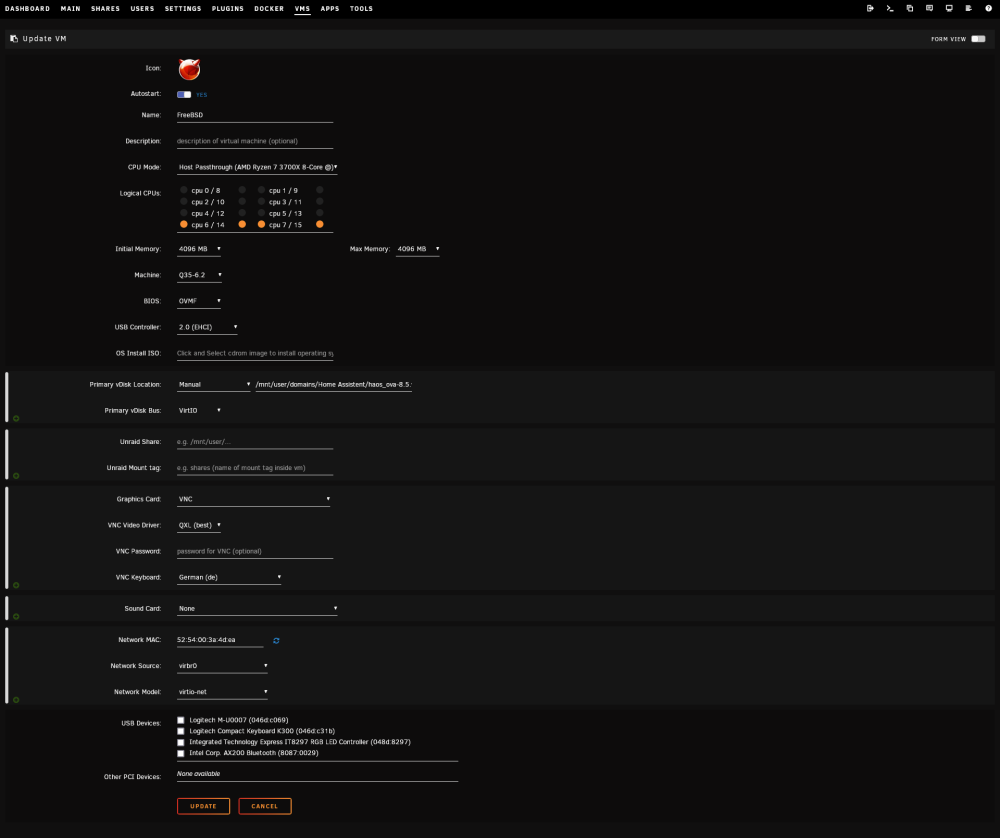
I am quiet new to Unraid and followed this guide on how to set up a Home Assistant Vm https://www.youtube.com/watch?v=DzS1GsqtMYo Everything seems to work... but when I enter http://homeassistant.local:8123 or 192.168.122.202:8123 in my browser it can't find it My Fritzbox also doesn't list the VM at all. The local IP of my Unraid Server is 192.168.178.21
-
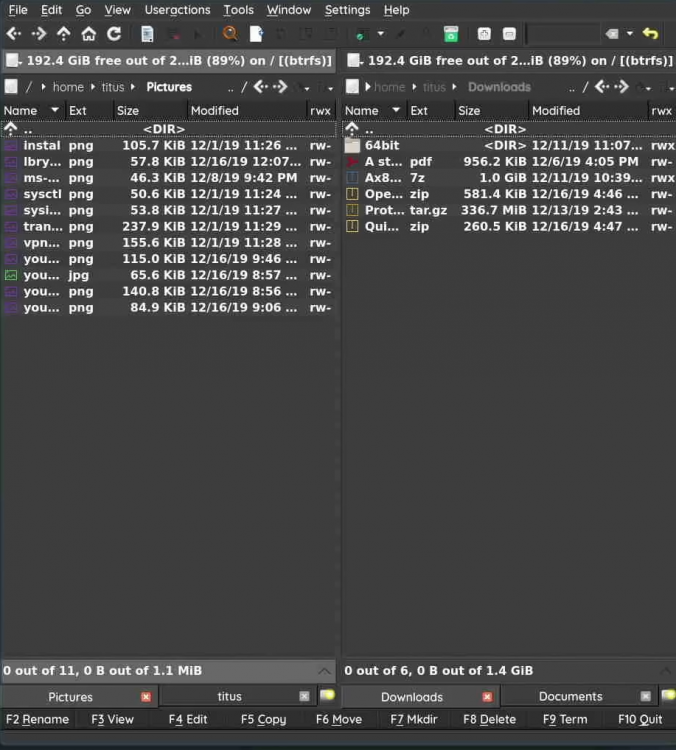
Is it possible to change Krusaders theme, icons and cursor when installed as a docker container under Unraid? I know that you can change the colors of the file selection area but what about the toolbars.