Skip to content
View in the app

A better way to browse. Learn more.

Unraid

A full-screen app on your home screen with push notifications, badges and more.

To install this app on iOS and iPadOS
  1. Tap the Share icon in Safari
  2. Scroll the menu and tap Add to Home Screen.
  3. Tap Add in the top-right corner.
To install this app on Android
  1. Tap the 3-dot menu (⋮) in the top-right corner of the browser.
  2. Tap Add to Home screen or Install app.
  3. Confirm by tapping Install.

Darigitin

Members
  • Joined

  • Last visited

  1. I rolled grafana back to grafana/grafana:10.4.14 and this appears to have fixed it. I think there might be an issue when trying to run it on 11.
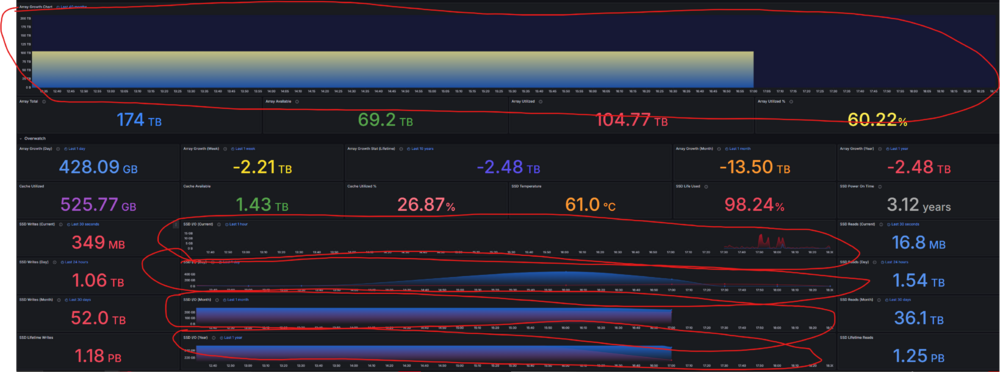
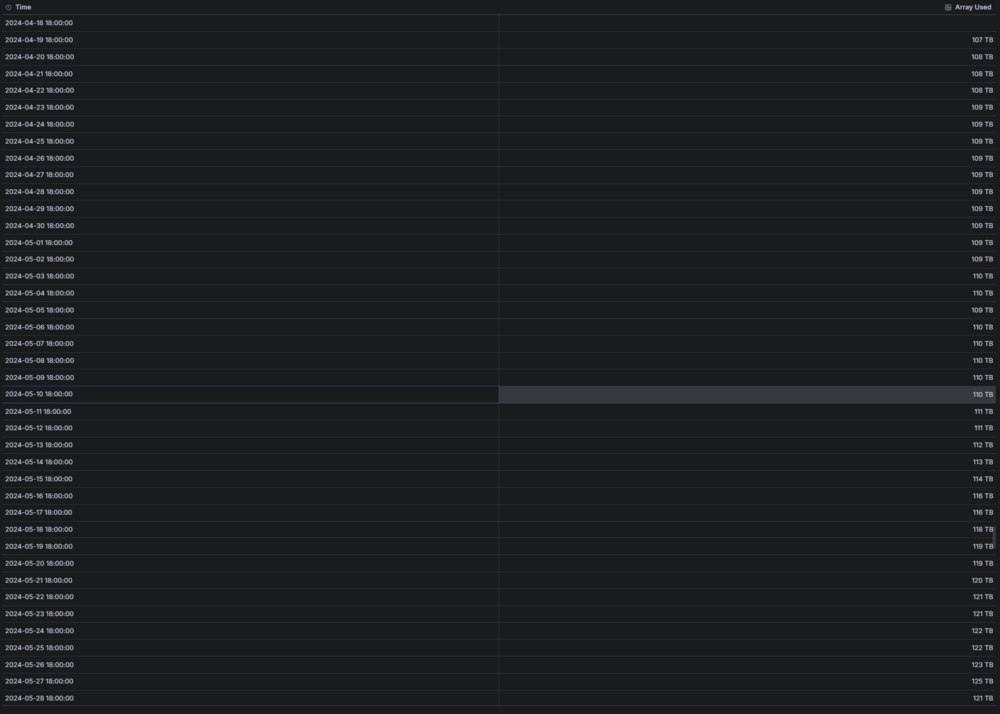
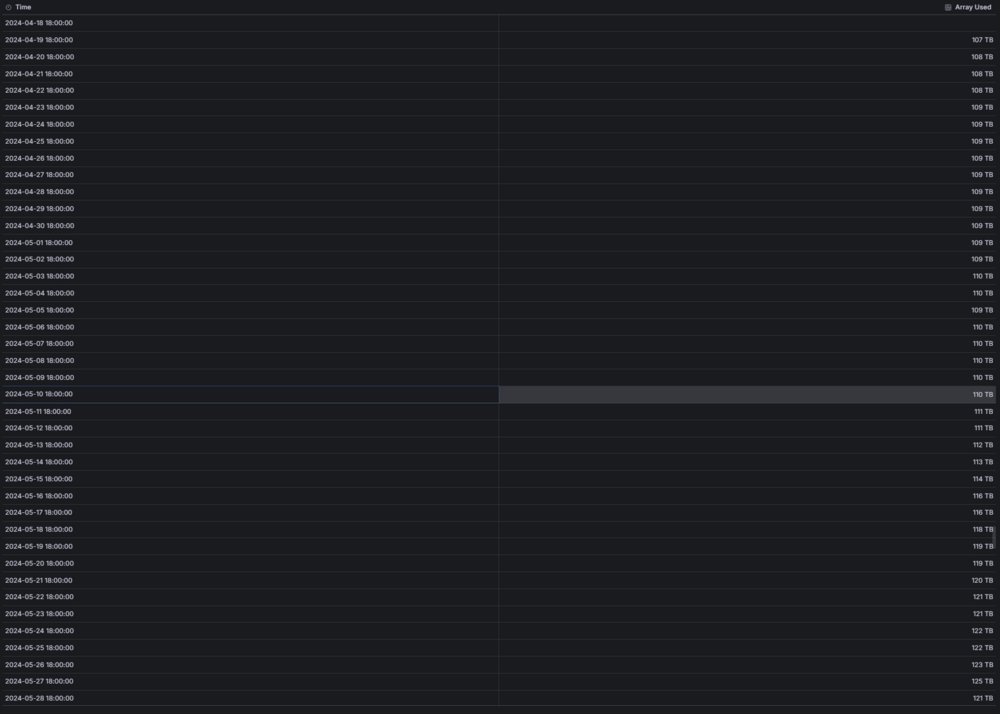
  2. I'm having an issue getting the time series working in grafana. I had this working about two weeks ago but I had to do a mobo swap on my unraid due to a hardware failure and it seems like the time series are messed up again. I have tried using different container versions but those have all not worked. At this point I'm sitting on the same versions that falcon states in the first post. I've checked the data itself and it seems like everything is there but for some reason the time series in grafana aren't being displayed correctly.

Account

Navigation

Search

Search

Configure browser push notifications

Chrome (Android)
  1. Tap the lock icon next to the address bar.
  2. Tap Permissions → Notifications.
  3. Adjust your preference.
Chrome (Desktop)
  1. Click the padlock icon in the address bar.
  2. Select Site settings.
  3. Find Notifications and adjust your preference.