





Brian_Lee
Members
-
Joined
-
Last visited
Everything posted by Brian_Lee
-
I suspect that there is a problem with the unraid network. I can access the Internet normally, but the router cannot find the unraid IP address. moss-diagnostics-20241127-1528.zip
-
好多问题,应该都是zfs的问题。删除不了文件夹,解除不了占用。 moss-diagnostics-20241126-1514.zip
-
I hope to develop an app that can manage the switches of virtual machines and containers and display system status information. It would be best if it has its own proxy to directly access the internal container web interface, which is safer without opening the public network.at last Integrated Backups and Responsive WebGUI Urgent need.
-
It happened many times!!! After upgrading or stopping the container, Docker got stuck, and I couldn't stop or enable Docker in the settings. I couldn't shut down or restart it normally, so I had to force a restart. moss-diagnostics-20240814-1617.zip
-
Unable to monitor the status.
-
Recently, OPENSSH has been exposed to a race condition vulnerability that could allow an attacker to access the highest privileges of the remote ROOT SHELL to execute arbitrary code. The technical details and POC are now public. This product uses the user profession to distribute widely, the flaw harmfulness is high, proposed each unit as soon as possible completes the self-examination and the protection. Impact version: 8.5P ≤ OPENSSH < 9.8P1 secure version: OPENSSH ≥9.8P1 official fix: The Official Fix has been published, and affected users are advised to update to the secure version.
-
As shown: it will change from green to red
-
First of all, there is no problem with the network docker pull netdata/netdata Using default tag: latest Error response from daemon: Get "https://registry-1.docker.io/v2/": Forbidden I tried to log in but was prompted:root:/# docker login -u lee Password: Error response from daemon: Get "https://registry-1.docker.io/v2/": Forbidden moss-diagnostics-20240702-1133.zip
-
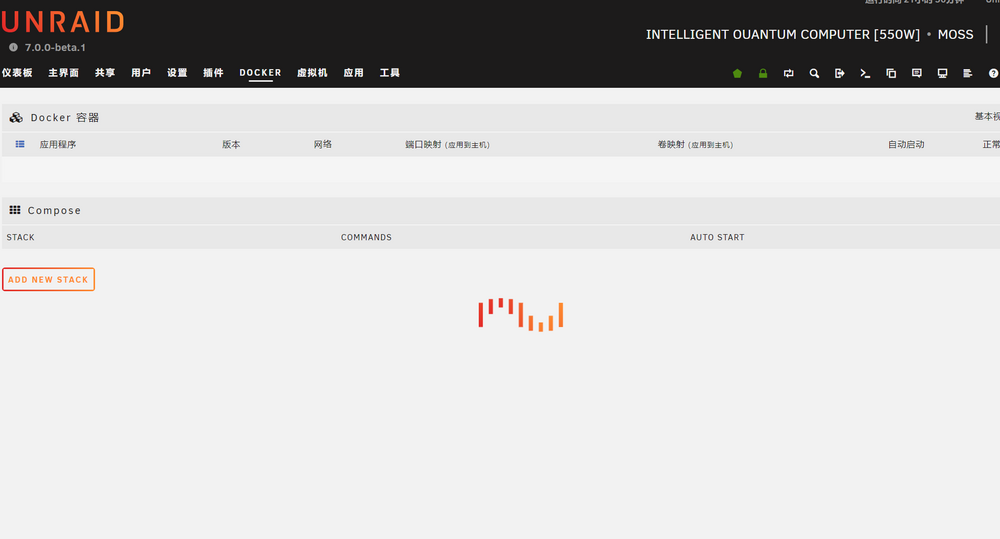
7.0.0.0beta1 remove the container after the Operation Docker began to jam, virtual machine no problem, only after the forced shutdown restart can be resolved moss-diagnostics-20240701-1414.zip
-
7.0.0.0beta1 remove the container after the Operation Docker began to jam, virtual machine no problem, only after the forced shutdown restart can be resolved 7.0.0beta1删除容器这一操作后docker开始卡死,虚拟机没问题,只有强制关机重启后才可解决 FolderView文件夹插件,中文语言包已删除,还是不行 moss-diagnostics-20240701-1414.zip
-
The problem was resolved after reboot and is now normal
-
moss-diagnostics-20240629_0234.zip
-
主路由在unraid的虚拟机里,我再试试其他方法吧
-
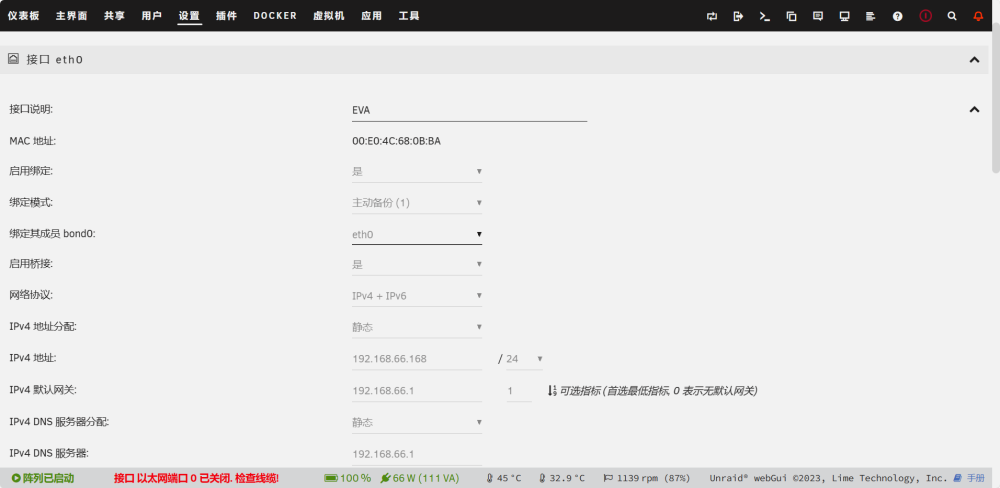
您好,上传诊断了,可以看到吗,是不是我网口弄反了的原因?
-
moss-diagnostics-20231211-1512.zip
-
您好,不是日志的问题,如果把全部网口都直通,可以吗
-
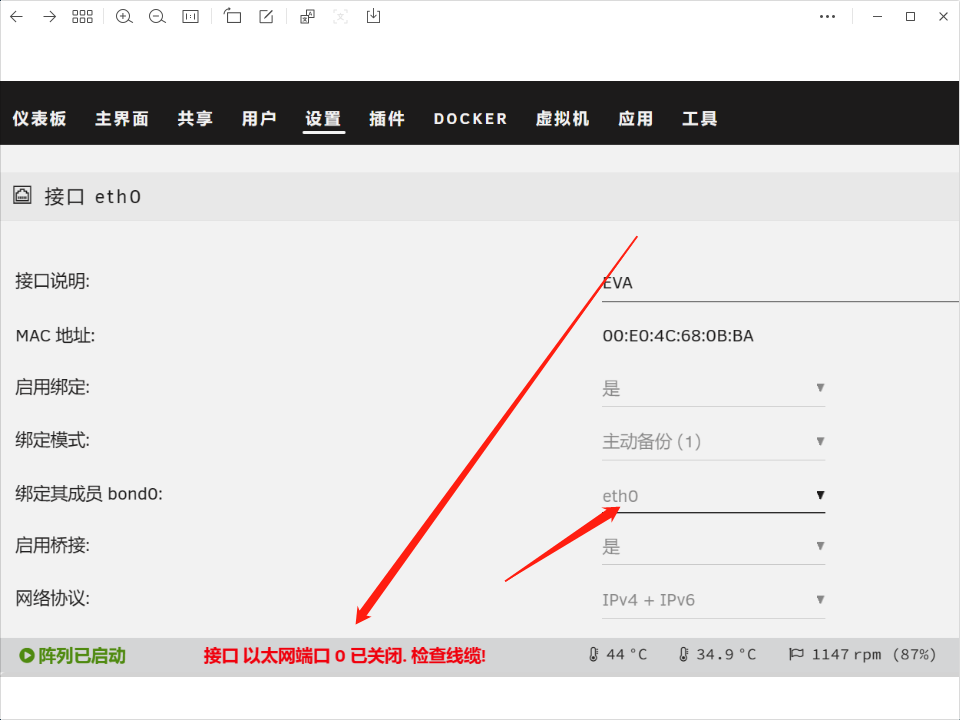
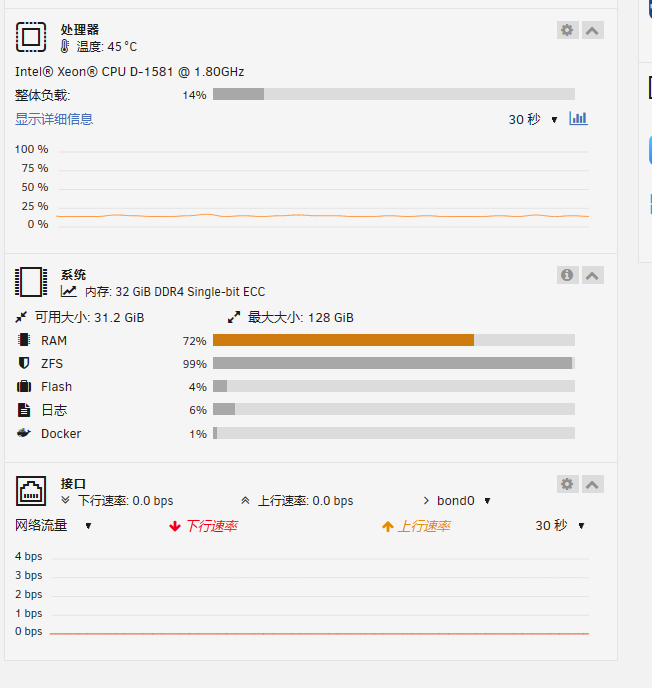
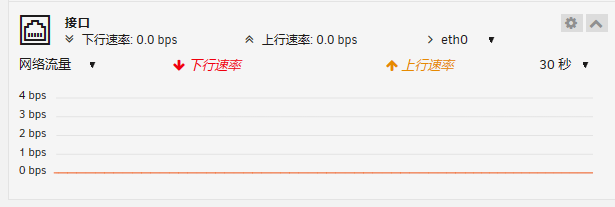
请问,这个网口怎么设置,目前3个网口,直通了eth1,eth2给爱快,unraid的网络设置的eth0,问题(0)unraid网络正常,但网络流量界面没有速度,(<>)设置-网络界面显示:接口 以太网端口 <> 已关闭.检查线缆!
-
已解决,未开启自动启动阵列,开启后正常
-
安全模式直接启动不了。安全模式下断电才可以启动
-
我又重新上传了两个日志,还有一个事,您的博客打不开了
-
尝试重制网络 删除config下network.cfg重启,重新设置网络 添加pool设备,原插槽按原位置添加 变更位置共享是不能fuse映射的 按照上方操作后仍然无法进入webui启动阵列
-
不行,改完仅ipv4后点启动还是卡死,启动不了阵列。请问诊断里有问题吗?
-
调整阵列后无法启动阵列 - Chinese / 简体中文 - Unraidhttps://forums.unraid.net/topic/146138-调整阵列后无法启动阵列/
-
版本:6.12.4 停止阵列-新配置-保存原先配置-默认配置新旧都是zfs,添加两块缓存盘后点击启动阵列,webui进不去,ping通,关机重启后显示停止阵列,点启动后还是如此。 自己觉得 可能添加硬盘后硬盘顺序变动的原因 或者user共享的问题?维护模式下启动正常,菜单-共享里边是空白。 moss-diagnostics-20231008-1034.zip syslog.txt syslog2.txt
-
我的也是,6.12.4,一调整硬盘就启动不了阵列,调整添加完后点启动阵列就会卡死,进不去ui界面但是可以ping通,重启后还是一点启动就卡死,只有重装u盘才可以。诊断我的贴子里有,麻烦看一下吧




