





William5978
Members
-
Joined
-
Last visited
Everything posted by William5978
-
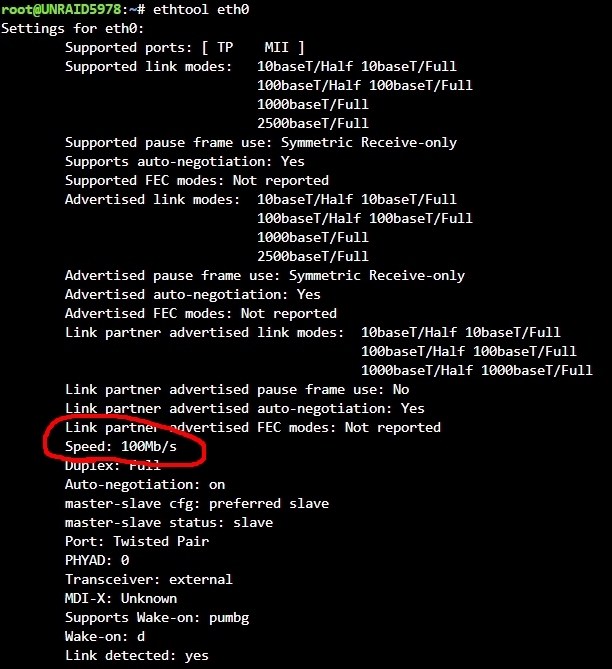
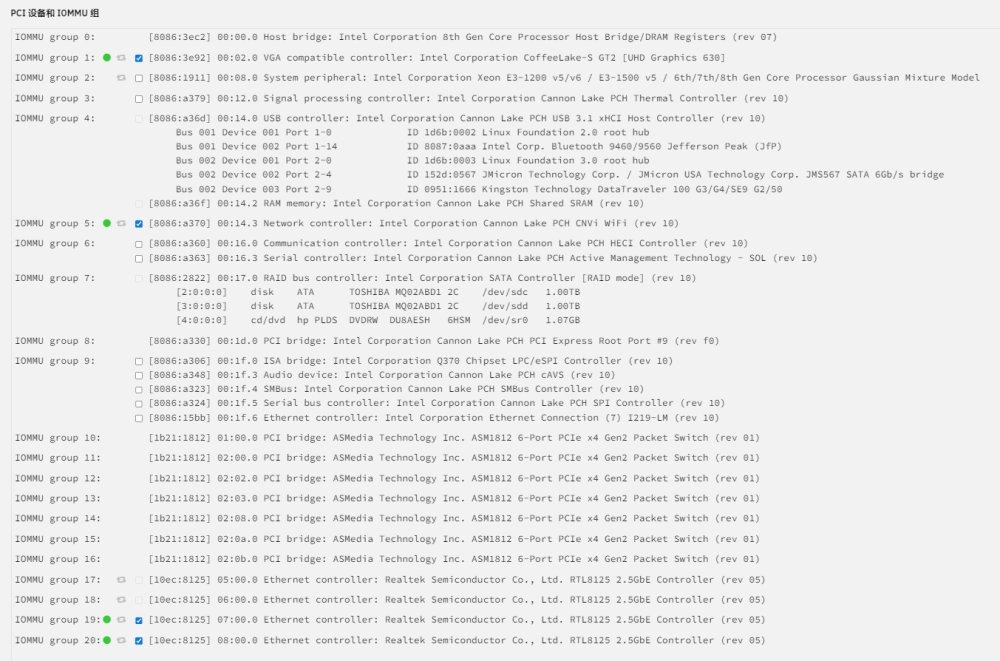
大佬們好,小弟新手 第一次發問,若有不妥請再多多指點 感謝 裝 unraid 好幾個月了,前幾天發現內網超級慢,確認後是 LAN Speed 降到了 100M 如下圖 請問我該怎麼改回 1000M 呢? 目前是下列組合 6.11.1 RTL8125 4Port PCI-E <= 目前開三個孔接著,過去都可以正常使用 1000M 內網速度的 TP-LINK AX6000 (8 x 1000/100/10Mbps LAN) unraid5978-diagnostics-20230411-2133.7z
-
也有同樣需求,不知道怎麼在主板的 on board lan 之外,用 usb lan 去直通給 docker/vm 使用

-
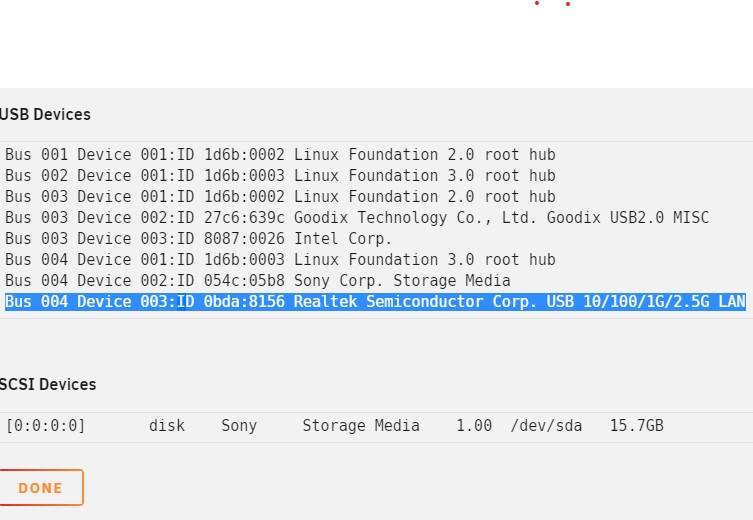
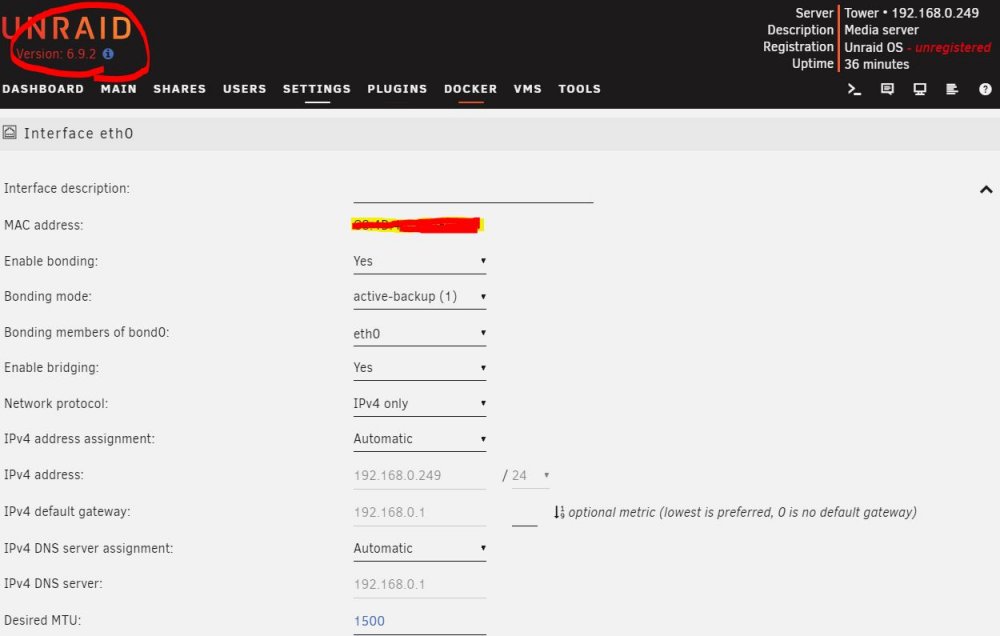
Hi @JorgeB Thanks for the quick reply ! Turns out ! It works by 6.9.2 after giving it a try !, I didn't change anything but version ( also issued on 6.10.1 ) And for the device detections, it always shows "Bus 004 Device 003:ID 0bda:8156 Realtek Semiconductor Corp. USB 10/100/1G/2.5G LAN" at System Devices page no matter 6.10.3 or 6.10.1/6.9.2. So Im not sure if could be a device issues or not, since the result ! Im happy if any one who meet this issue and found fixed after 6.10.x, and let us know, I would try it. Thanks
-
Hi all William is a new noob here, and search the keyword "cannot find eth0" for days. Hope the attached diagnostics was helping to identify my issues. Let my know if anything missed or lost. Thanks for the reply and help. below is my confirg 1. A laptop ( Intel Gen11 Tiger Lake i7 ) with out physics LAN chip but plug-in a USB-Lan dongle using RTL8156B (Should be USB 3.0 ). 2. USB boot by 6.10.3 but always show cannot find eth0 even turn off the VT-D/VT-M tower-diagnostics-20220725-0713.zip


