





wes.crockett
Members
-
Joined
-
Last visited
-
Hi @ich777 Started having this issue (noticed it today). I do have Unifi gear on my network (but have for quite a while and no changes have been made).
-
Getting the same error. Noticed it today.
-
I'm moving to wherever you live... lol. I still can't even get fiber and I live in a really nice area of town where, pretty much, everyone would pay for it.
-
Wait, your ISP was like "Oh, yeah, sorry, here's a dedicated IP to solve the issue"? What glorious ISP do you use?!?!
-
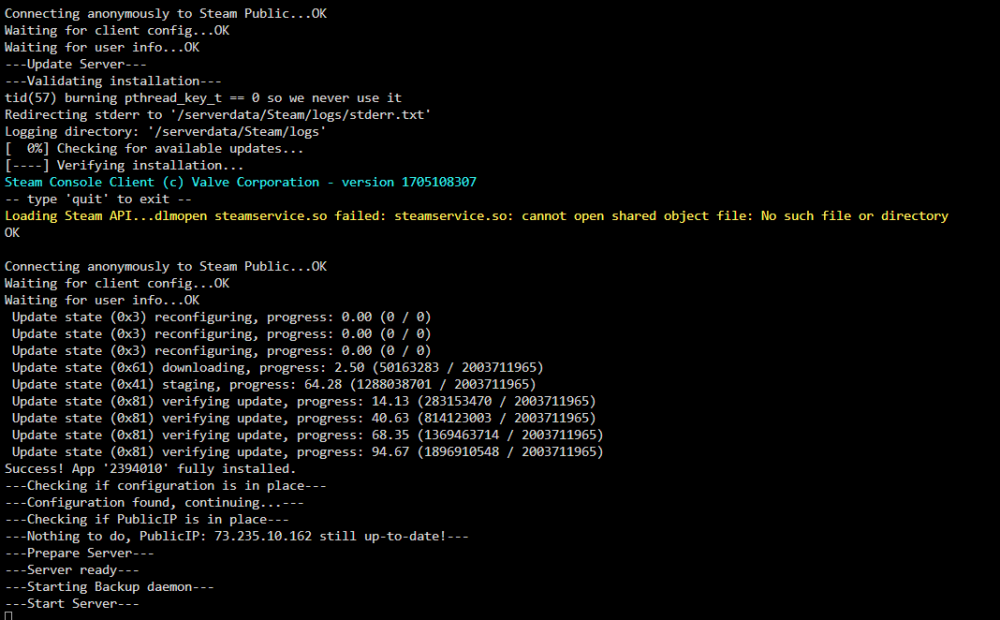
They re-autofill every time I remove them. It's been running like that since launch somehow That said... THAT SAID... I stopped the container, blanked them out, started it and: but if i go back in to settings now, again, root shows up with some dummy pw... lol How do you even deal with us plebs? Thanks @ich777
-
yes, put in your actual. be sure to stop the container, change the setting, then bring it back up. In the container config, did you tell it to auto-update public IP? If not, do so.
-
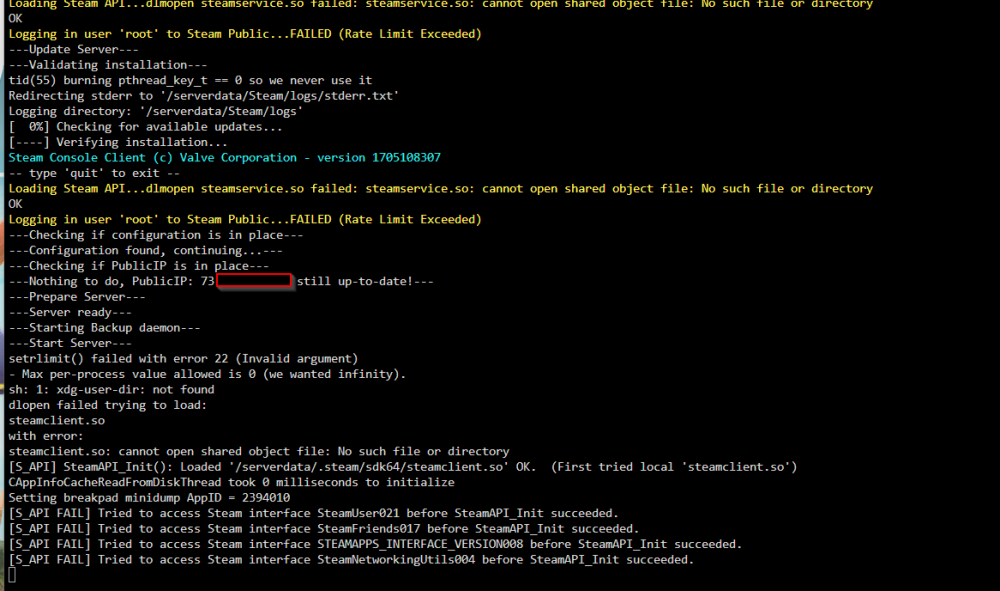
OK, my turn... I have updated (and force updated) my Palworld server, enabled VALIDATE (and re-disabled it after saving) and yet my server is still showing 0.1.2.0. Is there a way, from within the docker console, to see the Palworld version?: Here is the log information on startup. Server has been stable since day 1.
-
Odd, this config looks like it should work. Maybe try setting the router to only accept UDP instead of both UDP and TCP. I couldn't imagine that would matter... but maybe??
-
Let's all take a moment to stand up at our desks, and applaud @ich777. Doing gamer god's work for all us plebs Seriously dude, thank you for what you do.
-
You weren't kidding... that's a LOT of servers. I put in the ADMIN password I created and it said it didn't match. Trying the non-admin one next.
-
I do now. I didn't do a ton of reading up prior to release (on those specifics at least). Not a big deal, I bought it on Steam now instead.
-
I'm big dumb dumb. I missed it on my first look at the config file. As a side note, it looks like players who are using xbox live to play the game aren't able to join dedicated servers (like, there is no place to even see the dedicated servers.) Also, no cross play between xbox/xbox live and Steam. Really unfortunate limitation.
-
Hey, where do you set the password? Also, from this and your edit, that's completely broken right now right?
-
I had issues like this, downgraded, and the issues went away. I've been stable for 5 days now.
-
When configuring, what do we put in for DOCKER_HOST and DOCKER_PORT when hosted on Unraid? Sorry if this is a super noob question



