Skip to content
View in the app

A better way to browse. Learn more.

Unraid

A full-screen app on your home screen with push notifications, badges and more.

To install this app on iOS and iPadOS
  1. Tap the Share icon in Safari
  2. Scroll the menu and tap Add to Home Screen.
  3. Tap Add in the top-right corner.
To install this app on Android
  1. Tap the 3-dot menu (⋮) in the top-right corner of the browser.
  2. Tap Add to Home screen or Install app.
  3. Confirm by tapping Install.

unraid_countryguy

Members
  • Joined

  • Last visited

  1. That seems to have worked, not sure how it updated the filename but didn't actually update game. Thank you for your assistance, much appreciated.
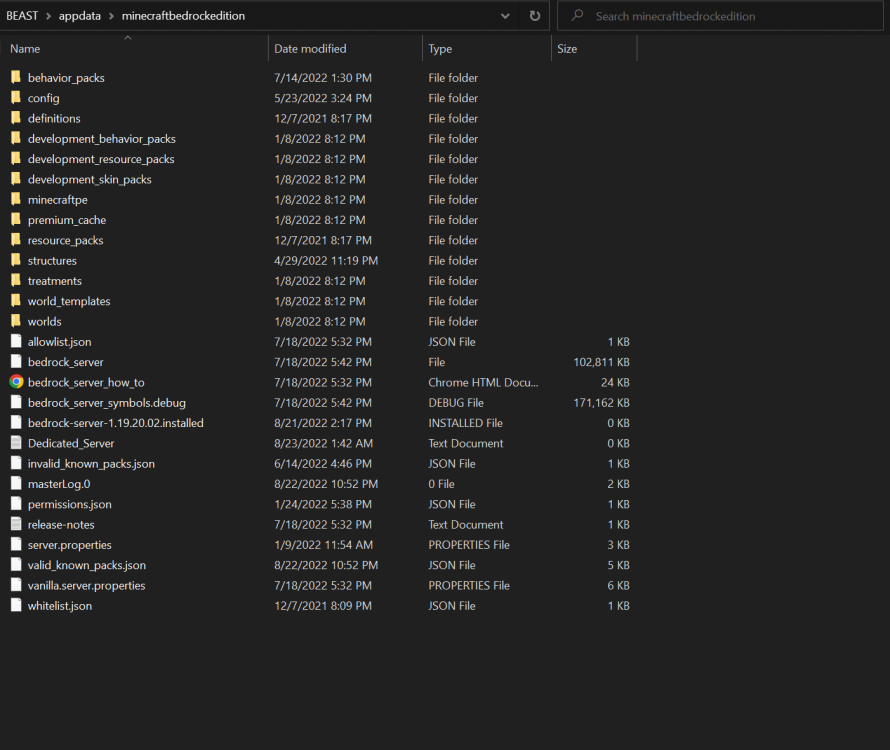
  2. Yes, I am able to access that file with no issues from a PC and a VM on the same unraid server. Here is the screenshot of the game directory. It's shows "bedrock-server-1.19.20.02.installed" but the game shows 1.19.11 when attempting to connect to it.
  3. unraid_countryguy joined the community
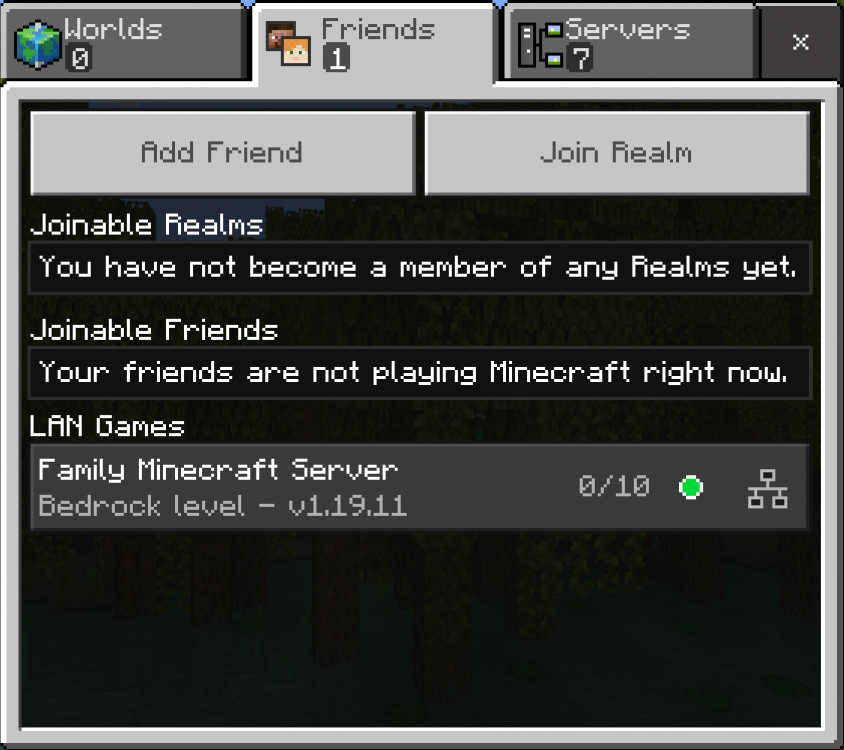
  4. Just wanted to see if there is a command list/how to for this docker, Minecraft Bedrock Edition. My son set it up and doesn't remember much about the setup and it doesn't appear to be updating, being stuck on 1.19.11 so my family is unable to access it currently. Is there an update, or another way to update the server for us? Thanks.

Account

Navigation

Search

Search

Configure browser push notifications

Chrome (Android)
  1. Tap the lock icon next to the address bar.
  2. Tap Permissions → Notifications.
  3. Adjust your preference.
Chrome (Desktop)
  1. Click the padlock icon in the address bar.
  2. Select Site settings.
  3. Find Notifications and adjust your preference.