





mangojuus
Members
-
Joined
-
Last visited
-
I keep getting this issue when i check the port in Management Access: here are my port forward settings: In the last 2-3 weeks ive been plagued with network issues related to DNS which ill be making a seperate thread about. I dont know if they are related to this certificate issue. I cannot remember changing anying on the server og router which may have lead to this.
-
In the past couple of months i have had this issue where my external drive stops working. i do not have a share called backup as the error suggests. restarting the machine is the only thing that solves this
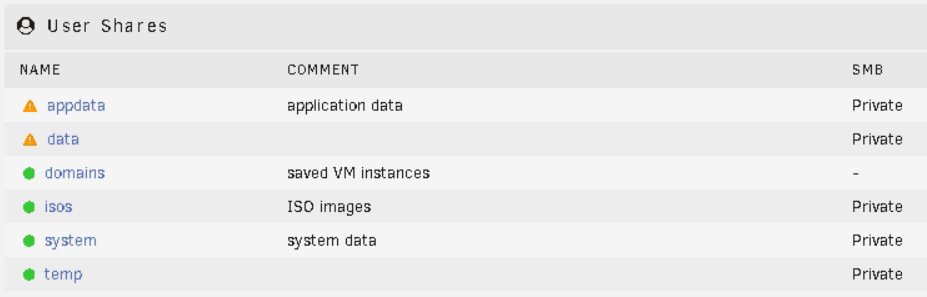

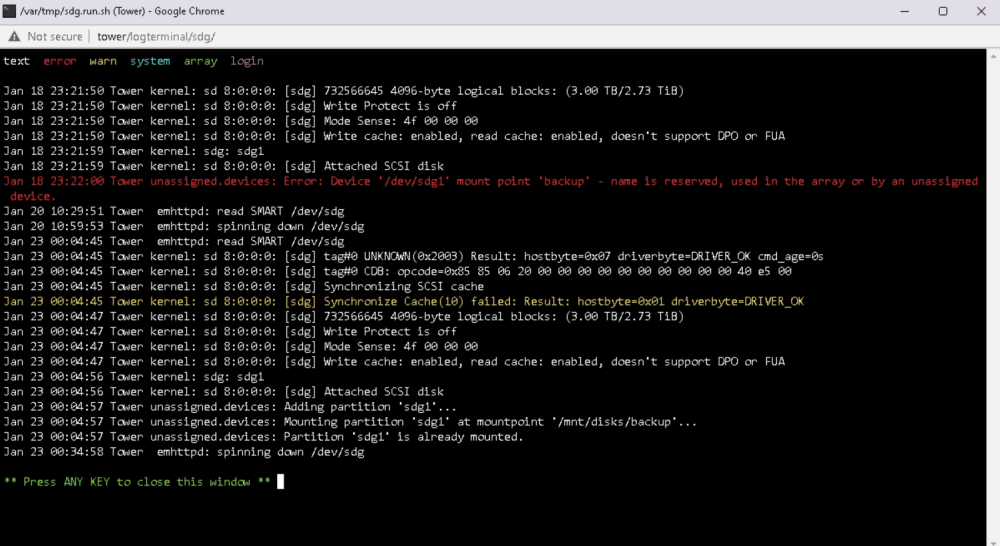
-
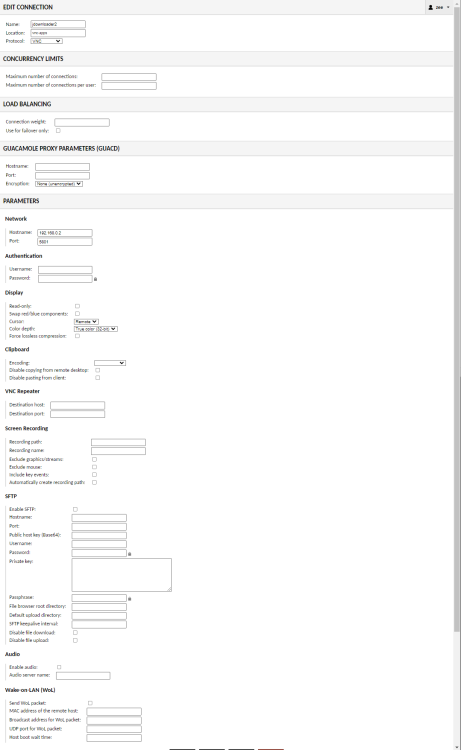
this got me one step closer, thanks! i now only get a gray screen with the cursor visible. here are my guac settings. anything i should change here? EDIT: worked after a refresh

-
Is there any way i can remote into jdownloader2 from apacheguacamole? i set the correct ip and port in guac and that doesnt work.


