




Skip to content
View in the app

A better way to browse. Learn more.

Unraid

A full-screen app on your home screen with push notifications, badges and more.

To install this app on iOS and iPadOS
  1. Tap the Share icon in Safari
  2. Scroll the menu and tap Add to Home Screen.
  3. Tap Add in the top-right corner.
To install this app on Android
  1. Tap the 3-dot menu (⋮) in the top-right corner of the browser.
  2. Tap Add to Home screen or Install app.
  3. Confirm by tapping Install.

SpicyITC

Members
  • Joined

  • Last visited

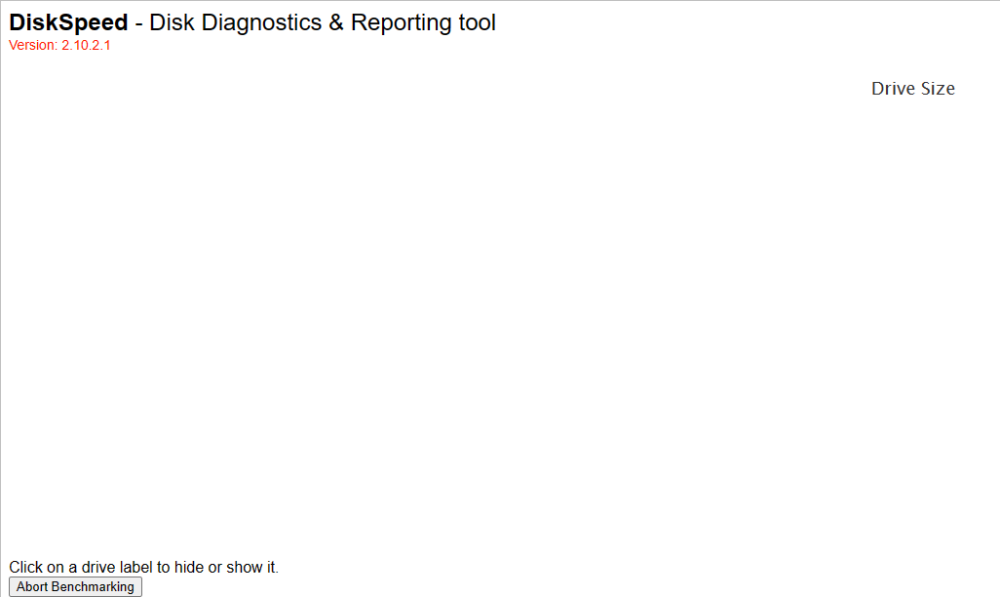
  1. When I start the drive benchmarking, I'm getting a blank screen! Thinking it may be a browser issue, I've used FireFox and Edge. This is on a Dell T320 with an H710 flashed to IT mode. I've got eight very old drives, with Preclear flagging a drive as being slower than the others. Please let me know how to troubleshoot. This is my second go at an UnRAID box, but I still think of myself as a newbie.
Account

Navigation

Search

Search

Configure browser push notifications

Chrome (Android)
  1. Tap the lock icon next to the address bar.
  2. Tap Permissions → Notifications.
  3. Adjust your preference.
Chrome (Desktop)
  1. Click the padlock icon in the address bar.
  2. Select Site settings.
  3. Find Notifications and adjust your preference.