





Volff
Members
-
Joined
-
Last visited
-
Okay. I will try a ENG win10.
-
Well it was looking good till it had a problem with TPM
-
I tried with win11, no problem at all. It is installing win11 now.
-
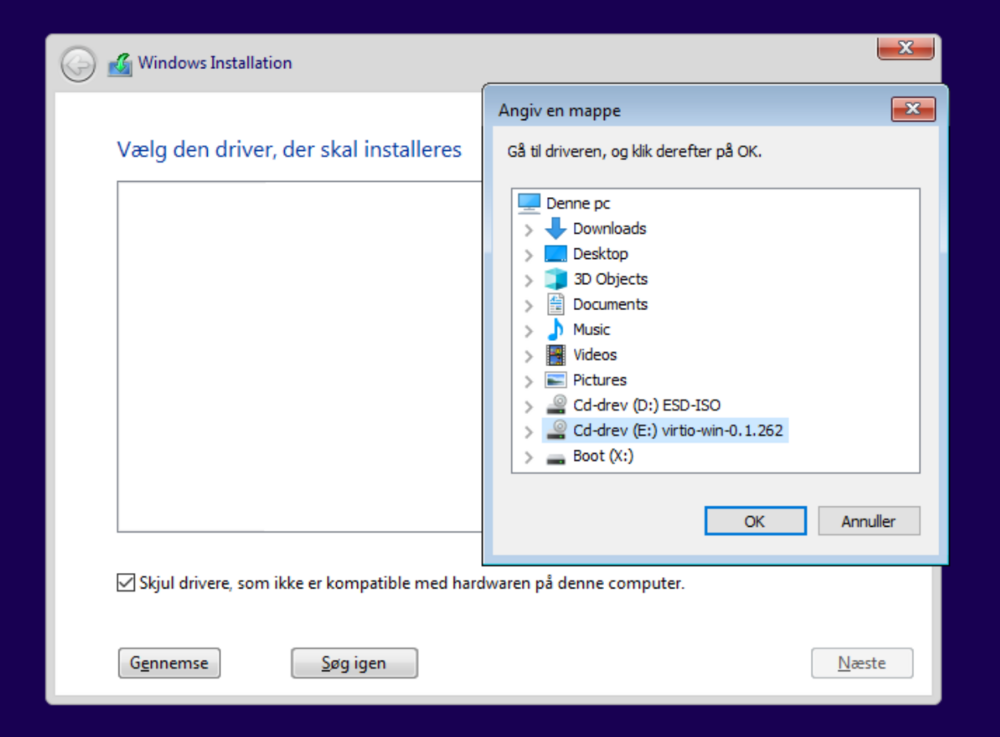
I am supposed to get the driver from the selected drive, right?
-
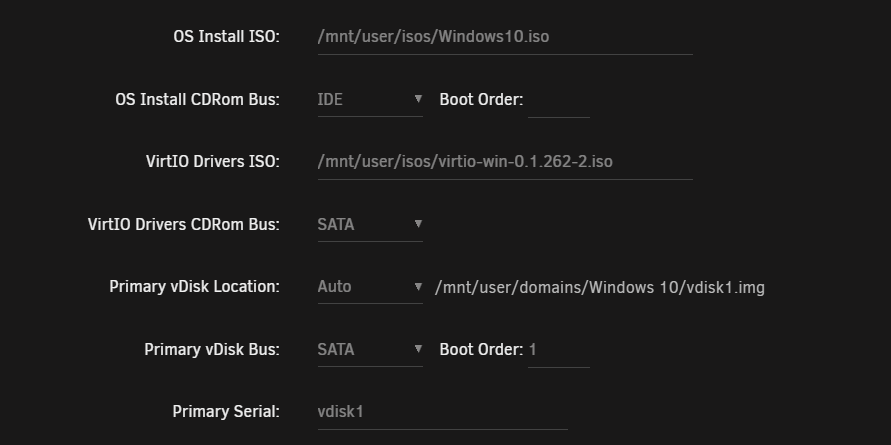
I can not get the driver working, with this setup too
-
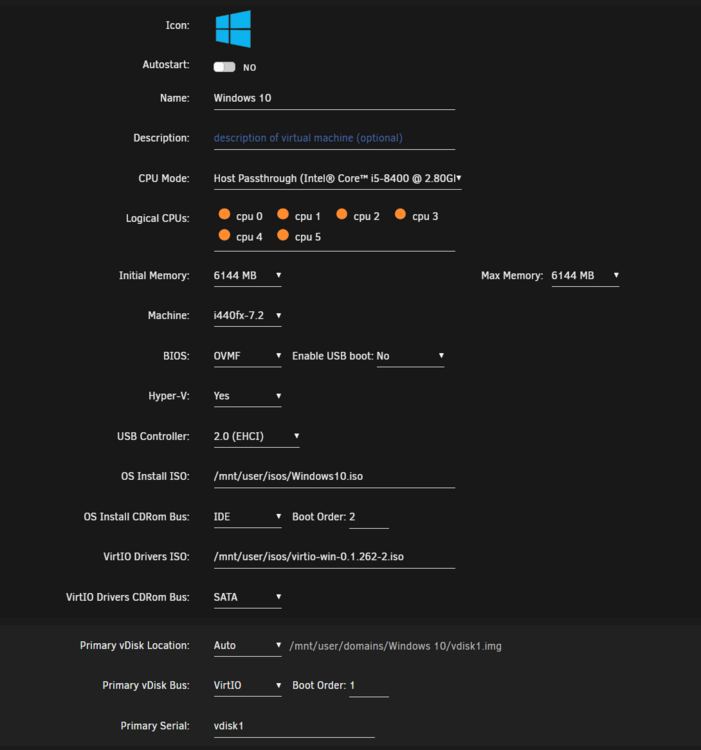
Is this right?
-
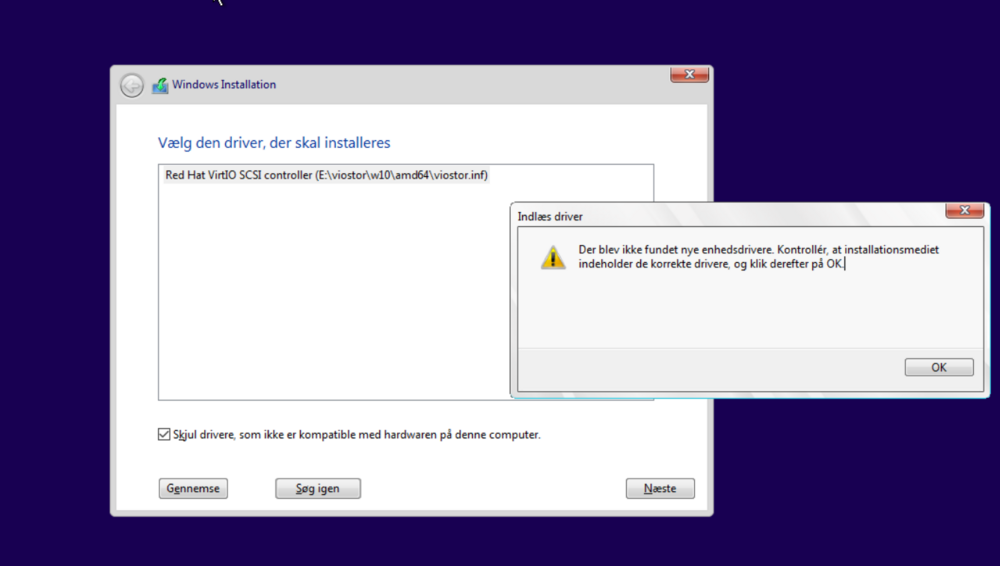
I came to this (image) i found this driver as I saw in a video, but i got an error. No new driver found, make sure it is the right driver.
-
Thank you i will try.
-
Is anyone having trouble booting Win10 VM for the first time? I'm getting the error in the picture when I try to boot. I tried four times now and watched two different YouTube tutorials, it just work then they do it. VMX and VT-D are on.
-
Yes
-
tower-diagnostics-20240414-1144.zip
-
I mountet the new SSD, but have problem already. Disk is disabled. tower-diagnostics-20240413-1853.zip

-
Made a new config with the SSD and parity is being build.

-
Can i move data with unbalanced?
-
It is done now. Shall i close Maintenance Mode and run like normal?


