






Scurz
Members
-
Joined
-
Last visited
-
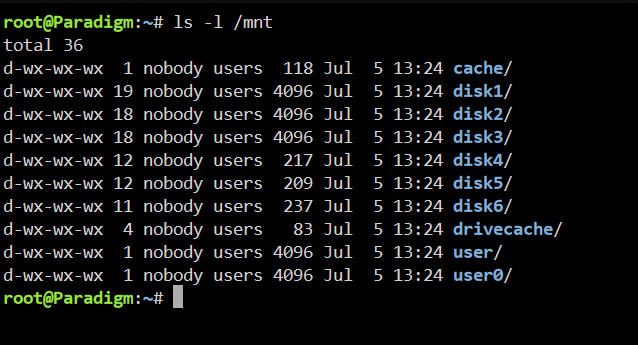
Ran Docker Safe New Perms, and New Permissions on all Disks. I can't run New Permissions on all Shares as Unraid doesn't recognize any shares
-
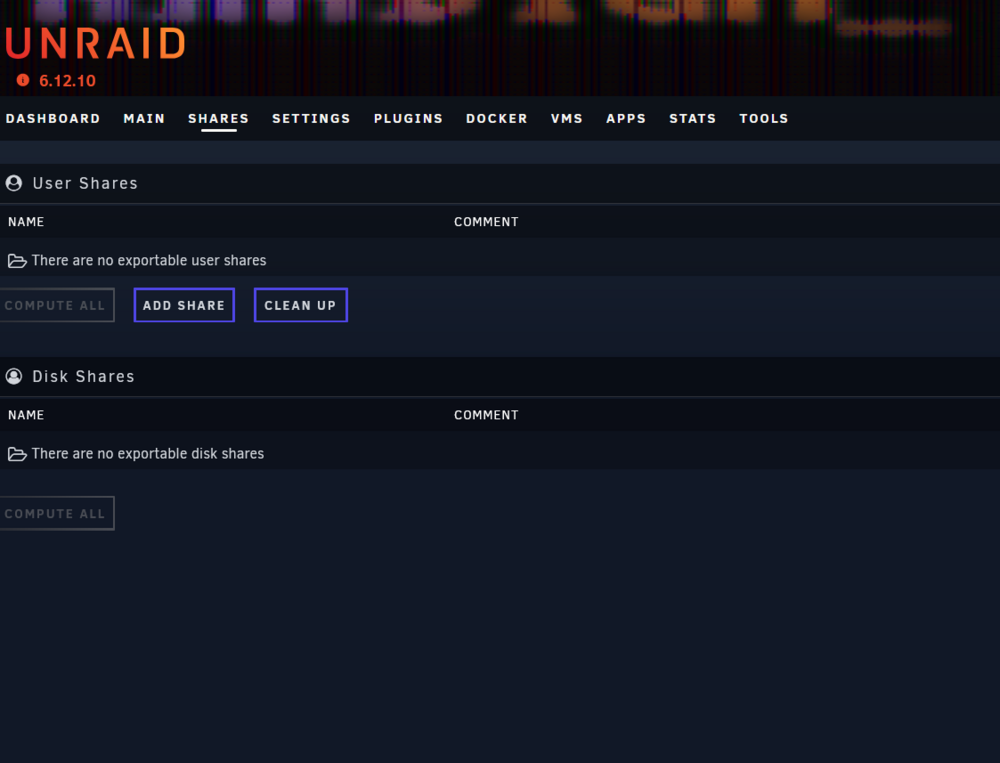
Enable SMB is on. I'm familiar with the process of setting up SMB shares. I am not able to access my share settings as Unraid is not displaying any shares. I
-
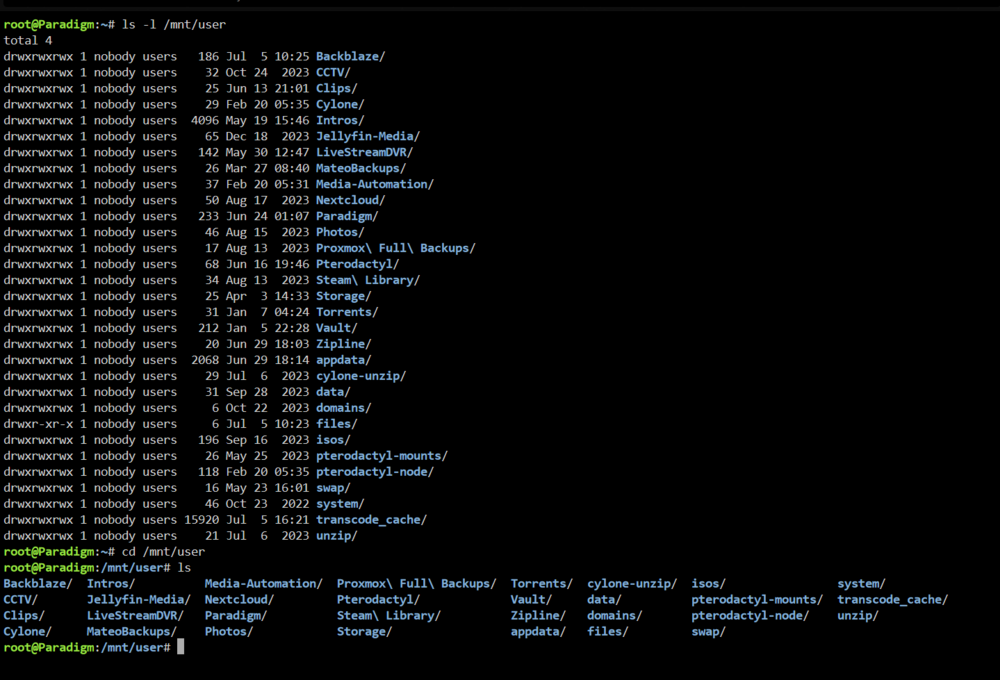
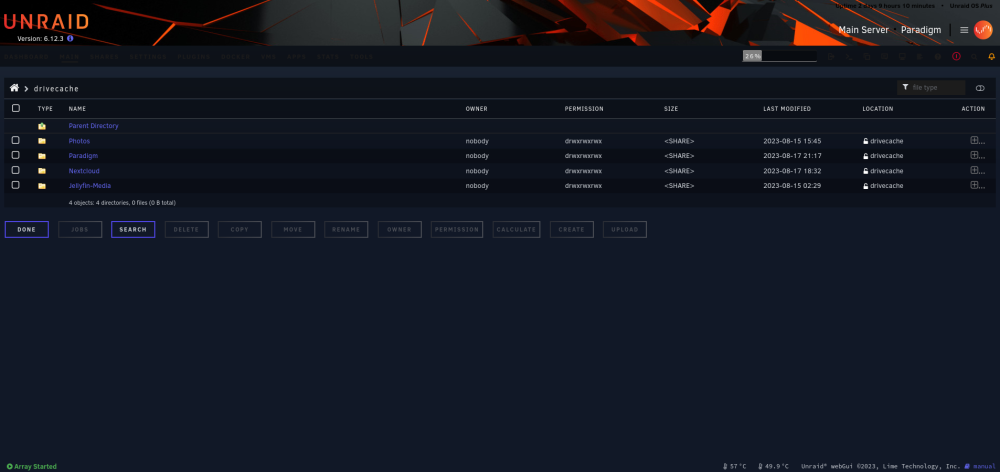
My bad for the typo. The files exist. I'm just not sure why I get the "There are no exportable user shares" error in my share tab
-
paradigm-diagnostics-20240705-1427.zip let me know if more info is needed
-
yes. 5 times
-
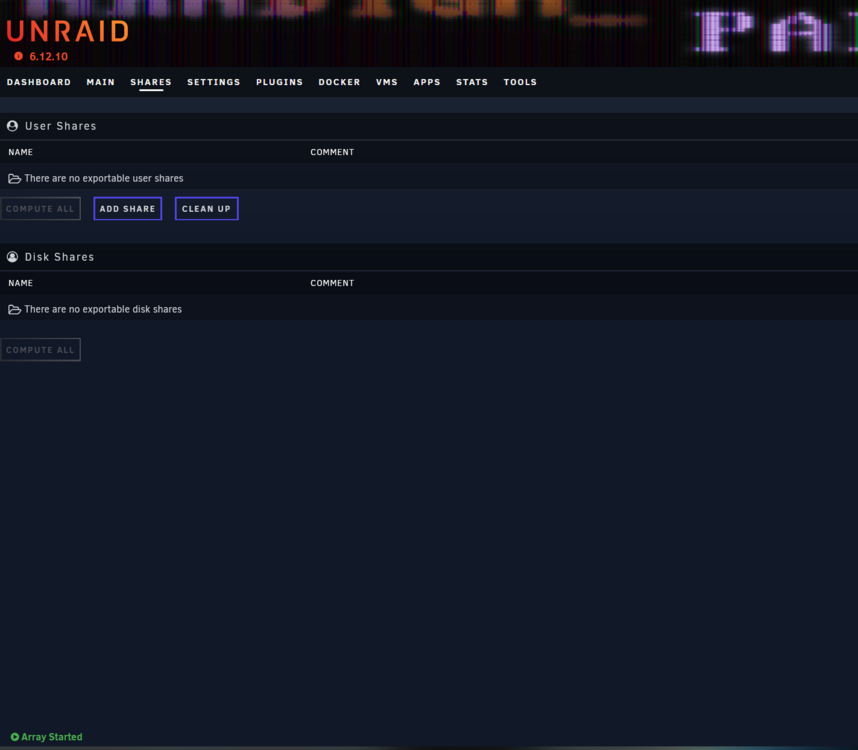
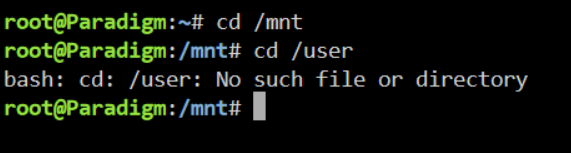
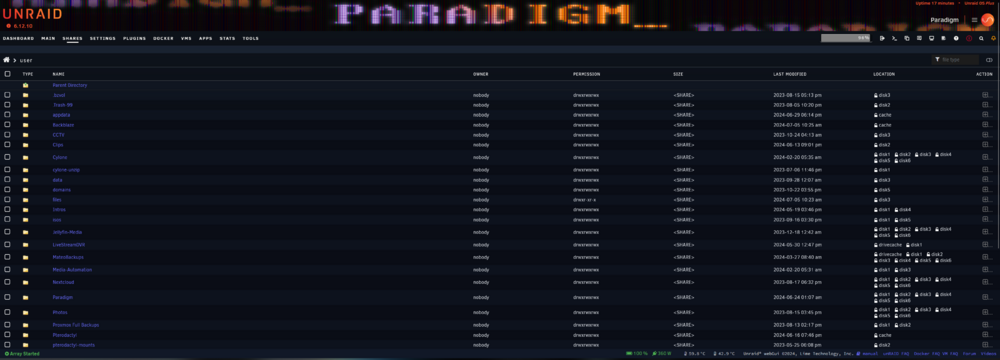
Hi, Not sure how or why this happened, but all of my user/disk shares seemed to have disappeared. They show up in the File Manager plugin, and my docker containers show up. Not sure what is going on... paradigm-diagnostics-20240705-1310.zip Diagnostics attached. let me know if more info is required.
-
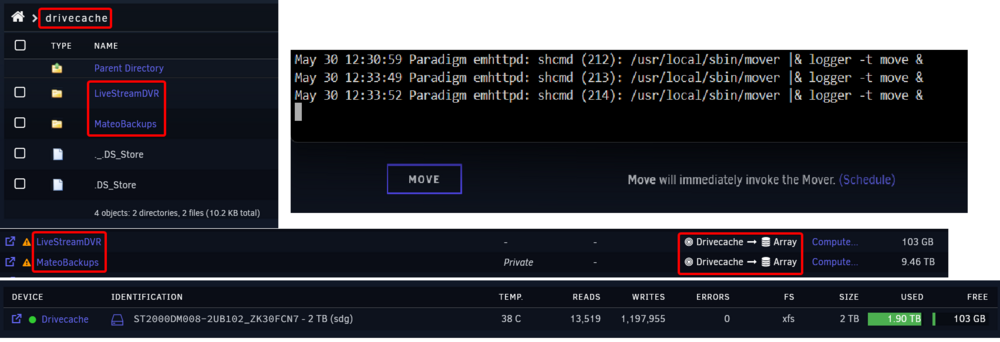
I cannot get the mover to move files from /mnt/drivecache to my array. The share is configured properly for the files to be moved to the array, yet when the mover is invoked, no files are moved. Diagnostics attached, let me know if additional info is required. paradigm-diagnostics-20240530-1229.zip
-
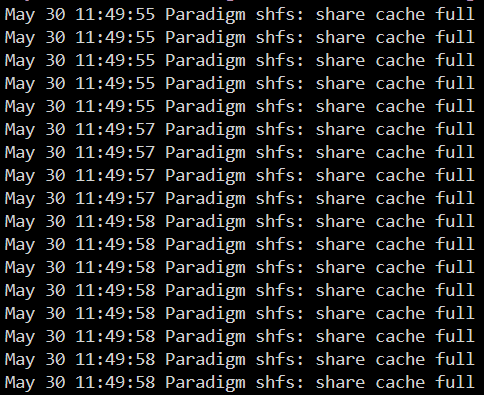
I've been getting this issue on and off for months now. I've looked into similar threads of other users who have this issue and it's normally due to a misconfigured "Minimum free space" setting. My Cache drive is nowhere near full, my shares are configured correctly, yet I keep getting this log error. Diagnostics attached. Let me know if additional info is required. paradigm-diagnostics-20240530-1229.zip

-
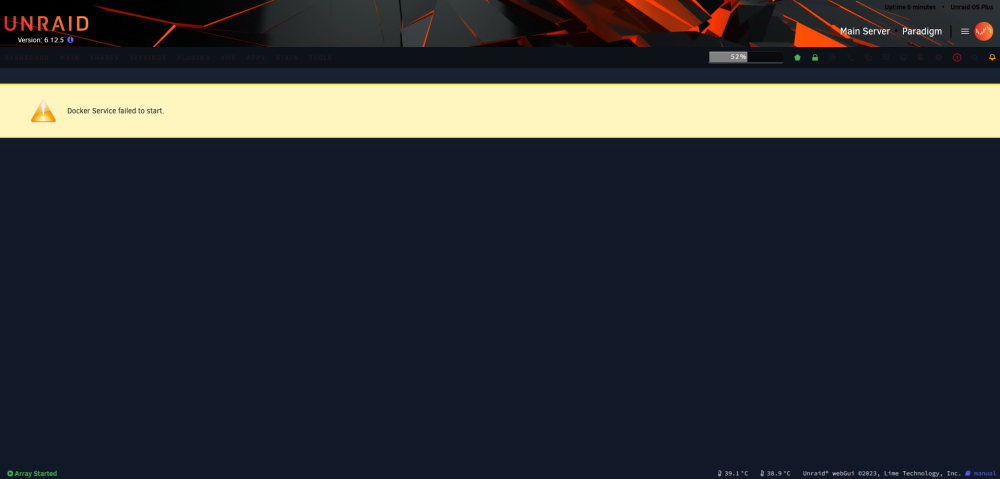
Not sure what caused this. Diagnostics are attached. paradigm-diagnostics-20231216-1420.zip
-
Yes, The script was run yesterday when my docker.img was full.
-
Hi, I looked into the video, tough I'm still confused as to which container is taking up all that space; Here's a paste of SpaceInvader's script result: https://pastebin.com/raw/DeTjKC1Z Removing Orphaned Images: https://pastebin.com/raw/jGdfLWAE Does anything look out of the ordinary?
-
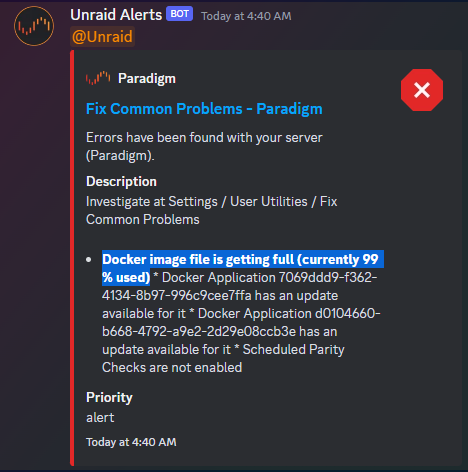
I am getting daily notifications that my docker.img is full though I am certain it is not; My docker.img is an absurdly large 110GB Here is a list of my containers and their sizes: https://pastebin.com/raw/VtYgHNAB This adds up to 56GB - Just over half... Where is the other 54GB??

-
This seems to have worked - Thanks!
-
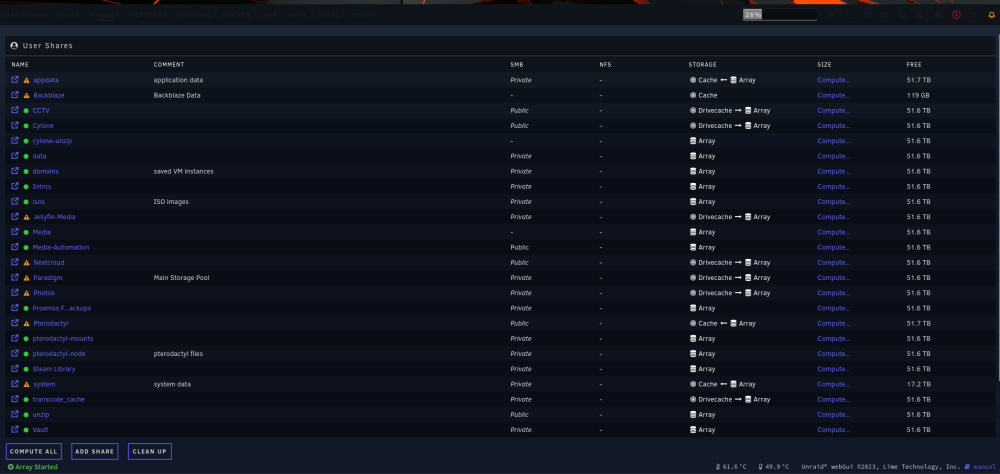
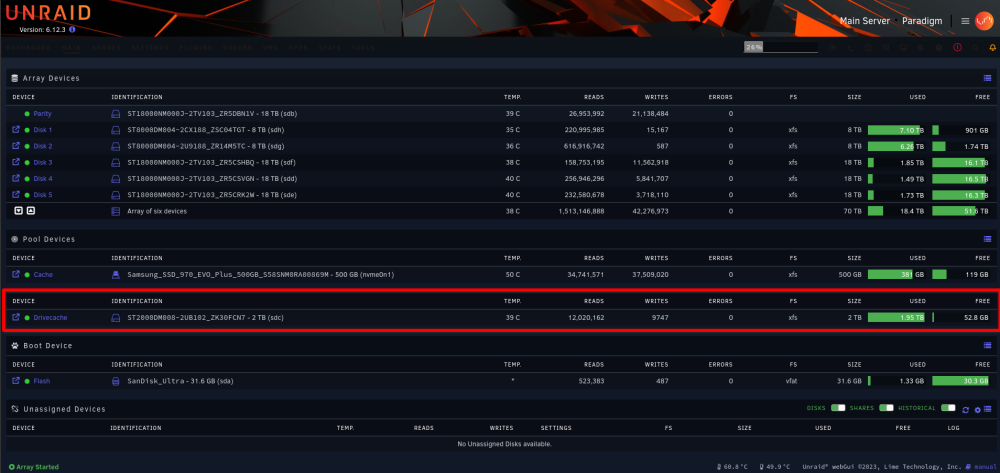
I have a 2TB HDD cache "drivecache" that I use to reduce wear to my array. For some reason, The mover takes no action when it fills up, even when manually running it. I've ensured that all shares are Drivecache -> Array but the files seem to stay on the Drivecache? I've attached diagnostics. Let me know if more info is required. paradigm-diagnostics-20231008-0841.zip
-


