






Emilia
Members
-
Joined
-
Last visited
-
Ok I'm blind, I used chown instead of chmod using chmod on the appdata folder fixed it though
-
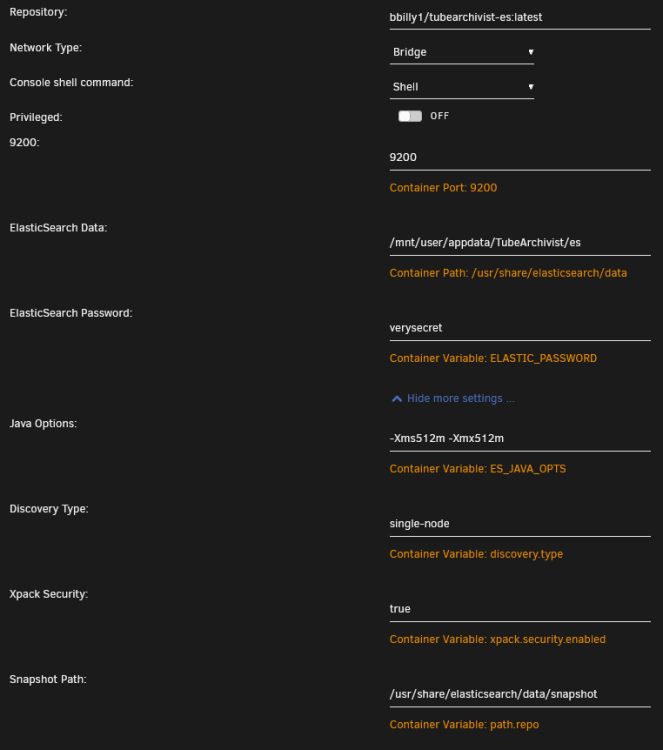
I'm trying to install tube archivist, not update from a previous version. I'm also just using all the default settings: * also tried reinstalling it but that didn't fix anything
-
Can you explain how you did this? Like you're saying that path is inside the container, but how do you go about changing the permissions inside the container using chown? Since you'd need to have permission to change the file permissions, which isn't the case since then you'd already have permissions in the first place. I did however try the following, that didn't give me an error but it didn't seem to fix the issue either. `docker exec -u root TubeArchivist-ES chown -R 777 /usr/share/elasticsearch`
-
I was wondering if there's a way to run a custom postup script. There's already one defined and overrides any changes made, so is there currently a way to add a custom script along side the pre-defined one?


