





theMillen
Members
-
Joined
-
Last visited
-
so ran memtest was definitely RAM, sea of red errors. replaced RAM, reran the btrfs rescue script and plex is giving me all kinds of errors. any guides on backing up and recreating the pool that explains like im five? (attatched logs again) tower-diagnostics-20250603-1755.zip
-
Unfortunately problem came right back after a restart :\ Reran that script, it came back up, but now im worried this will keep happening. I attatched log after running script again. tower-diagnostics-20250601-1119.zip
-
seems to have done the job! (attached logs just in case) tower-diagnostics-20250601-1043.zip
-
Wife said plex wasn't working, noticed server had restarted unplanned and got this for my cache/docker drive. I tried the "Stop array and unassign both pool devices Start array (click checkbox "I want to do this") Stop array Reassign both pool devices Start array" trick, did not work, also tried updating to latest Unraid, here are the dignostics, anyhelp would appreciate it, happy wife, happy life. tower-diagnostics-20250531-2118.zip

-
using PC Xbox app version (up to date) i was able to transfer the world to my appdata folder and loaded just fine. hmmm so that means only mod?
-
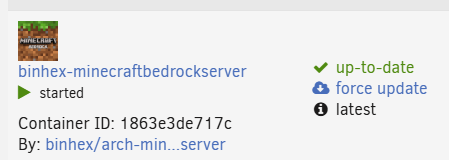
yes, i've even tried the "force update" option 😕 have some errors in WebUI if that helps
-
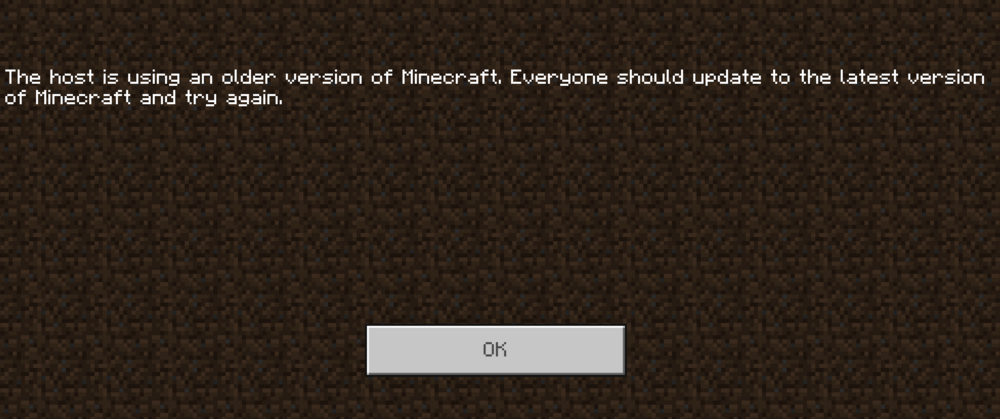
any chance i've done something wrong? my and the wife havent played for a few months, fired up the game and sait server was out of date. goto server, says up to date. Any help?
-
Performance issues? Background: was running my 5 drive array (1 parity, 3 drive pool, sata ssd) on an old Optiplex i7 4770 with 32gb RAM and was running pretty much without issue besides LONG "building terrain" when going to nether. I had been wanting a reason to upgrade server for the longest, so i upgraded to i5 13500, 32gb, 1tb 980 pro NVMe. Moved system and appdata over to the NVMe. NOW i seem to be having weird hiccups all the time, ie: putting down blocks and sometimes some disapear. i have to eat food sometimes multiple times for it to not disapear and take. Even building terrain sometimes takes longer. Any ideas?
-
thanks for all the help, you got a paypal/donation link so i can buy you a beer?
-
by the speed they started i assume everything is good to go? anyway to tell they are indeed running off ssd and the "mover" functions havent changed (i assume they shouldnt, but being in IT the words should and computers never go together)
-
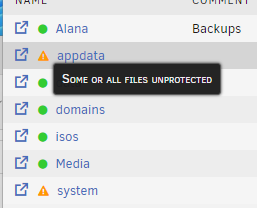
ok after move i get this is this normal? EDIT: nvm, i assume it's because theyre no longer on a parity protected array...
-
derp, thanks, it's been awhile since i set this up and completely forgot, and thought the array had to be offline XD TY!
-
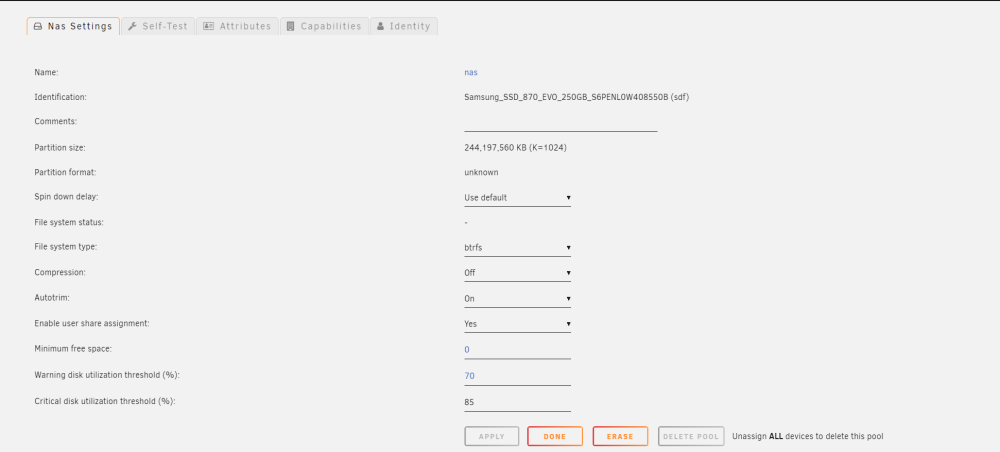
ok, i must've missed something, i set the FS to btrfs and i thought it would format to that, am i missing where to format the drive/pool?
-
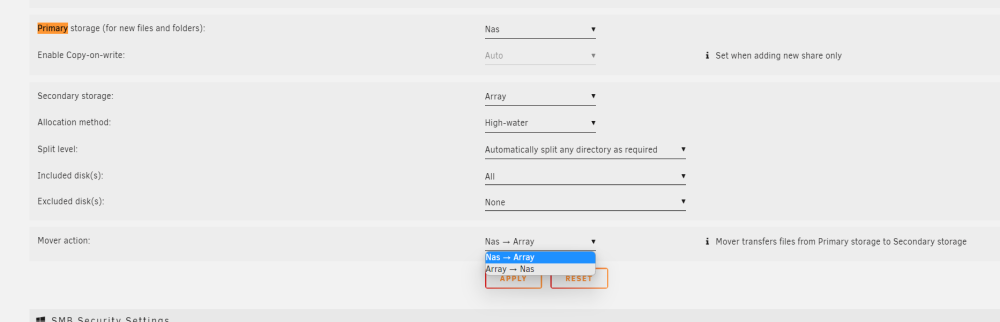
this is where i am
-
DOH! TY again. for clarification on this "set the mover action for these shares to be array->cache." What if i dont have a cache drive ?


