Skip to content
View in the app

A better way to browse. Learn more.

Unraid

A full-screen app on your home screen with push notifications, badges and more.

To install this app on iOS and iPadOS
  1. Tap the Share icon in Safari
  2. Scroll the menu and tap Add to Home Screen.
  3. Tap Add in the top-right corner.
To install this app on Android
  1. Tap the 3-dot menu (⋮) in the top-right corner of the browser.
  2. Tap Add to Home screen or Install app.
  3. Confirm by tapping Install.

vvqboy

Members
  • Joined

  • Last visited

Everything posted by vvqboy

  1. 我的 clash 是 docker 方式启动, host 网络模式. 我期望 clash 能接管 unraid 系统全部流量. 这个模式是可行的么?
  2. Sorry, I found I can visit appdata by /mnt/user/appdata, that's enough
  3. I want put some config file into disk, for my docker. I think appdata is the best folder to do this. But I can only visit app data by /mnt/cache/appdata. I think we need a soft/hard link for appdata. then if I move appdata from cache, it still can be visited.
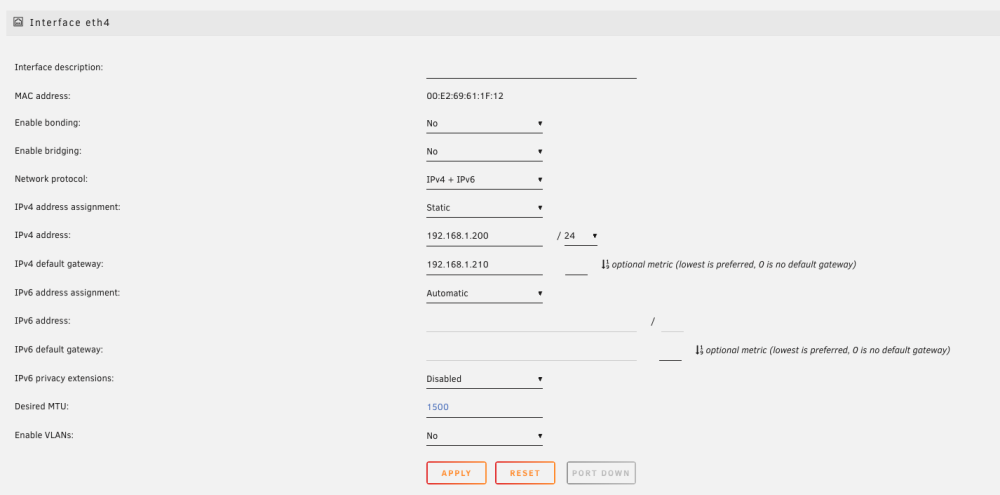
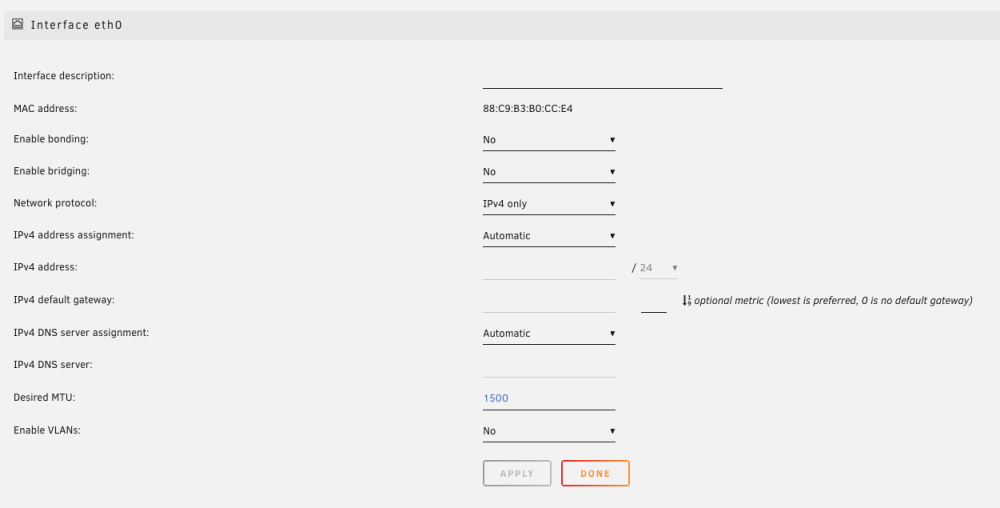
  4. whey only the first Interface can be set IPv4 DNS server, and others can not set
  5. 试了一下, 现在 大鹏yyds 好像不能使用了. 在 unraid 里使用支付宝也一样

Account

Navigation

Search

Search

Configure browser push notifications

Chrome (Android)
  1. Tap the lock icon next to the address bar.
  2. Tap Permissions → Notifications.
  3. Adjust your preference.
Chrome (Desktop)
  1. Click the padlock icon in the address bar.
  2. Select Site settings.
  3. Find Notifications and adjust your preference.