F0X
Members
-
Joined
-
Last visited
Everything posted by F0X
-
Super, thank you for your quick and clear answer!
-
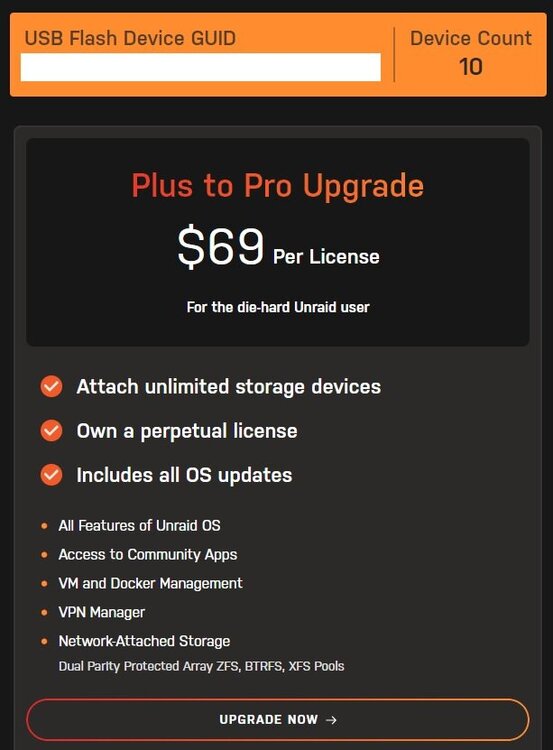
I think I should just upgrade to keep the lifetime updates?
-
Hi, I'm using Unraid OS Plus since 02 Feb 2017 and there has not been time yet to keep the server updated. Another reason was that the old setup was sortof fragile, so I decided to just stick with the version that I have. Currently, the OS version is 6.9.2 and I want to update my OS. Now I see that one has to pay for updates? I have missed that over the past years apparently, so what I understand is that I cannot update my system until I pay again or take a subscription?
-
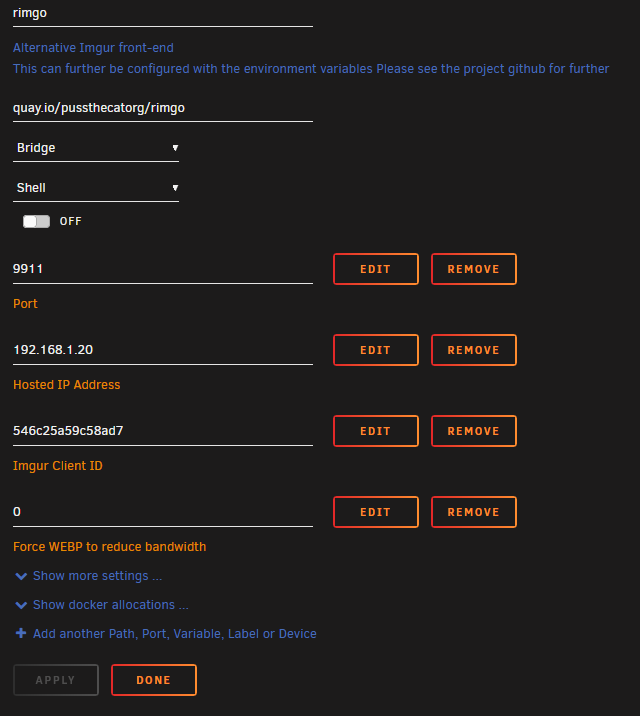
Hi, Alright, the IP address seemed to be the culprit. The 0.0.0.0 setting had confused me, expecting me to enter the server's address where it is hosted. It's working now. Thanks!
-
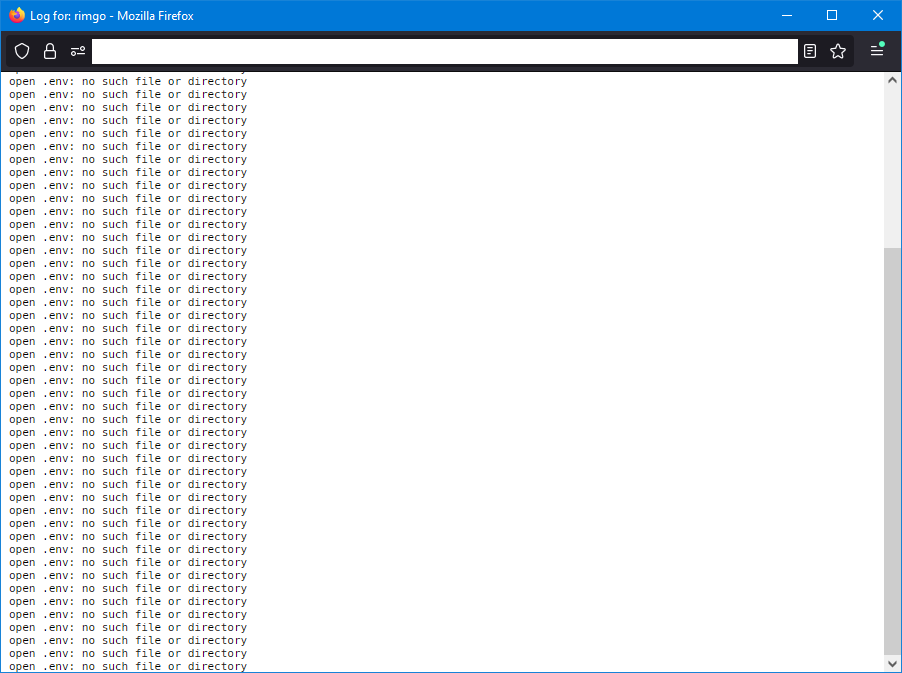
Thank you for your help, but Rimgo is not using yml files, but .env? It's clearly looking for it as shown in the log. All permissions are in good order. I have tried creating the rimgo folder manually in the appdata folder, but to no prevail. There is also no path reference in the docker settings, so it is logic that there is no folder made, nor a file made. https://codeberg.org/video-prize-ranch/rimgo Thanks.
-
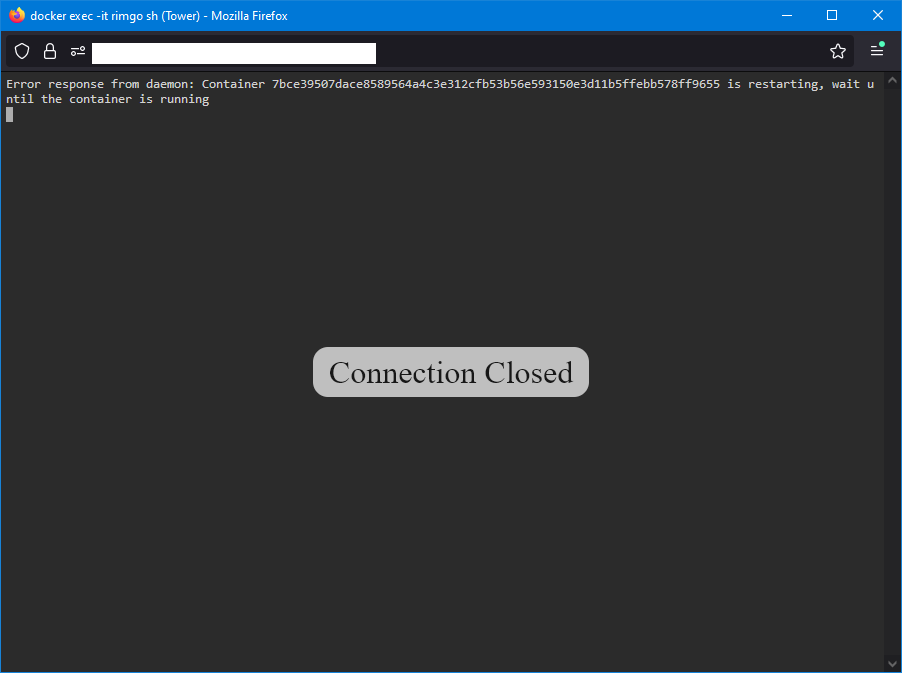
Hi everyone, I seem to have an issue with Rimgo! It's a fresh install of the docker, but the log is on repeat, displaying "open .env: no such file or directory" Going into the docker does not work [for me] as the console returns with "Error response from daemon: Container 7bce39507dace8589564a4c3e312cfb53b56e593150e3d11b5ffebb578ff9655 is restarting, wait until the container is running" There is nothing restarting, the docker seems to be running. But I guess the message is related to the software repeatedly searching for the .env file. Normally, one can go into the docker and make the file or add the file in the appdata/[product] folder, but I can't do anything withing the docker and there is no appdata/rimgo folder. Do I miss something [probably pretty obvious]? Thanks!