




Skip to content
View in the app

A better way to browse. Learn more.

Unraid

A full-screen app on your home screen with push notifications, badges and more.

To install this app on iOS and iPadOS
  1. Tap the Share icon in Safari
  2. Scroll the menu and tap Add to Home Screen.
  3. Tap Add in the top-right corner.
To install this app on Android
  1. Tap the 3-dot menu (⋮) in the top-right corner of the browser.
  2. Tap Add to Home screen or Install app.
  3. Confirm by tapping Install.

jonnery

Members
  • Joined

  • Last visited

Everything posted by jonnery

  1. Got it to work again after I removed the docker container and deleted the whole Jdownloader folder in appdata. After a fresh installation it now working again flawlessly.
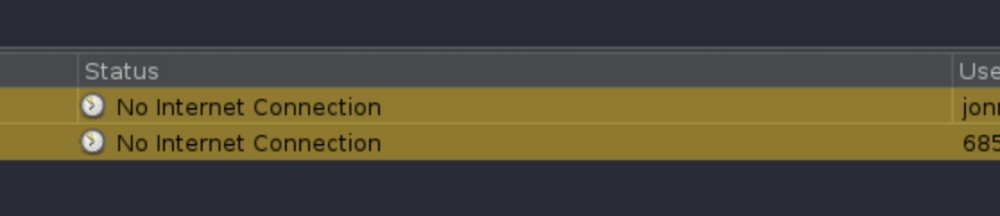
  2. No I can't download files, because the account manager can't check account status. I will check log files now.
  3. Wow! I thought I was the only one. Couldn't find any information anywhere so I thought it was an error on my end. I have the exact same issue. Jdownloader can't connect to anything. My premiumizer container can't connect to it. It can't check its accounts and it can't connect to the myjdownloader service. I already removed the whole container and reinstalled it but no success so far... Anybody who could help us?

Account

Navigation

Search

Search

Configure browser push notifications

Chrome (Android)
  1. Tap the lock icon next to the address bar.
  2. Tap Permissions → Notifications.
  3. Adjust your preference.
Chrome (Desktop)
  1. Click the padlock icon in the address bar.
  2. Select Site settings.
  3. Find Notifications and adjust your preference.