Sideh
Members
-
Joined
-
Last visited
-
Well not enough power. Thanks for clearing that up. I have the power cables connected but it musn't be enough. Thanks for clearing that up for me. Apologies for wasting your time on this. EDIT: Spelling
-
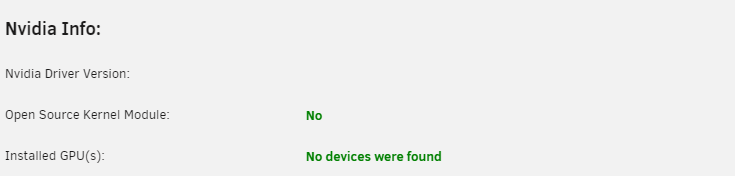
omg I can't believe I missed that. I untick it multiple times and then scrolled to the bottom and hit done. My bad, Sorry about that. It now says "No devices were found" I have also verified that it is no longer selected for VFIO. I have also included the diagnostics this time 😅 daedalus-gaming-diagnostics-20230829-1756.zip
-
I am so sorry, can't believe I missed that. Here it is attached. Just mentioning I am using and old Dell server incase that was an issue. Just incase. daedalus-gaming-diagnostics-20230829-1511.zip
-
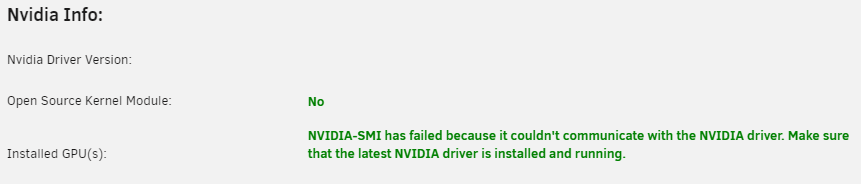
Hello, I am hoping to get some help or guidance with an issue. I had my GPU running in a previous system with unraid but recently bought an old T630 and installed my GPU (GTX 1070) into it with the power adapter provided from the seller. It lights up and seems to be working but after installing the app i get an error. Is there anything I can do? I have done the following: made sure the PCIe slot is enabled in the bios settings. tried older driver versions. uninstalled and reinstalled the app. Now I am scratching my head wondering what other options I have. Sincerely, Sideh. PS. doing the nvidia-smi in console provides the same out put as in the picture.