





inky
Members
-
Joined
-
Last visited
Everything posted by inky
-
Excellent! Much appreciated!
-
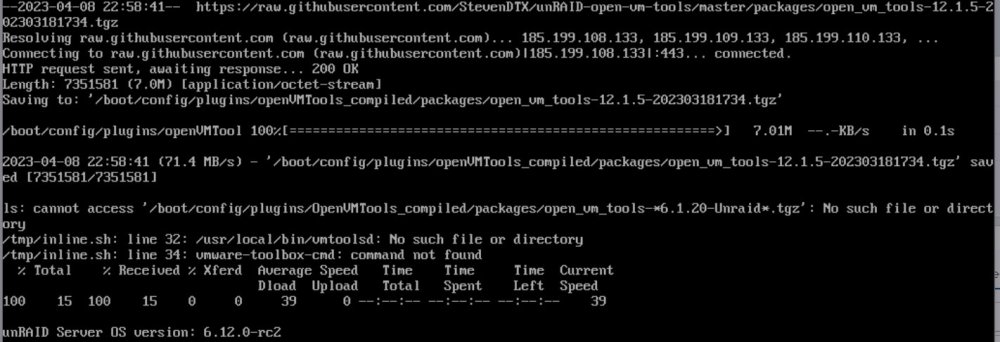
I'm on version 6.12.0-rc2 and getting the following error.
-
So i'm having a similar problem. Currently if i connect to the openVPN server on my unraid I can see everything hosted on it and access all other ip's on my network no problem. Last night in unraid i enabled bridge so my vm's could be bridge onto my normal network and get an ip from my router. However this broke OpenVPN. Now if i connect i only see the unraid ip and services it runs. I can't connect to anything else on my network. I get the same result if i try to bond two of my NIC's together. I'm running Unraid 6.1.2 Anyone else experiencing this?
-
I would love to get a docker with ubiquiti UniFi controller software
-
Look here for xml file for Maraschino that I created to be used with the Extended Docker configuration plugin created by gfjardim. http://lime-technology.com/forum/index.php?topic=34010.msg318153#msg318153 Awesome thanks!
-
