Alacrion
Members
-
Joined
-
Last visited
-
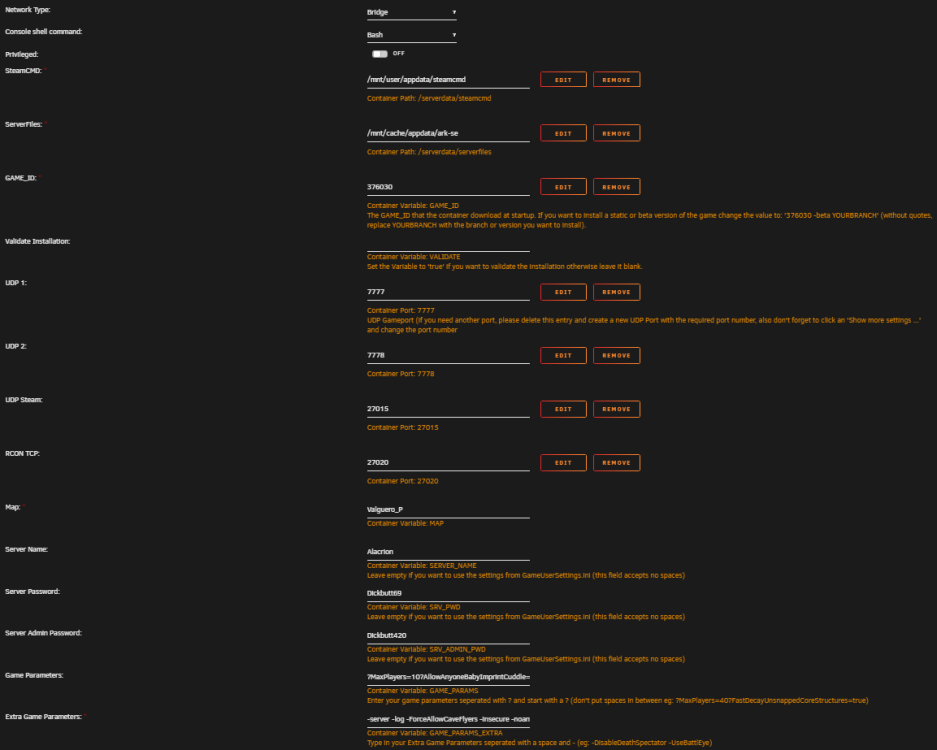
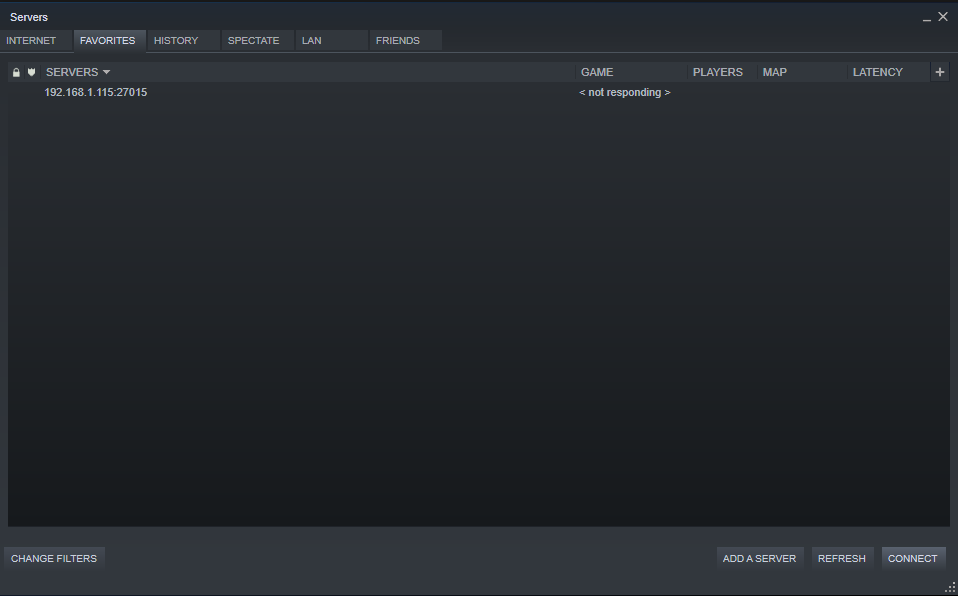
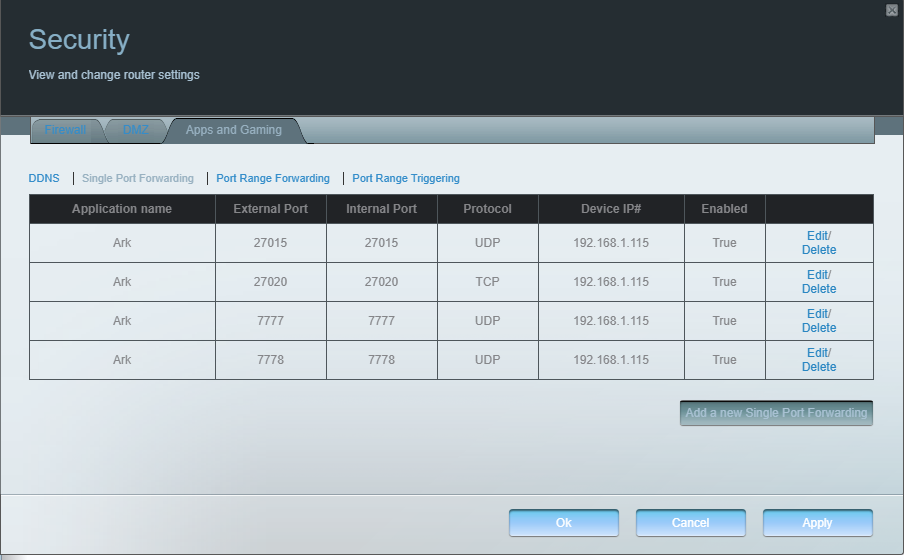
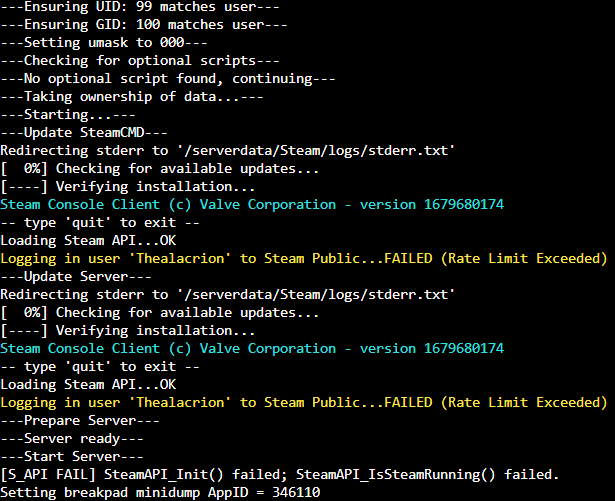
I am ABSOLUTELY lost. I am new to unraid. I primarily use it for a media server. I am trying to start an Ark server and no matter what I do I cannot connect to the server. I have read through Cyd's posts at least a hundred times by now. Ignore the server password haha. I feel like I am overlooking the simplest thing. At this point I'm starting to think it is my ISP. I have looked deep through this topic, steam forums, reddit, ark forums and nothing I try makes any difference. I have been at this for two days now, if I wasn't bald I would have pulled all my hair out by now. The steam login thing is also odd because its the correct password and i havent touched it in unraid, sometimes it logs in other times it doesnt, its like im reaching the limit for successful logins, but that isnt the main concern. The steam server not responding and my ark server not showing up is the main problem. Idk if my ports are wrong or what. TLDR: Cannot get into Ark server.