



Skip to content
View in the app

A better way to browse. Learn more.

Unraid

A full-screen app on your home screen with push notifications, badges and more.

To install this app on iOS and iPadOS
  1. Tap the Share icon in Safari
  2. Scroll the menu and tap Add to Home Screen.
  3. Tap Add in the top-right corner.
To install this app on Android
  1. Tap the 3-dot menu (⋮) in the top-right corner of the browser.
  2. Tap Add to Home screen or Install app.
  3. Confirm by tapping Install.

Caddish

Members
  • Joined

  • Last visited

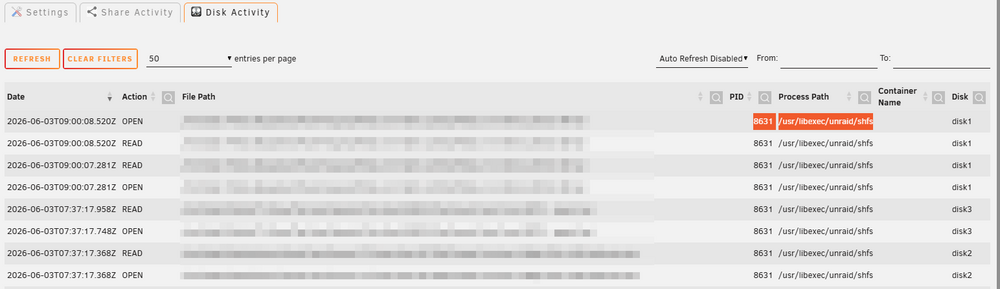
  1. Hello, I'm trying to pinpoint what's keeping my drive awake. I have found with your plugin that something is regularly traversing my media folder, so most likely culprit is plex/sonarr/radarr, but all the activity shows as PID 8631 and Process Path/usr/libexec/unraid/shfs Any way to find the actual PID ?
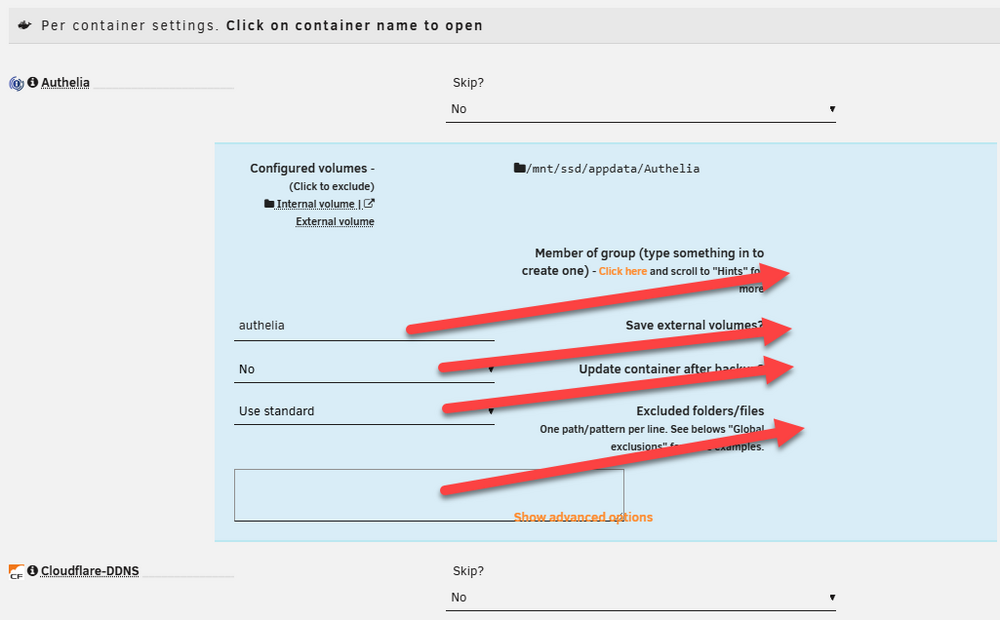
  2. FYI On unraid 7.2.0-RC2 the layout is broken. Absolutely understandable with the new responsive UI but still broken :P
  3. I have one array, one unemcrypted pool and one encrypted pool. Is there a way to have my array autostart excluding the encrypted pool ? (I would manually unlock the encrypted pool later ...)

Account

Navigation

Search

Search

Configure browser push notifications

Chrome (Android)
  1. Tap the lock icon next to the address bar.
  2. Tap Permissions → Notifications.
  3. Adjust your preference.
Chrome (Desktop)
  1. Click the padlock icon in the address bar.
  2. Select Site settings.
  3. Find Notifications and adjust your preference.