





Teffi71
Members
-
Joined
-
Last visited
Everything posted by Teffi71
-
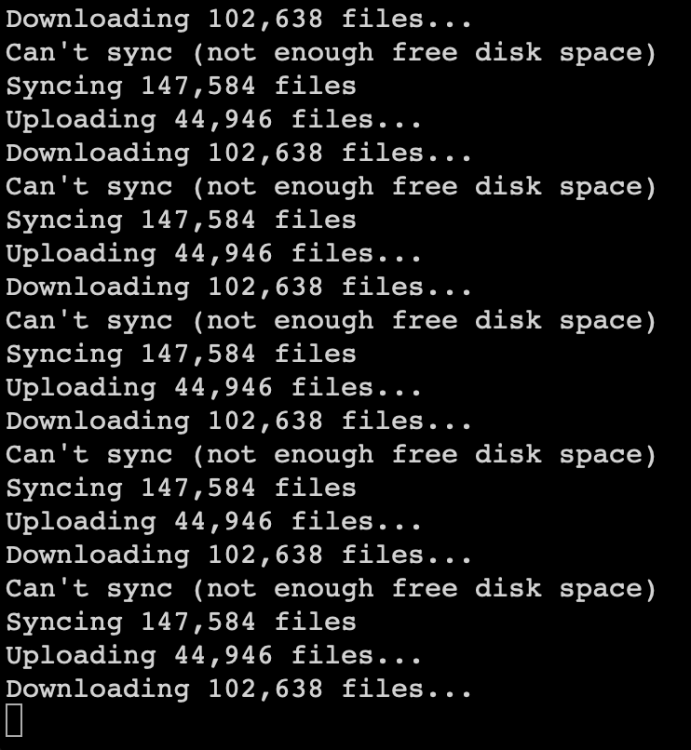
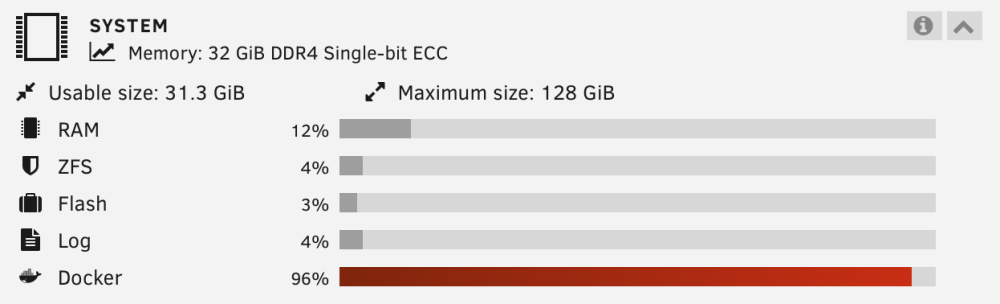
Hmm - after synching for a while, it has now stopped as it would not have enough free disk space ... My array is plenty big approx 80 TB and the time would not have been enough to transfer this amount of data to my local Unraid ... So looking further, it appears that the memory for Docker has reached 96% ... And I have no clue on how to change that ... (especially, as the docker was running fine the previous data transferring 0.5 TB).
-
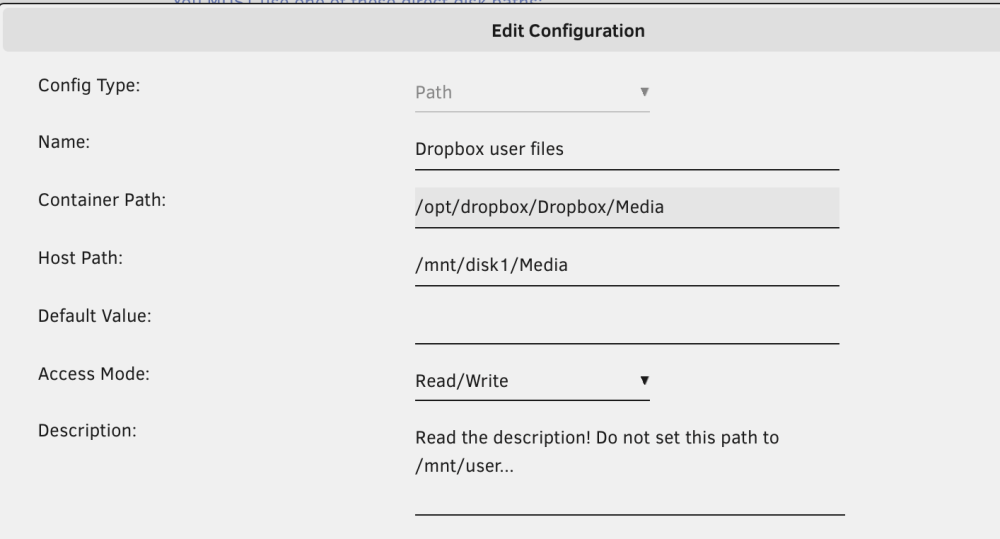
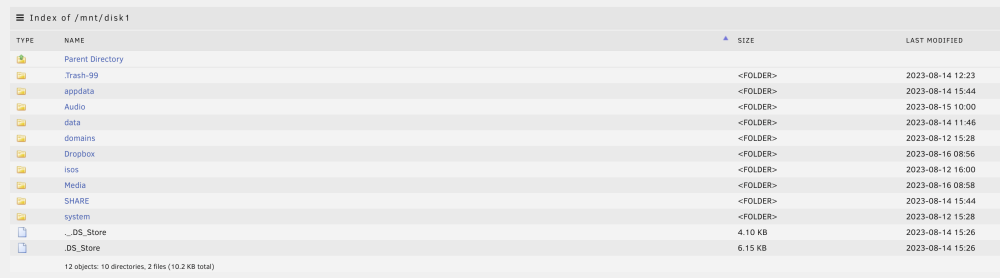
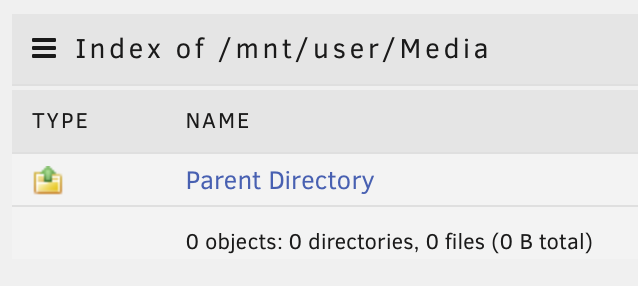
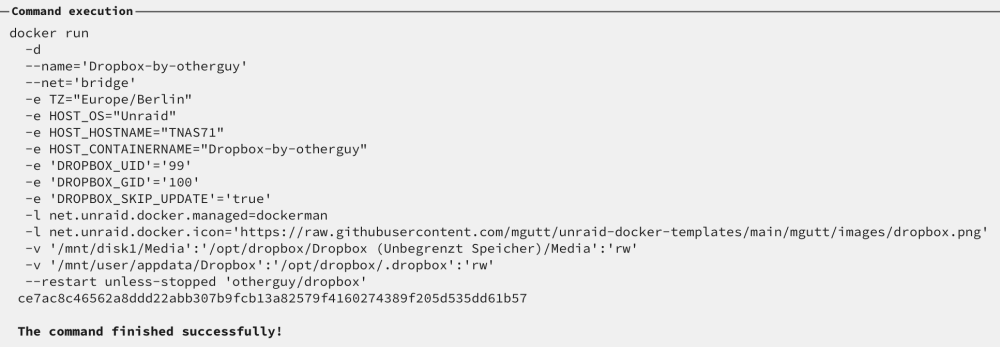
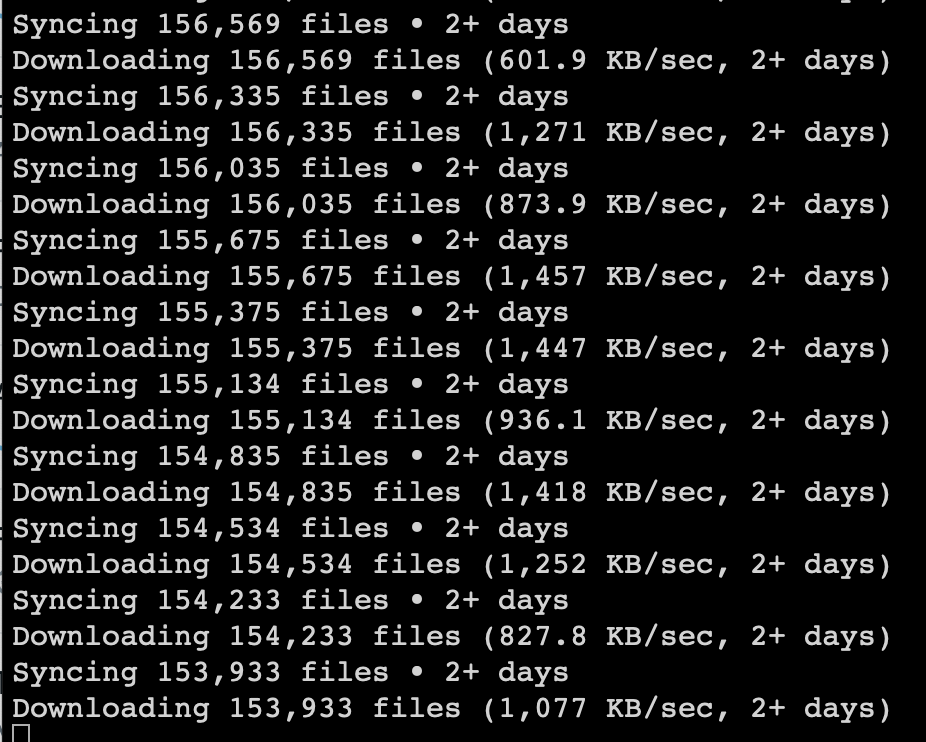
As I want to sync only one folder out of my Dropbox to Unraid and vice versa, I did the following: - I modified the Container Path to reflect the one folder I want to sync - specified the Host Path to be /mnt/disk1/Media - v ' /mnt/disk1/Media':' /opt/dropbox/Dropbox (Unbegrenzt Speicher) /Media': 'rw' during docker run seems to do what I want 😇 - when I look up Media under Shares, I can see it as /mnt/user/Media and under Main as /mnt/disk1/Media - is this normal? currently, it is indexing as the folder Media in Dropbox is roughly 24 TB ... Update: it is now syncing & downloading. However, I do not find any files or directories in /mnt/disk1/Media nor /mnt/user/Media ... Any feedback would be appreciated! 🙏
-
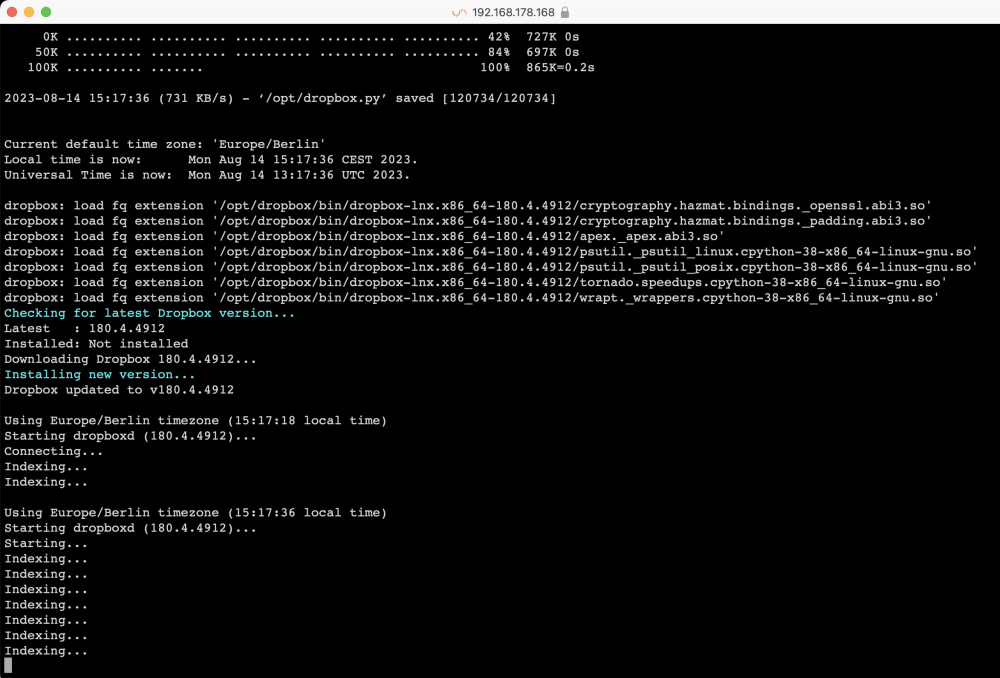
Solved it ... I hope ... I modified the Container Path: to what it wants according to the log and now it is indexing ... and indexing ... and indexing ... I have roughly 18 TB in dropbox ... New question: is there a way to setup several paths in my dropbox to be sync with several Unraid shares? a 1:1 sync between dropbox and Unraid would not fit my workflow ...
-
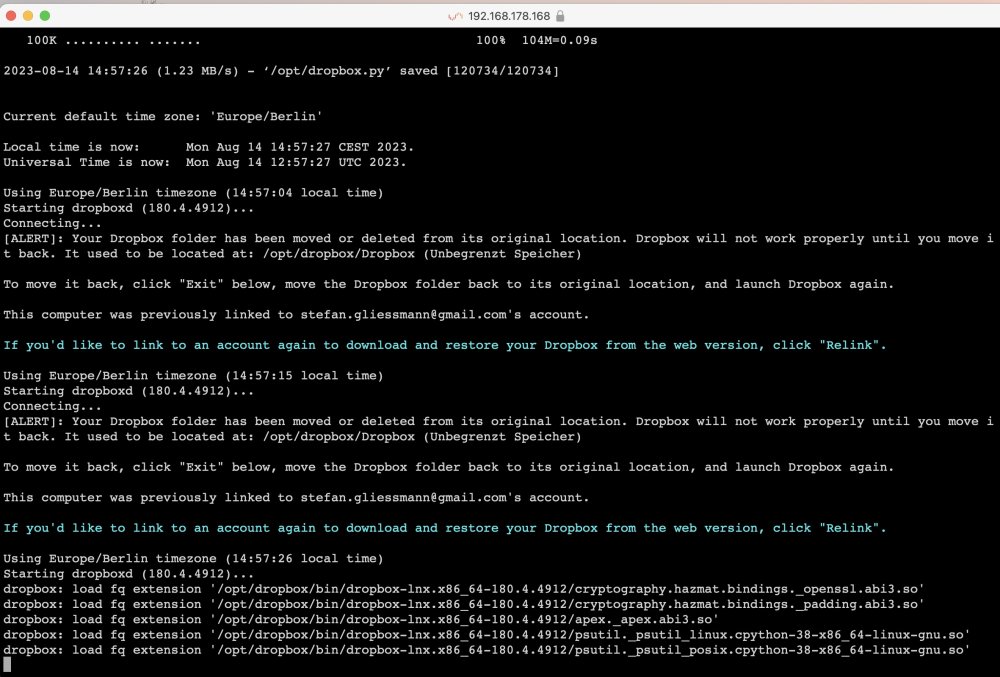
Hey there! I followed the instructions outlined by gr8zatara ... however, restarting the container after successfully authorization to my dropbox, update starts and gets finished, but then I get: ALERT: Your Dropbox folder has been moved or deleted from its original location. Dropbox will not work properly until you move it back. It used to be located at: .... What did I do wrong?
-
Once the GPU was installed, it is pretty straight forward … currently my 20 TB parity disk is getting built/sync’ed …
-
well ... just ordered a graphics card so I can get into BIOS to change boot order ... GeForce GT 1030 Low Profile 2G N1030D5-2GL
-
Hello - I have already two Unraid server running and getting more and more upset with the QNAP OS. Hence, I want to install Unraid on the TS-h886. I have read that in general Unraid runs on QNAPs, but I was unable to find another h886 owner running Unraid. Anything specific for this NAS to consider? Are the fans now working fine? I have seen also that rudimentary LCD display support is available ... Thanks in advance for any advice, Stefan https://www.qnap.com/en/product/ts-h886
-
I had the same problem. Read somewhere that this is the onboard Intel GPU which I won't use. Hence, I disabled it in BIOS and just booted successfully


