





gronfors
Members
-
Joined
-
Last visited
-
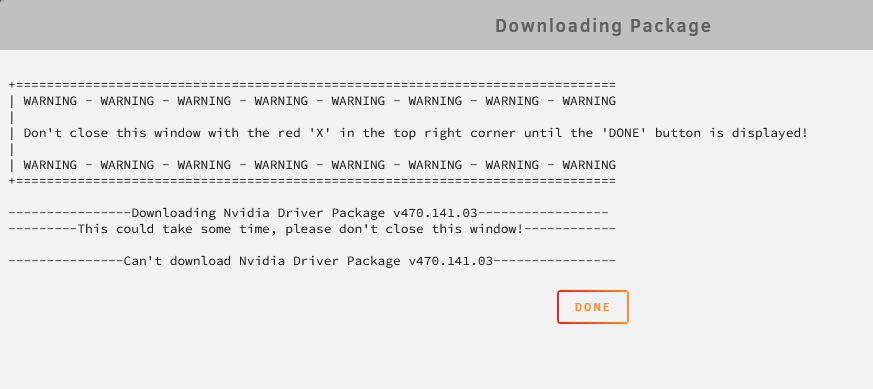
It's just saying can't download with this Thanks for the support!
-
Yup, I'm dumb. Got my systems/GPUs mixed up. GTX680. I'm struggling to figure out how to reinstall the older driver version now if you're able to assist on that front
-
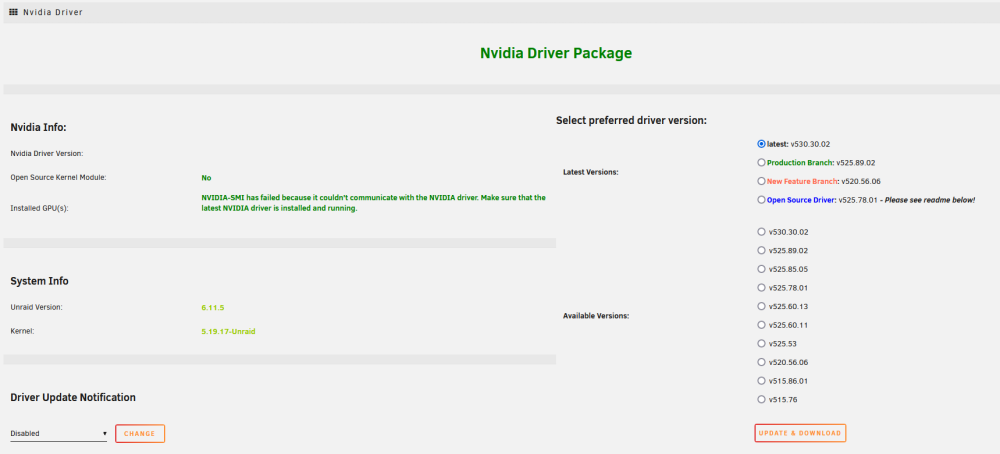
Sorry, was thinking I just needed to update the driver - but getting the "NVIDIA-SMI has failed error" after updating my unraid OS from 6.9 to 6.11.5. GPU is GTX 1080 Ti which still shows supported for 530.30.02 - Tried uninstalling / reinstalling Nvidia Driver plugin as well as rebooting. Thanks for the help mumbojumbo-diagnostics-20230301-0907.zip
-
Beginner here, how do I actually update the plugin? I clicked Update & Download, allowed the download to complete. It provided the message that it will be installed after rebooting server however I've reset twice and nothing has happened. Clicking Update & Download again verifies its already downloaded, how can I ensure it installs on the system reboot? (Which I've been doing by just clicking reboot)
