





Everything posted by ProblemWithField
-
I am currently moving the data from the old drive using the dynamix file manager plugin, hopefully I did it correctly, I may need help to get the New Config figured out/
-
I got a new drive and my original intention was to replace it (16 TB for an 8TB) However I did it wrong and ended up adding the drive to the array. Is there a way I can move the data off the 8TB to the 16 so I can remove it? Main goal is to get everything to CMR drives to make things work a little smoother. I will be getting another 16 TB at Christmas time. Merry Christmas! Any Help would be greatly appreciated. I must suck at putting in search terms here.
-
I have marked this as being solved, it is working so good! Thanks again for all the help!
-
The whole finish key replacement isn't working for me, so I sent them an email.
-
Trurl, THANK YOU! Thanks to all who helped me work through these issues. I have requested a new licenses key and as soon as that arrives I believe I will be all set with all my data. Thanks again to all of you. I have a been a bit laid up after a couple surgery's, and was quite anxious about all this. Thanks so much to a great community!
-
That will be the first thing I check when I get back to the machine. Thanks so much!
-
I did rebuild the drive, I have not moved the config yet. (Figured I would see if it worked first). When it shows up on my network it still says Super Micro computer and gives me the above Super Micro Screen. Do you think that possibly means the network settings on the BIOS somehow got messed up? All the drive settings needed to be corrected to get rid of the shell prompt. On my end it's just a total guess. Thanks for the info on my data, I have been trying not to panic since all this happened. I appreciate your patience with me.
-
If I recreate the flash drive will I still be able to access the data on the Raid?
-
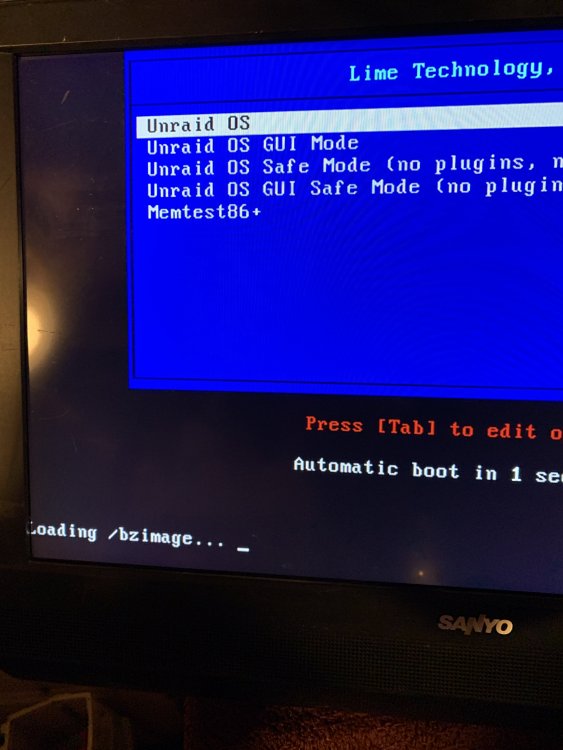
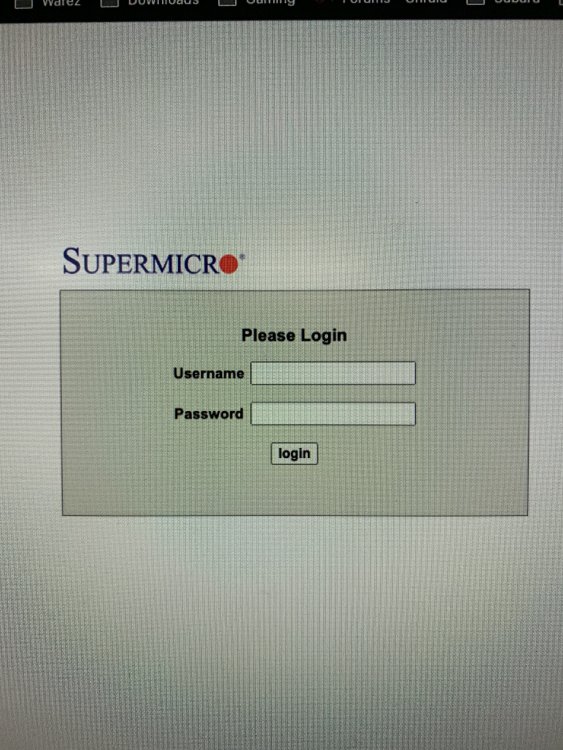
Thank you for your reply. I think somehow my BIOS got messed up and I am struggling to figure out the way it needs to be set up. I finally have Unraid booting, but I get the screen down below. If I search for the IP on my network, I get the bios login screen rather than anything to do with unraid. I appreciate your feedback it gave me someplace to look.
-
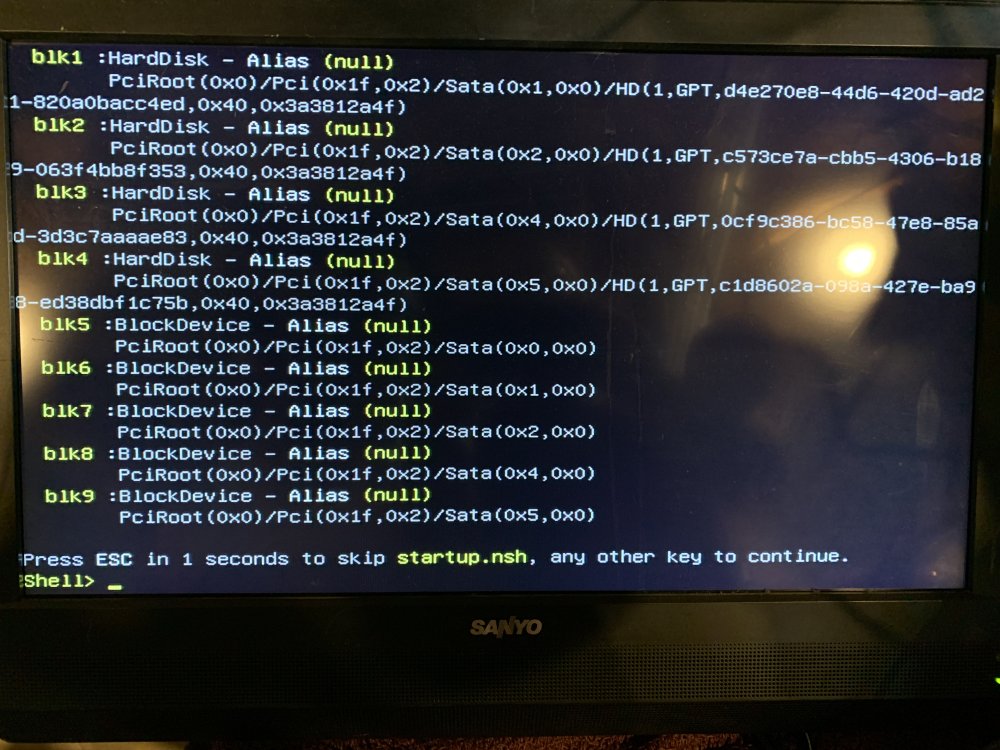
I put up a post a while back when I was having issues with improper shutdowns. When I finally had some free time I diagnosed it was the power switch board on the case. So I bought a new case and put everything in and hooked it back together, and the attached picture is what I get. Any ideas whats going on? The only thing that changed was the case (power switch) and the drives may not be in the same slot SATA connection they were in originally. If I hit Esc or any other key it still goes to shell. Any help will be greatly appreciated.
-
I apologize for not replying sooner. I have been playing with it and think it may be the power switch is dying. I have a new case that will be here Thursday and will hopefully solve my issues. I do appreciate the help given here at this forum and by no means meant any disrespect by disappearing. Thanks for you help!
-
My Unraid server seems to be having unclean shutdowns and stuttering while video is played back. I have uploaded my diagnostics. I have been keeping an eye on it, and it seems to stay up while I watch, but then I step away and it seems to be down because of an unclean shutdown. Any ideas? Thanks tower-diagnostics-20231114-0838.zip
-
I didn't notice it but the IP changed on me. I guess I didn't have it set as static IP like I thought I did. Thanks for taking a look. Now I have to figure out what I did wrong.
-
Can't hit the IP at all, still the same issue with http:// in front.
-
I have attached a diagnostic file. Was working fine last night before bed. Looks like it had an unclean shut down. I have rebooted and although I can log in via monitor keyboard, I cannot see the device on my network and when I try to ping I get host is down. Any help or suggestions would be greatly appreciated. tower-diagnostics-20230928-1717.zip
-
This has seemed to cure my issue. I appreciate all the help and direction.
-
Shouldn't I wait till Parity is sync'd first?
-
I have replaced the Parity drive, in the beginning it was going pretty fast but seem to be slowing down with time. Est Speed was in the 150's and now it is in the high 80's Low 90's. From what I have red this isn't typical. Just wondering if I should be concerned. I have not done any other copying during the Parity sync. tower-smart-20230403-1345.zip
-
Do I need to change them one at a time, or can I change them both right away?
-
So my two new drives should be here today. So my two CMR drives should be here today. Would it be best to completely replace the drive currently under Parity 1 or move that one to the Parity 2 position and put the new bigger drive in the one position, and the second drive can just go in the array correct?
-
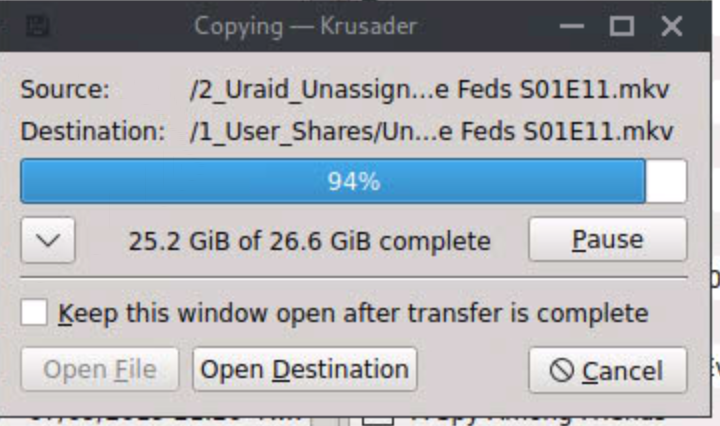
Been reading a lot about my slow speed issues. Mine to be way slower than most complaining. Mine many times drops into the KiB/s or even stated that its stalling, with the high average being about 34 MB/s. I did change the one line mentioned in the Turbo write info, and that seemed to give me a little more at MB/s than the other way around. In the mean time I have two drives coming. I have not tried the command line copy yet, but plan to this weekend. Thanks for the help so far. tower-diagnostics-20230331-0933.zip
-
Will drives listed as NAS drives be CMR, or is there a way to identify it is CMR?
-
Thanks JorgeB for your reply. I was unaware of SMR/CMR drives. I did some digging around, but have a couple questions if I may. Should I start a new thread in this instance or can I continue here? I will ask it, but feel free to move it delete it or whatever is appropriate. Can I mix SMR and CMR drives? If so it looks like the best place to start a replacement is with the Parity drive. Put a CMR drive there to start. Am I correct that a ssd Cache drive will not do anything in a copying function? When purchasing new drive, is there a drive brand/model recommended for an Unraid server?
-
Captured while copying.. tower-diagnostics-20230330-0728.zip
-
Has been stuck like this for just about 10 Minutes