ChaoticDesigns
Members
-
Joined
-
Last visited
-
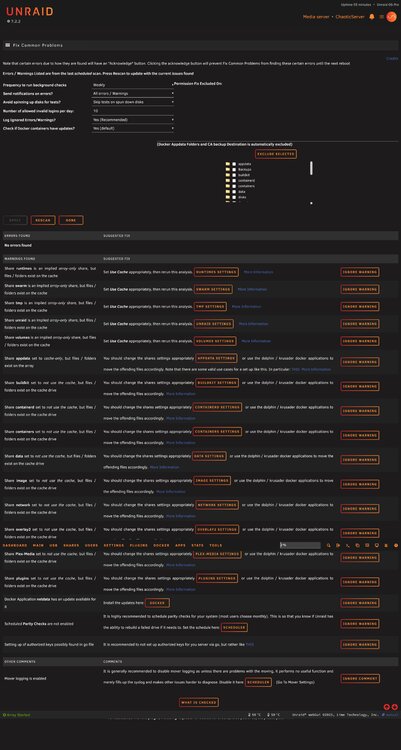
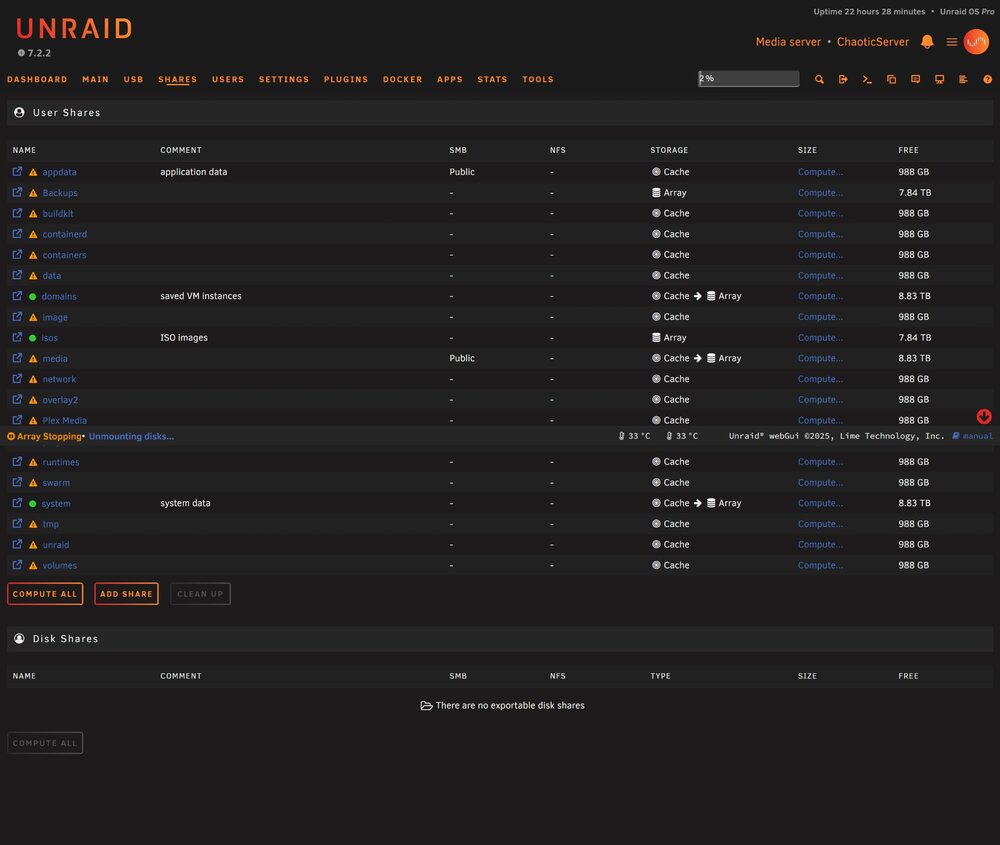
i created the docker share and pointed it there, looks like the new files were created there. before i go installing things again. I can't seem to delete the old shares through the shares section when i click on it, the option is there, i just can't select it. I have tried with docker and vm stopped and also when it is started. I assume i will have to go in with Krusader or something and delete them afterwards?
-
Thanks for all the help!
-
i don't even know what all those shares are from, i didn't manually create them. I had a power spike and lost my 3 array drives and my cache drive. I am starting fresh all new drives and no data. I just got done resetting most things up, i guess it won't hurt to start again lol
-
i will try changeing it to what you suggested and see how it goes. thank you!
-
I seem to be going in circles trying to get this sorted out, does anyone have any tipschaoticserver-diagnostics-20260118-1213.zip