erfanghasemy
Members
-
Joined
-
Last visited
-
For the last few months I've had an imported Truenas pool working perfectly. Two days ago I had to reboot my server for the first time and now there's this weird issue with my pool. My docker containers can only see a few folders in the pool, even though none of the configuration has changed. Same thing with my SMB setup. I can only access certain folders through those shares. Any insights as to what to try?
-
Would importing manually allow me to use the pool like a normal array in Unraid?
-
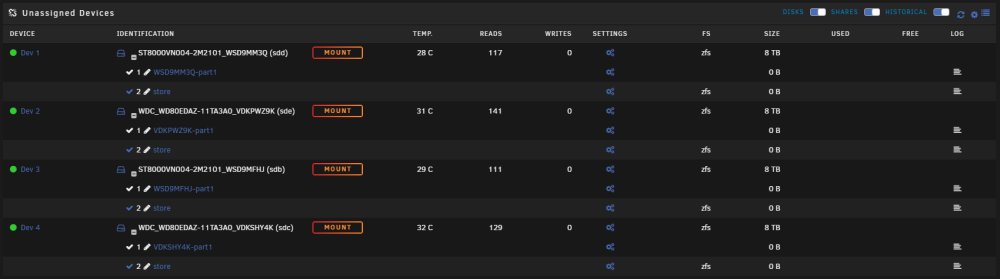
As the title suggest, I'm trying to import my Truenas ZFS pool following the below procedure, and I keep getting the same error: Procedure for importing: Export the pool in Truenas Create new pool with 4 devices in Unraid Leave settings as auto Start array These are the devices I'm trying to assign to the pool