stephenmoore33
Members
-
Joined
-
Last visited
Everything posted by stephenmoore33
-
Can you please elaborate a little more? I've tried with and without Legacy USB support enabled. Also, all USB ports are enabled in the BIOS.
-
Thanks for the reply. However, FastBoot is disabled already.
-
Several months back, I was troubleshooting an Unraid issue and ended up resetting my BIOS settings to default. Fast forward to now, my server works as expected. Except after a reboot. When I reboot my server, it does not immediately boot into my Unraid flash drive. Instead, will sit in a blank-black screen or immediately go into the BIOS. The only way to fix it is to unplug the Unraid flash drive, and plug into a different USB port. I'm sure it's a simple setting somewhere in my BIOS, but I cannot figure it out and hope someone might have a suggestion for me. Each and every time after a clean shut down or reboot. It does not matter the USB port. MOBO: MSI MAG Z690 TOMAHAWK WIFI ATX LGA1700 Motherboard Thank you,
-
Thanks for the reply. Is it possible it could be the flash drive? Lately, I've been having issues with my PC booting into the flash drive, it requires a few reboots before it's detected. Sometimes it boots into an all black screen that I have to try a shut down then boot again. Other times it boots into BIOS, and sometimes boots into Unraid directly. I'm thinking either a flash drive issue, or mobo issue? But if my understanding is correct, Unraid runs entirely in memory after initial boot, so the most likely cause is probably the motherboard, right? Are there any tests I can perform to isolate the hardware failure?
-
Hello, For several weeks, I have been having an issue with my server becoming unresponsive. This happens during a parity sync and when not performing a parity sync. I am unable to ping the IP address and unable to access it remotely or on the machine directly with a keyboard and monitor connected. There is text on screen but they keyboard does not respond. It's like it just freezes. The server will typically be on for about 8-12 hours before hanging. The only way to fix the problem is to hold down the power button until the server shuts down completely, causing an unclean shutdown. I've tried factory resetting the BIOS thinking I might have set something incorrectly, I've moved the flash drive to a USB 2.0 port, I'm not sure what's causing the issue, but I'm afraid these constant unclean shutdowns will wreak havoc on my HDDs. Specs: Flash Drive - SAMSUNG MUF-64AB/AM FIT Plus 64GB - 300MB/s USB 3.1 Flash Drive, Black/Sliver Processor - Intel Core i9-13900K 3GHz 24-Core Processor Motherboard - MSI MAG Z790 TOMAHAWK WIFI ATX LGA1700 RAM - 2x Corsair Vengeance 64GB DDR5-6000 CL40 Power Supply - Corsair RM850x 850W I've attached my logs as well. TIA syslog-previous syslog
-
I found it! Thanks so much!
-
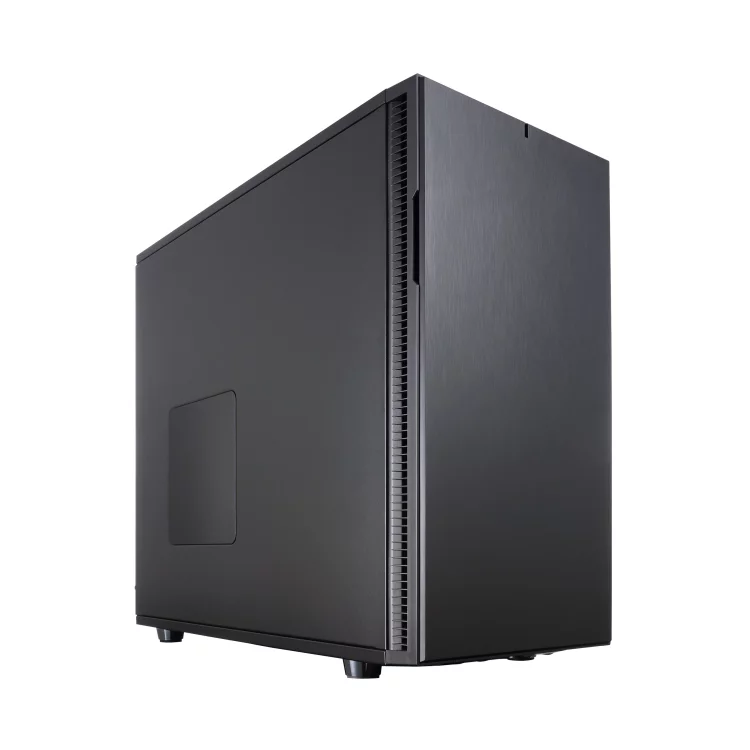
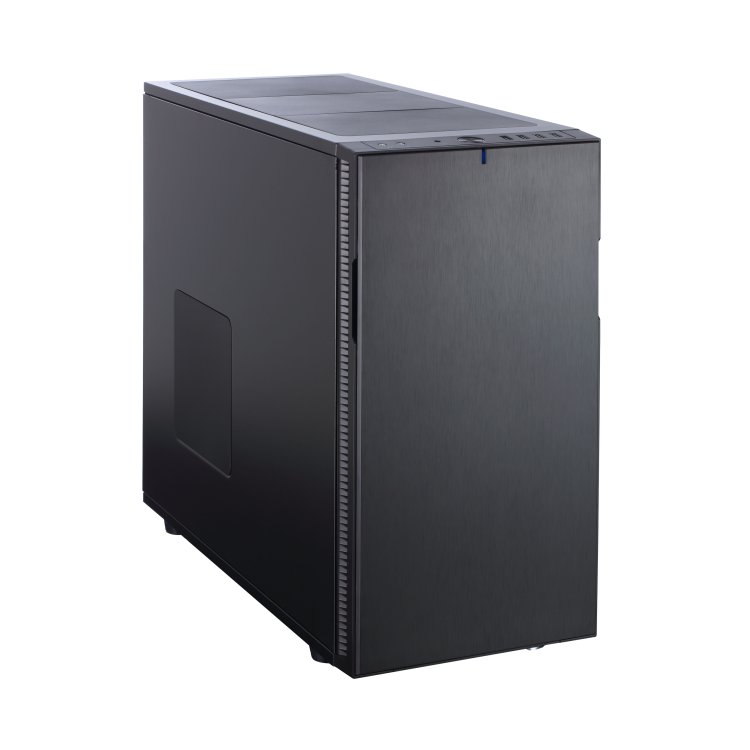
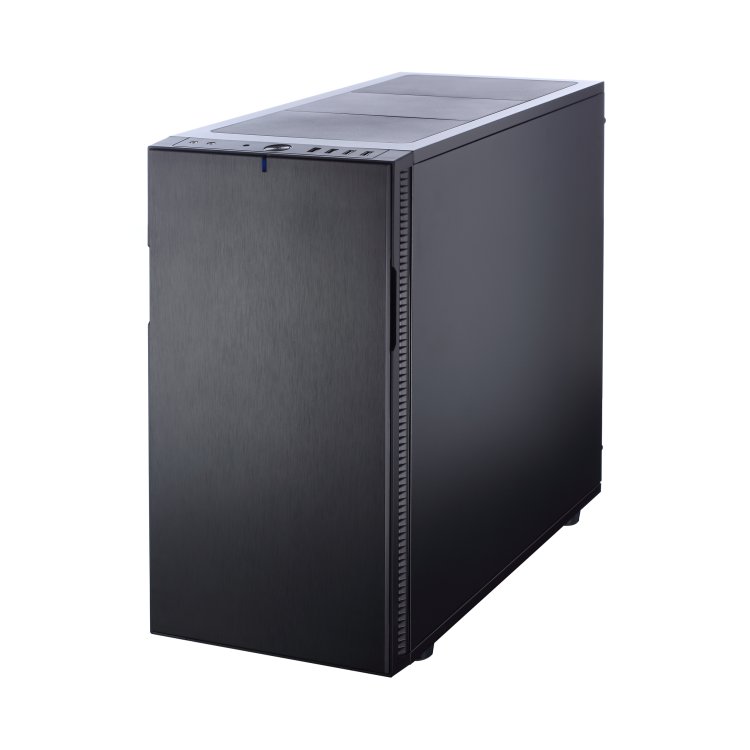
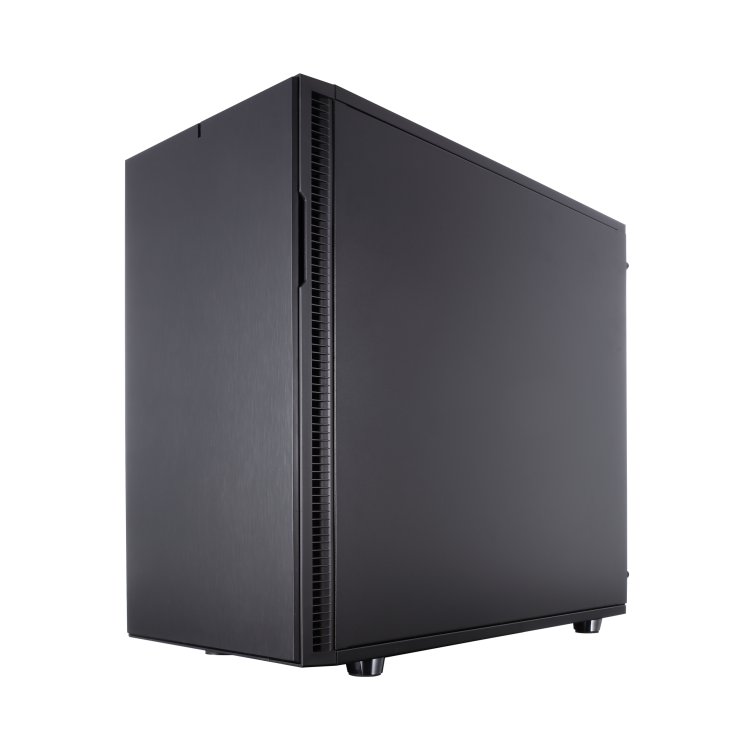
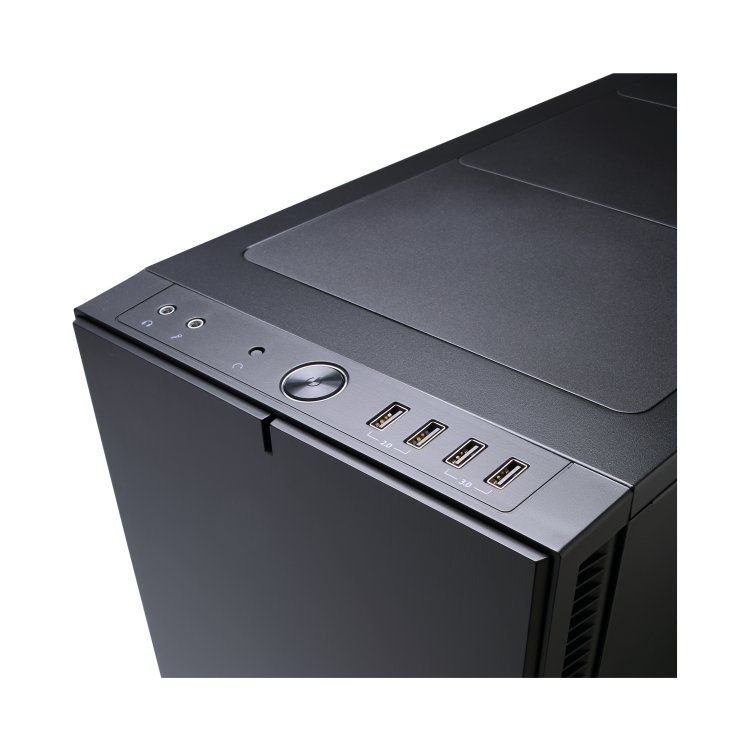
Hello, I have a request: Fractal Design Define R5 Would be nice to have a front POV, but can't seem to find an image of one.