CobraBeer
Members
-
Joined
-
Last visited
-
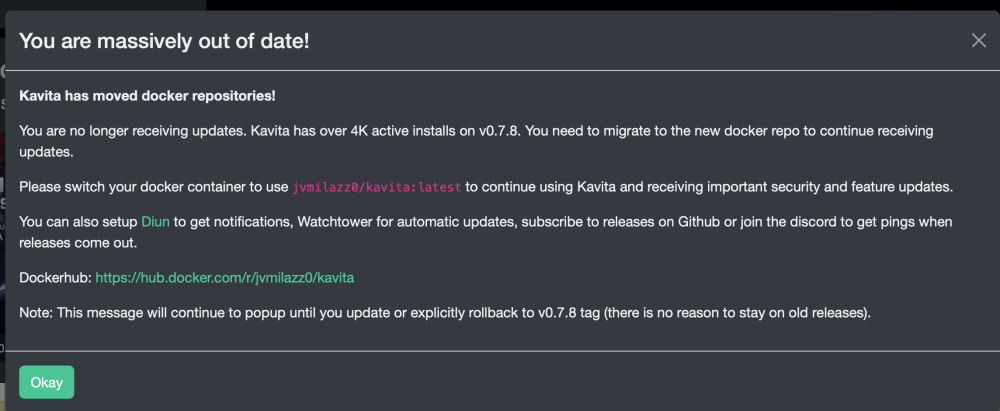
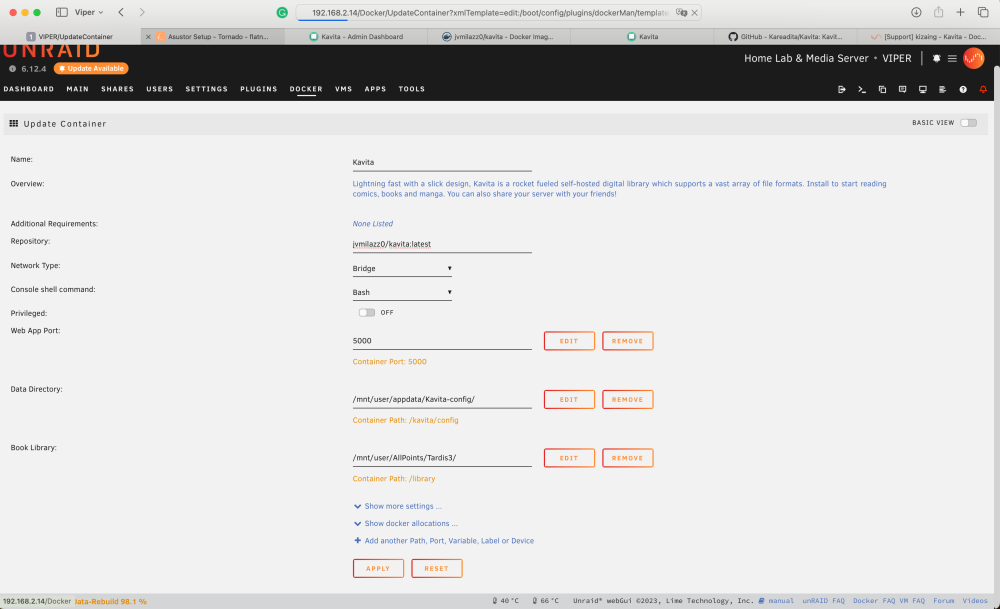
NAG screen in Kavita - Package version in APP store and source repository out of date I have been using Kavita successfully on V0.7.08, when the application started to display a NAG screen saying that the version I am using (sourced from: jvmilazz0/kavita repository) is seriously out of date and that the current version V0.7.14.0 should be sourced. The NAG screen also mentioned that official Kavita repository has moved to jvmilazz0/kavita:latest I managed to upgrade by changing the respository on the Update Container page to jvmilazz0/kavita:latest and restarting the application. My question is: Can the Package setup in the apps store be updated to reflect the repository, so that updating of docker packages works seamlessly and it the application needs to be re-installed it does not revert to a lower version. V0.7.14.0 - has made database changes and introduced new features a structures. Thank you John