Wotan
Members
-
Joined
-
Last visited
Everything posted by Wotan
-
heyo worked yesterday. Now I cant start anymore: Connecting anonymously to Steam Public...OK Waiting for client config...OK Waiting for user info...OK Success! App '2394010' already up to date. ---Checking if configuration is in place--- ---Configuration found, continuing...--- ---Checking if PublicIP is in place--- ---Nothing to do, PublicIP: xxx still up-to-date!--- ---Prepare Server--- ---Server ready--- ---Start Server--- ---Something went wrong, can't find the executable, putting container into sleep mode!---
-
mine is up for an hour but still cant see in the community server list :c not sure if its working or pal just needs alot of time to update the list

-
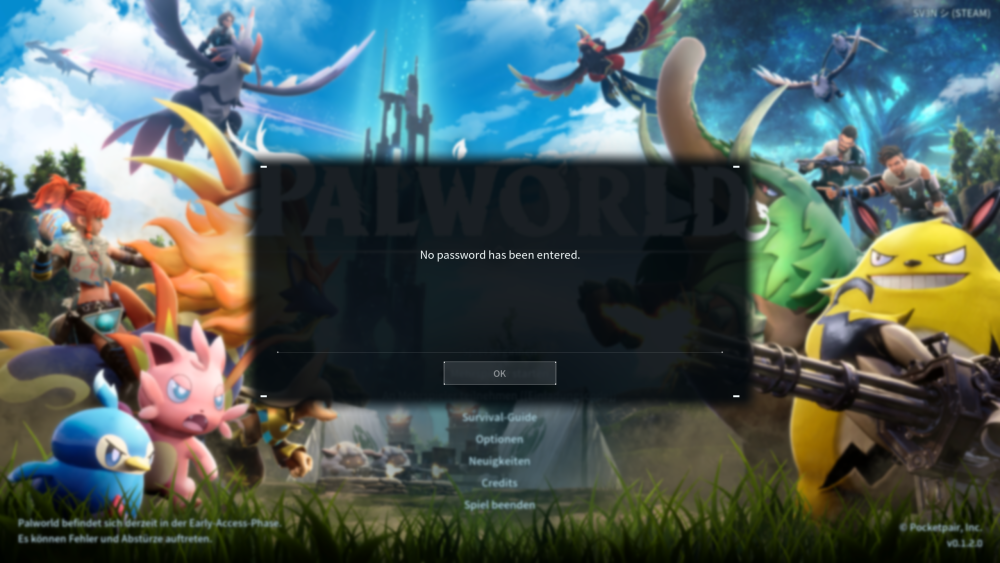
docker is up and password is configured. when trying to connect ingame i get "No password has been entered": i dont see an option to put in a password ingame ? am i missing something ? ^^ EDIT: found in the FAQ if we connect directly, password is not supported. so i guess we must wait till it populated in the community server list: