





snare94
Members
-
Joined
-
Last visited
-
After some experience I've changed my rclone command to the one below and the bug stopped happening rclone mount \ --no-check-certificate \ --vfs-cache-mode off \ --uid 99 \ --gid 100 \ --allow-other \ --read-only \ --log-level INFO \ webdav-seedbox: /mnt/user/data/seedbox &
-
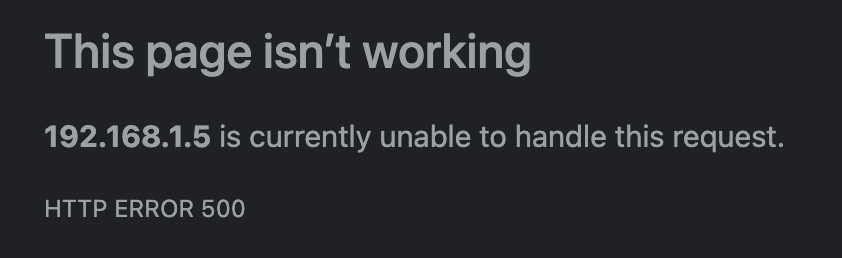
Hello, I've setup a webdav auto-mount on my unraid using rclone and user-script My script is setup to run on array-startup, here is the command I use: rclone mount webdav-seedbox: /mnt/user/data/seedbox --no-check-certificate --vfs-cache-mode full --daemon --uid 99 --gid 100 --allow-other --log-level INFO I then start my sonarr docker which uses the `/mnt/user/data/seedbox` to monitor the downloads. When launching copy from `/mnt/user/data/seedbox` to `/mnt/user/data/media/tv/series/` it does copy correctly but after some time my WebGUI is just not working anymore as per the image. I can still access my unraid server using ssh, I've tried running the `diagnostics` command and here is the zip Thanks for your help tower-diagnostics-20230927-0253.zip
-
Hello ! I'm getting issue with this docker container, when trying to import some tv shows, I get the following error: DetectSample - Failed to get runtime from the file, make sure mediainfo is available VideoFileInfoReader - Unable to parse media info from file: /data/seedbox/file.mkv: Access to the path "/data/seedbox/file.mkv" is denied. I've confirmed this is not a permission issue because this happens only on a small part of my downloads. EDIT: After some more research it seems that the `mediainfo` commands failed to determine if the file is valid or not and thus throwing this issue
