leeism
Members
-
Joined
-
Last visited
Everything posted by leeism
-
index.html appears as I have already tried that. Also I dont think the screen that is appearing would appear if it was to do with the web server.
-
I have moved all of the phpvirtualbox files to the Webstorage directory and I get this screen still
-
Hi Theone I have removed the authentication. still getting the same screen as above Any other ideas? Lee
-
any of you guys able to help me with the information I have provided please?
-
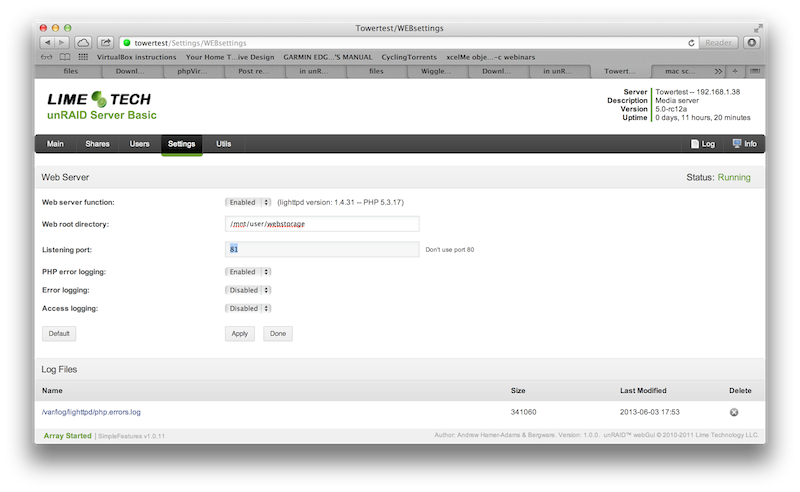
Hi All I appreciate your help with this. I have attached the screenshot of the web server SF screen. I didnt actually extract the files I placed them in the below root@Towertest:/mnt/user/webstorage/phpvirtualbox# ls CHANGELOG.txt config.php-example js/ rdp.php vboxinit GPLv3.txt css/ languages/ rdpweb/ LICENSE.txt images/ lib/ recovery.php-disabled README.txt index.html panes/ screen.php root@Towertest:/mnt/user/webstorage/phpvirtualbox# I am running this in a virtual machine within virtual box. The IP is 192.168.1.38. The below are the plugins I currently have running root@Towertest:/boot/config/plugins# ls simpleFeatures.core.webGUI-1.0.11-noarch-1.plg* simpleFeatures.email.notify-1.0.10-noarch-1.plg* simpleFeatures.itunes.server-1.0.11-noarch-1.plg* simpleFeatures.s3.sleep-1.0.10-noarch-1.plg* simpleFeatures.web.server-1.0.11-noarch-1.plg* virtualbox/ virtualbox.plg* Sorry guys I know it looks messy not sure how to past the code in directly! Let me know if there is anything else I can post to make things easier. Lee
-
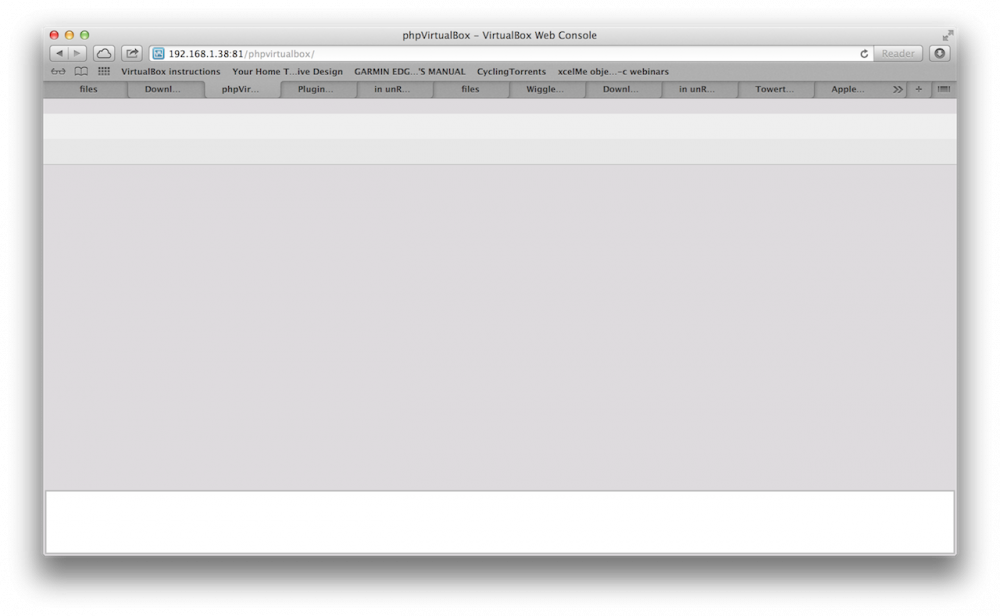
Hi All I have been messing around with this for ages and thought it might be easier to post. Seems to have the SF webserver installed and Virtualbox installed but dont have the guest additions (not sure if I need at this point). As you can see in the attached screenshot, I can get to the phpvirtualbox folder but there is nothing there. Can anyone let me know what I am doing wrong please?