





RomanRichter
Members
-
Joined
-
Last visited
-
Thanks! That's removes confusion!
-
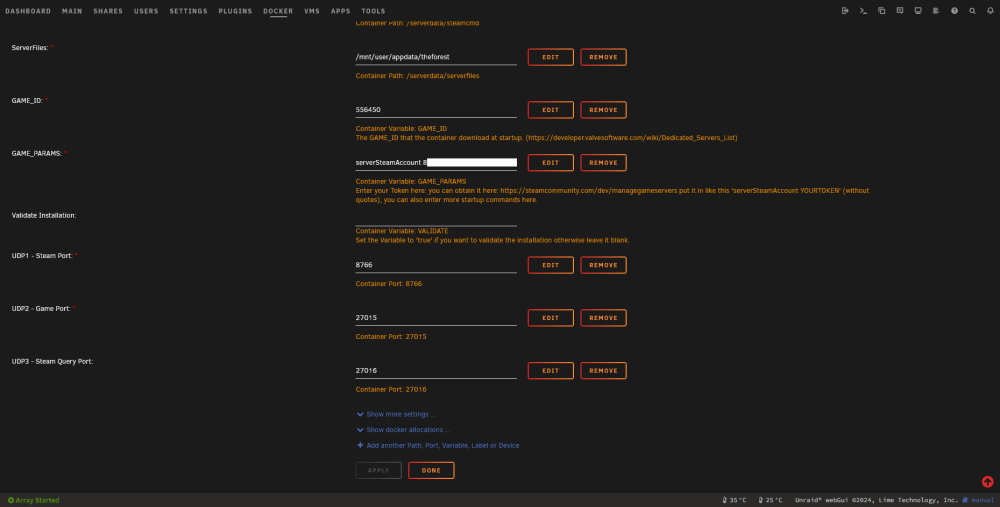
Oh, so I supposed to manually set token in config.txt? I done that already (put token in config.txt), and it works without enabling VAC (I don't need VAC, server for me and my friends). My problem is that server logons only of I put token in config.txt, but doesn't logon if I put token in GAME_PARAMS, I was expecting that it will work otherwise.
-
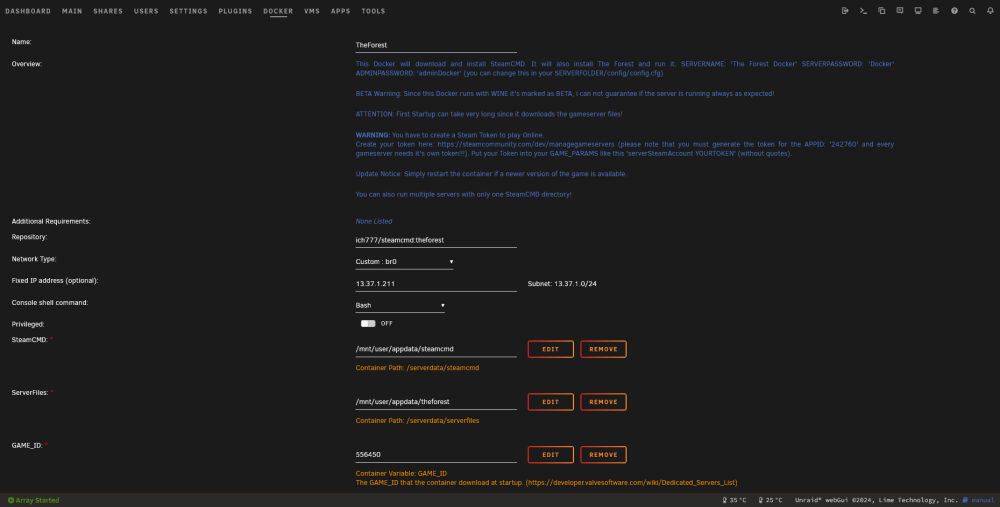
No problems 242760, also tried 556450 just for testing (also tried change appid in steam_appid.txt).
-
Any help, please? At least direction where to dig? When I set "GAME_PARAMS serverSteamAccount *MyToken*" it start's server anonymously: GameServer init success. Port: 27015 Set a LogOnAnonymous Connected to Steam successfully The Forest Server is not VAC Secure! Game server SteamID:901*** When I put my token in config.cfg GameServer init success. Port: 27015 Set a Logon Connected to Steam successfully The Forest Server is not VAC Secure! Game server SteamID:855***
-
Hello! I got this strange behavior from The Forest server container: It never authorizes with serverSteamAccount *MyGeneratedToken* in container template (I think it don't pass it, or don't use it), only if token explicitly set in config.cfg.


