lamchakchan
Members
-
Joined
-
Last visited
-
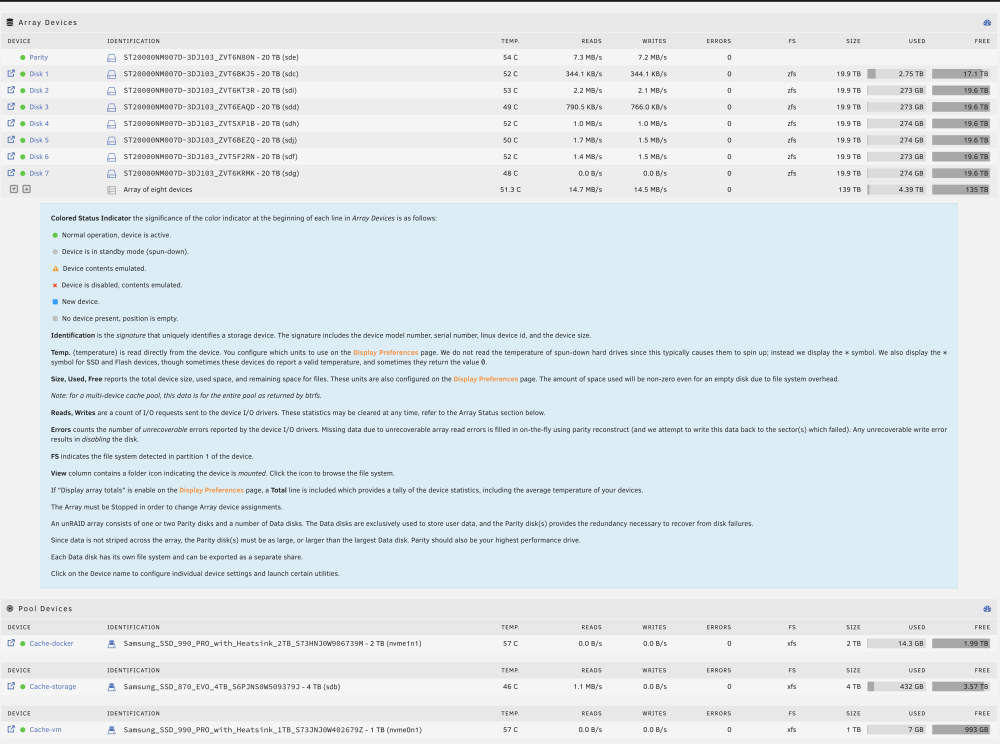
I'm having the same problem with the mover being too slow. This is my first time setting up unraid as a server and I'm in the middle of copying files over. With the SSD as a buffer to the Array, I'm getting maybe 1 to 5 MB/s in through put. The system is currently just running mover. The SSD cache (`cache-storage`) only has 400 MB sized files in there. I'm transferring a bunch of videos atm. So these aren't small by any means. unraid-diagnostics-20231106-1330.zip
-
Problems solved. The card was bad with the port that wasn't linking. A new card replacement verified it. Installing the new card, I had to do the following. * delete the `/boot/config/network.cfg` * delete the `/boot/config/network-rules.cfg` Upon reboot, the `network-rules.cfg` was regenerated with the new hardware assigned to `eth0` and `eth1`. Through the UI, I reconfigured `bond0` to use static IP as well as bonding type to use `802.3ad`. During the reboot, I configured my switch to also aggregate the ports that are servicing `eth0` and `eth1`. And voila, this problem is fixed!
-
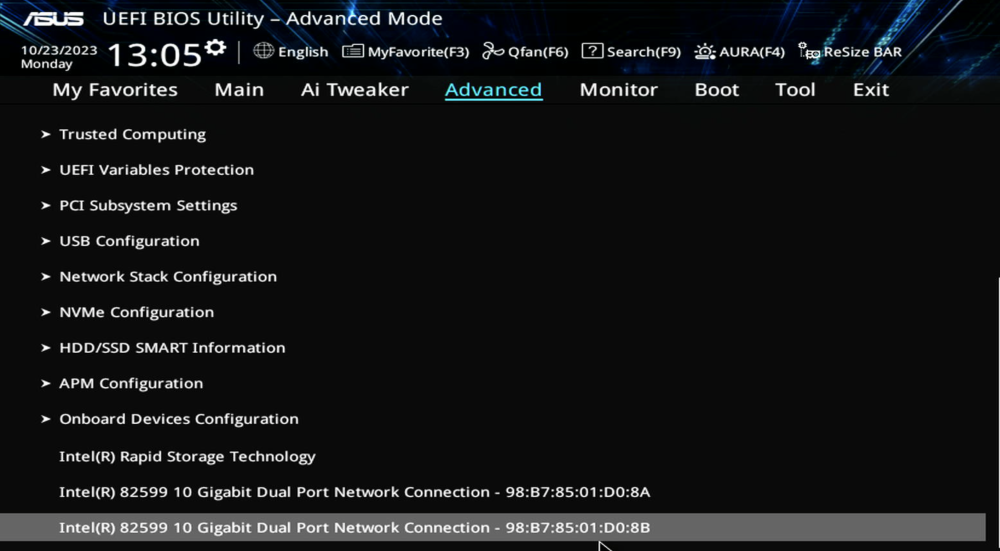
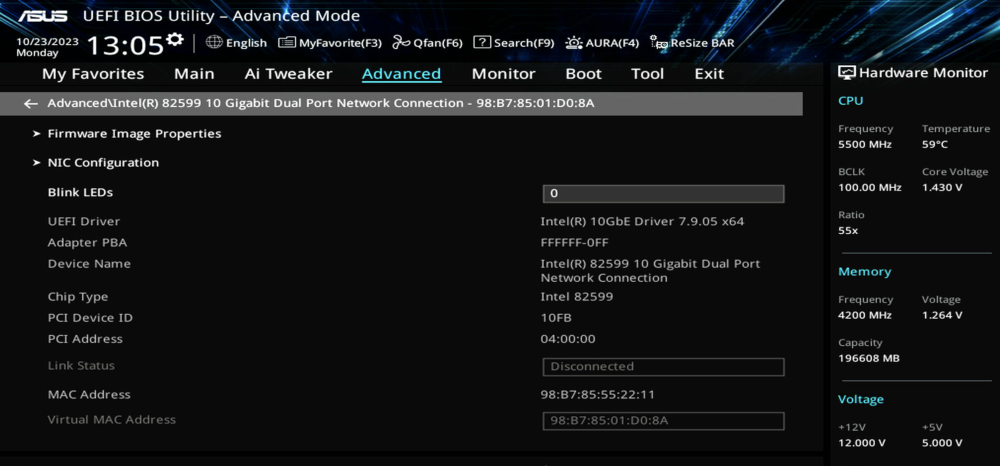
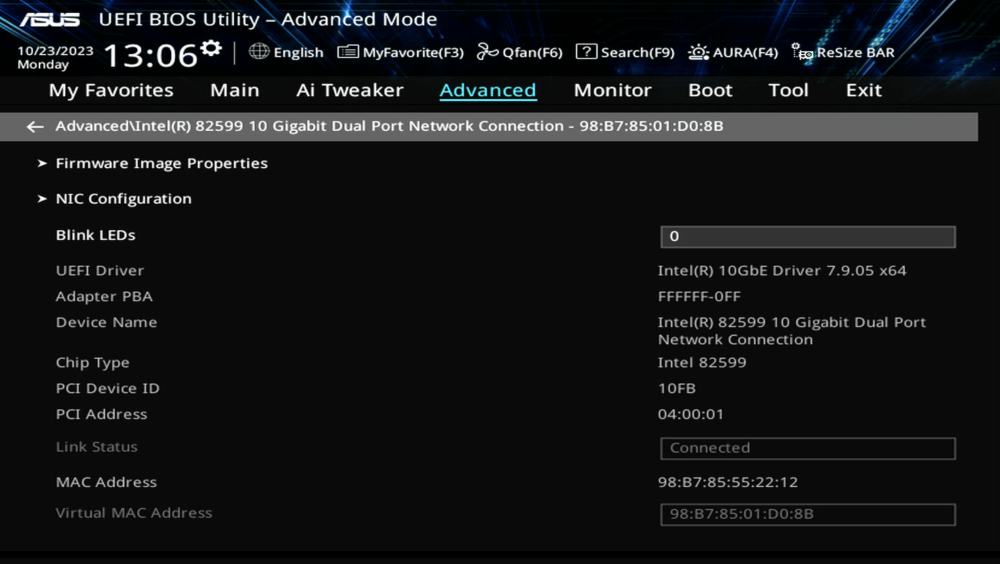
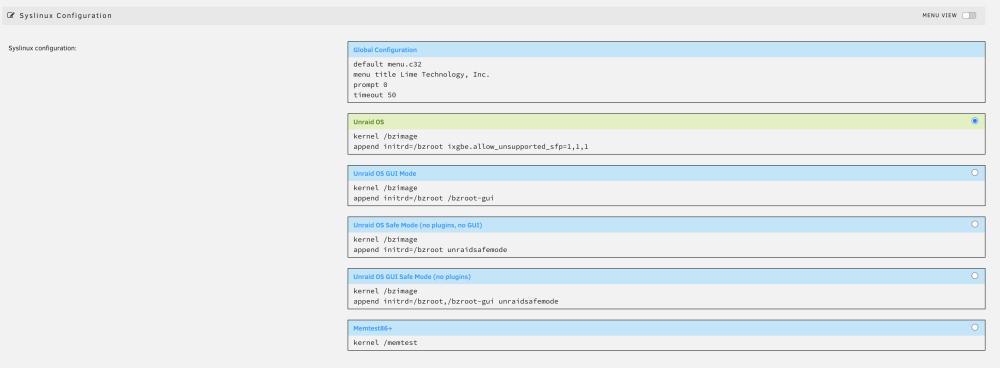
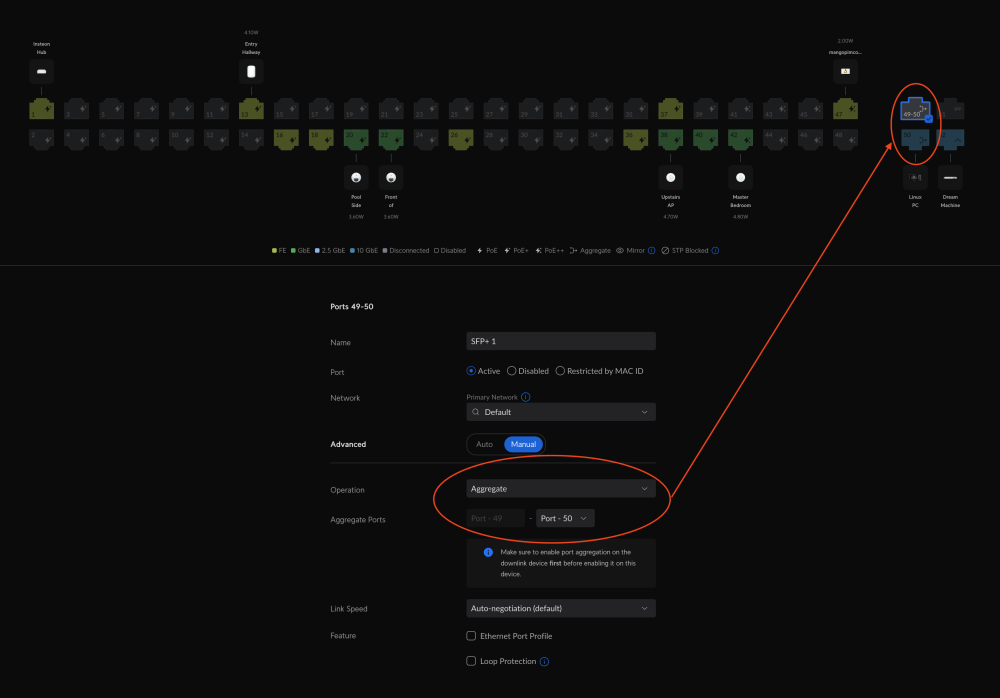
I'm having some issues with this Intel X520-DA2 network adapter. I'm using this 10G SFP+ DAC Cable to connect to a Unifi Pro 48 POE switch. The network adapter has 2 SFP+ ports. With the assignment of the NIC names, eth2 is the only port that is making a link. eth1 always remains down. I've switched the cables between between the ports. I've also tried remapping the physical connection between the NIC ports and the switch ports. But it is always only eth2 that is able to make a link. At this point, I'm just trying to make sure this isn't a software induced bug. I thought this might be a problem with incompatibility between the network adapter and the SFP module. But with both SFP cable set working against eth2, I have ruled out this being a SFP module/cable issue. The setup is currently using network aggregation. I've also tried active/passive with the same result. I did not see any errors in `dmesg` other than eth1 not making a link. The motherboard also comes with in integrated 1G ethernet port. I've disabled that NIC to simplify the problem space. Bios Configurations Syslinux Configurations Unifi Configurations for Aggregation When the port is linked, the color for it is filled in. Port 49 is hollow meaning eth1 hasn't linked. hermes-diagnostics-20231023-0811.zip